
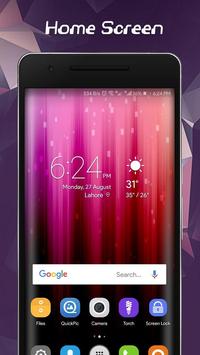
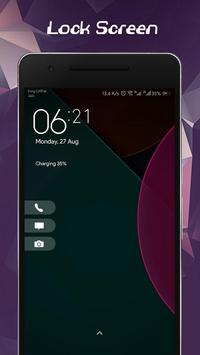
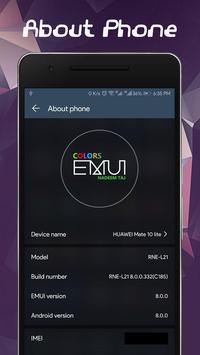
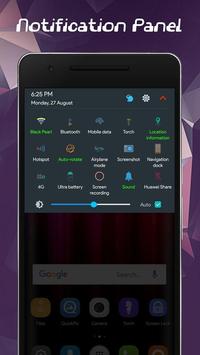
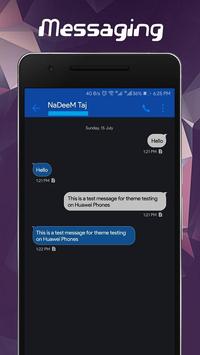
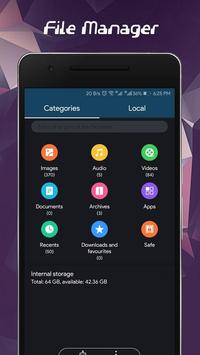
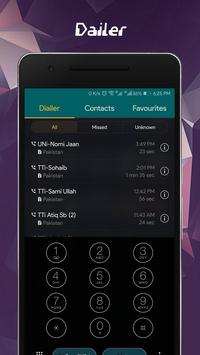
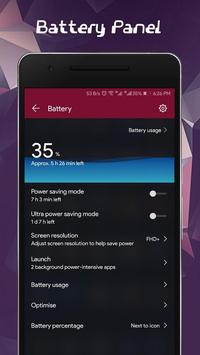
We introduced a brand new Dark Colors Theme for All Huawei and Honor Phones.
A Theme Project for Huawei and Honor Phones on Emui3 / Emui4 / Emui5 / Emui8 / Emui9
Compatible Emui Versions:
--------------------------------------------
emui 3.0
emui 4.0
emui 5.0
emui 5.1
emui 8.0
emui 8.1
emui 9.0
How to Install:
-------------------------------------------
1- Install Application
2- Open and Go to Install section
3- Click on Apply Button
4- Open Theme Manager using this App
5- Go to Me Tab in Theme Manager
6- Select this Theme and Click on Apply Button
7- Enjoy
Release Notice:
----------------------------------------------
1- New Wallpaper Added
2- New Lockscreen Wallpaper added
3- Contacts Customized
4- Dailer Customized
5- Messaging customized
6- Gallery customized
7- App store customized
8- ID customized
9- File Manager Customized
10- Updater customized
11- Theme manager customized
12- Colors icons added
13- Settings Customized
and many more customization...
Added support for Emui 9.1



9Apps 4.9












