

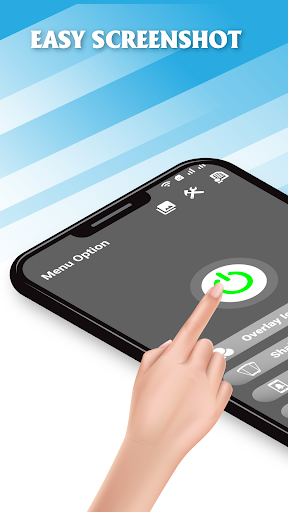
Screenshot Easy lets you take screenshots on your tablet, phone or other Android device the easy way!.
With Screenshot app, you can capture screen by touching the floating button or shaking device, lets you take screenshot on your tablet, phone or other Android device the easy way!
♛ Screenshot Easy have features:
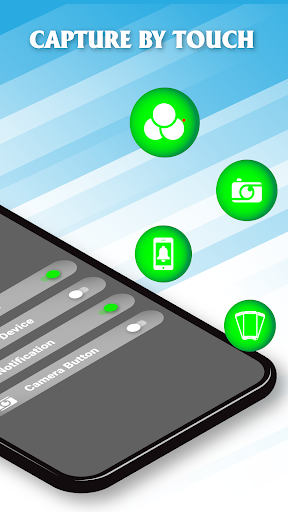
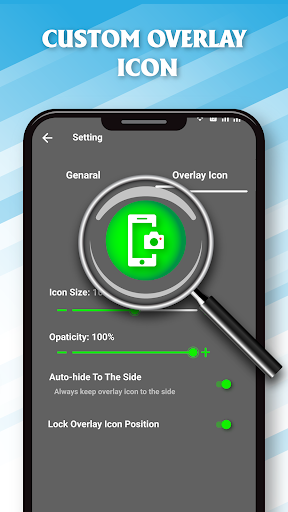
✓ Capture by touch (Notification area, overlay icon, shaking the device)
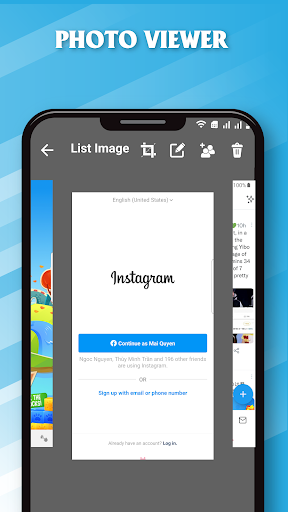
✓ Photo viewer
✓ Image cropper (Crop ratio, rotate)
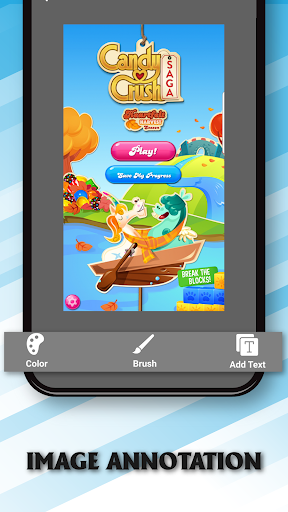
✓ Drawing on captured image (Pen, Text, Rectangle, Circle, and so on). Large picture can be directly annotated and do not have to be cropped first
✓ Sharing screenshot images to other installed apps (user controlled)
✓ Record video cast of screen to mp4 with options (Resolution, Frame rate, Bit rate, audio)
♛ Depending on your device you can use the following triggers:
• Overlay icon
• Notification icon click
• Shake
• Support take capture by camera button
✍Note
• No root required but some functions may not be available on unrooted devices
• Screenshot App works in both Rooted and Non-Rooted devices.
- Fix bug
- Capture and record anything on your screen


9Apps 4.9


![[Button Master] Screen recording/Take a screenshot screenshot 2](https://i.ytimg.com/vi/-MEM1qYUa0w/mqdefault.jpg)















