

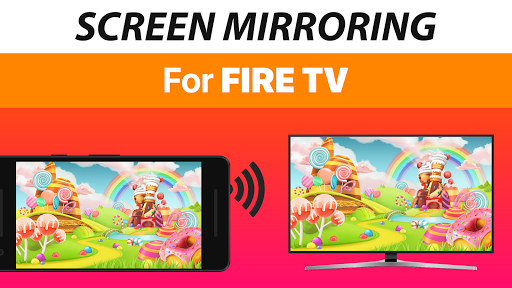
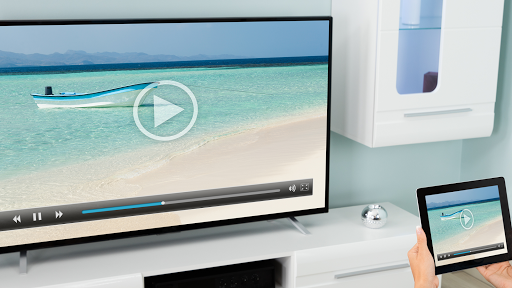
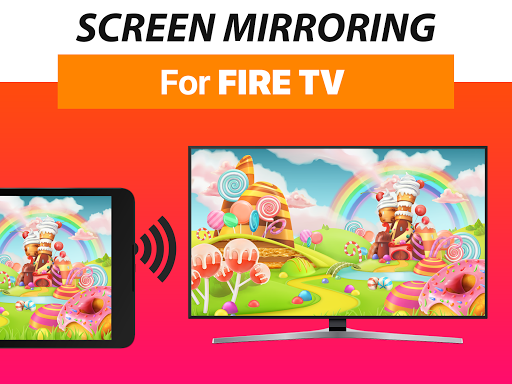
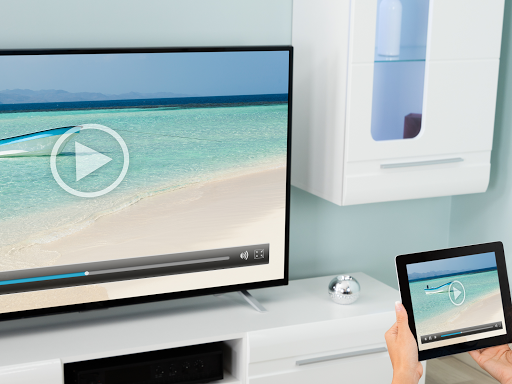
Mirror your screen in real-time with HD quality to Fire TV. Share your screen on any Fire TV Stick, Box, Cube or Smart TV such Insignia TV or Toshiba TV.
Screen Mirroring is the most powerful screen sharing tool. Share your photos, videos, games, websites, apps, presentations and documents with your friends and family. It has big advantages compared to the Fire TV built-in Screen Mirroring based in Miracast.
* Best device support: The app supports all Android devices with Android 5.0 and all Fire TV devices, including Sticks, Boxes and TVs.
* Super easy and unified setup on all Android devices. No need to change Android settings or Wi-Fi options.
* Your Android device and your Fire TV must be connected to the same wifi. Please do not use VPN, Proxy, VLANS and Subnets.
* Performance is best when you have good wifi network conditions
* Sound is not yet supported, but we are working on it. As a workaround please connect your Android device to a bluetooth speaker or
try our app VIDEO & TV CAST to cast videos with sound.
* For support or feedback, please contact us via e-mail to info@screen-mirror.com
This app is brought to you by the developers of VIDEO & TV CAST, the #1 video casting app in the world with more than 100.000.000 downloads across all platforms and devices.
Disclaimer: This app is not affiliated with any of the trademarks mentioned here.
- Bugfixes and Improvements
- Support for Chrome OS: Enjoy Screen Mirroring on your Chromebook, Chromebox and Chromebase.
Enjoy Screen Mirroring and please rate us on Google Play!









9Apps 4.9














