
Mobius ActionCam icon

Mobius ActionCam

1.19.12 for Android
3.8 | 10,000+ Installs | Reviews

Tomas Chladek

Description of Mobius ActionCam

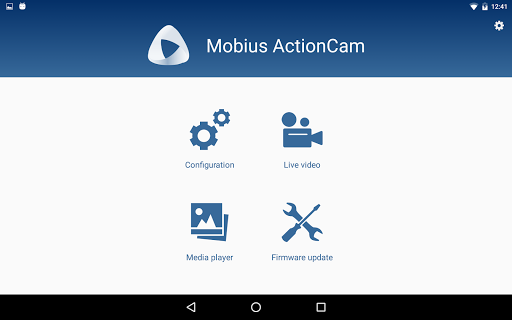
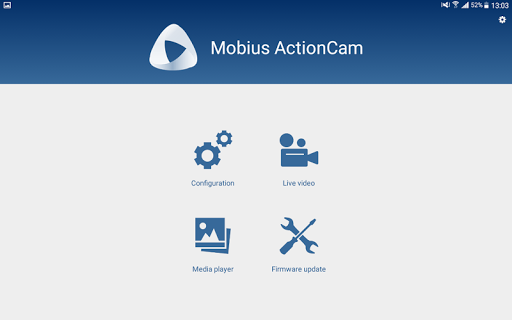
Application was created to make the settings in your camera easier. It allows you to see the exactly what is recording so you can adjust the view of camera in the desired position. You can also watch the content recorded by your camera.
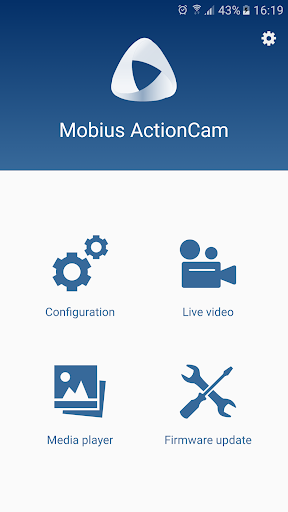
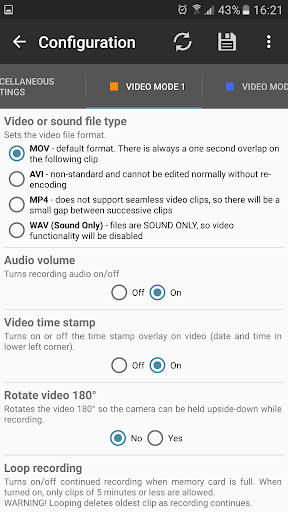
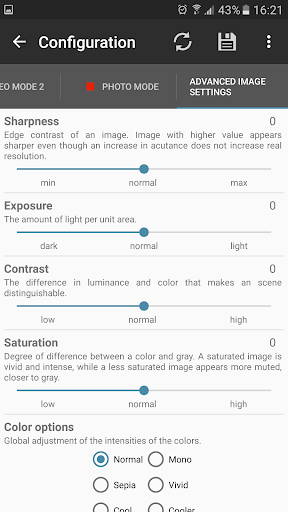
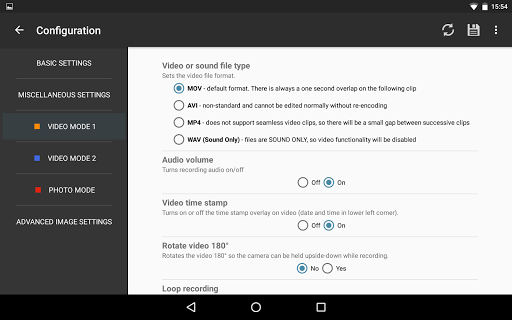
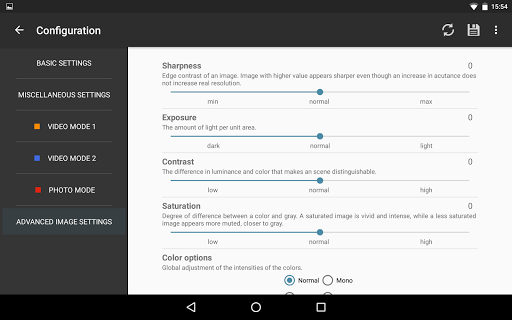
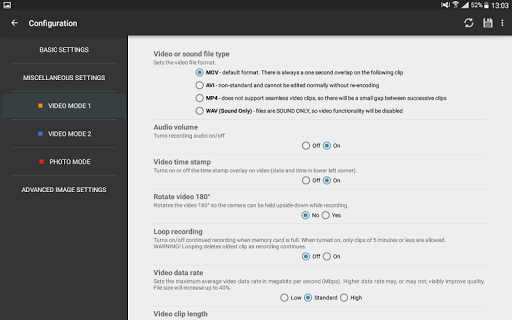
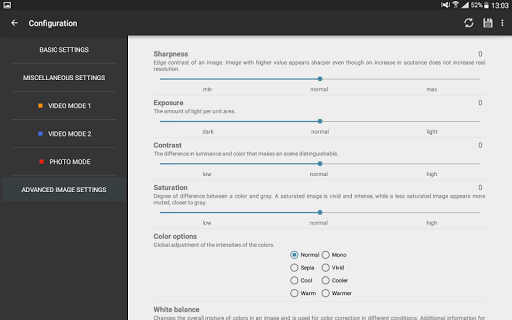
Configuration
helps you to set the required parameters easily thanks to direct USB communication. You can also set parameters even without OTG cable, you can just use configuration file on memory card.
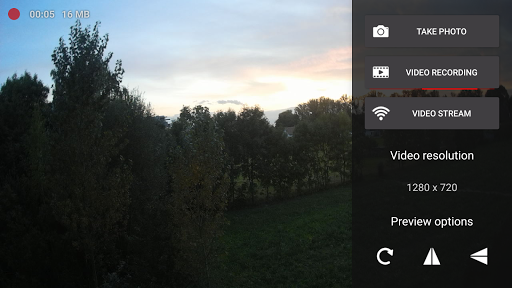
Live video
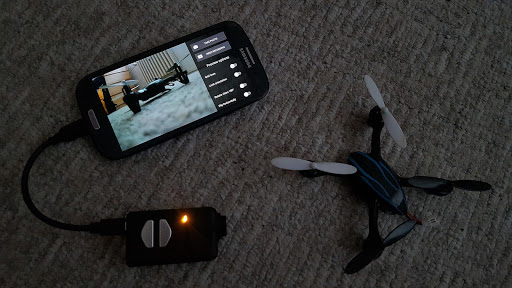
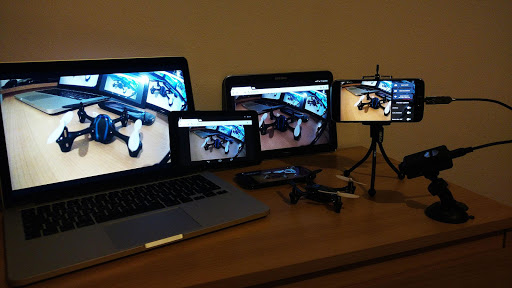
gives you the ability to see what is your camera seeing. You can adjust the view of the camera anywhere. You have also the ability to record videos and to capture photos internally in your phone or tablet.
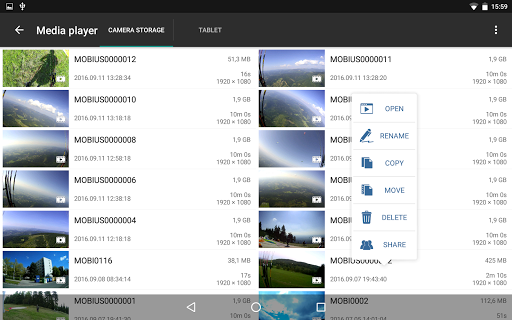
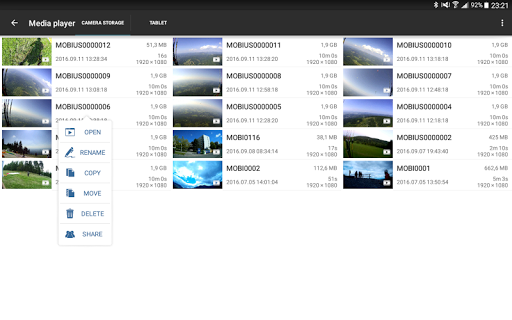
Media player
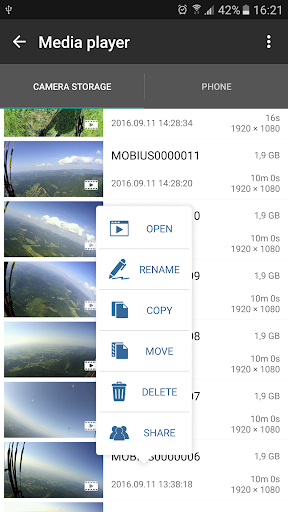
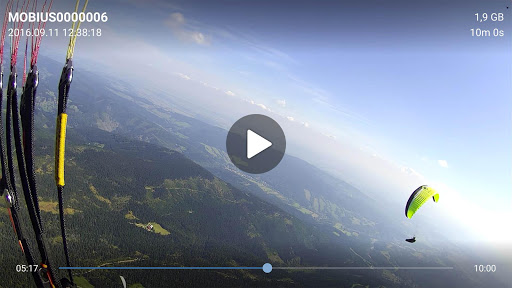
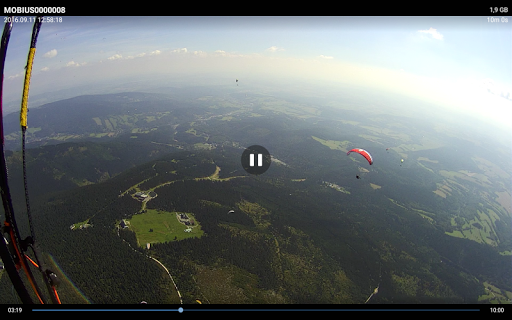
shows you all photos and videos recorded by the camera. Now, you can watch your videos without computer. You can also easily copy media from your camera into your phone or tablet and save the space in your camera anywhere.
Firmware update
you can easily update firmware of your camera by this application.
Supported cameras are Mobius ActionCam, Mobius 2, Mobius Mini and 808#16.
You can try the application and test the compatibility with your device for one hour. This is paid application. I want to avoid a case when you pay for something and it's not working.
I offer the application for free to users who translate it to other language!
Recommended OTG cable http://goo.gl/O1pTTl
Internal video recording does not support audio at the moment.
Application supports the latest camera firmware.

Information

  • Category:
    Tools
  • Latest Version:
    1.19.12
  • Updated:
    2018-07-18
  • File size:
    1.4MB
  • Requirements:
    Android 4.0 or later
  • Developer:
    Tomas Chladek
  • ID:
    cz.chladek.mobiusactioncam
  • Available on:
Reviews
  • avatar
    I bought the paid version of this. The date won't sync and I can't access my videos using my phone. I've tried to mount it manually but even after selecting the proper folder it gives me "Wrong Storage Selected" I've bought multiple hq mini usb to c and otg cables same results. I need assistance I've already paid so much for the camera.
    2020-07-01 05:29
  • avatar
    Really struggling with it on my galaxy s10, not sure if it is the phone or app. My mobius wont connect at all, my 808 keychain camera connects bit the settings don't save even though it says successfully saved.
    2020-04-19 08:20
  • avatar
    It works. Not very intuitive, but it does what it suppose to.
    2020-04-04 06:19
  • avatar
    Previously great, but now doesn't seem to work on Live View with Android lollipop in the Galaxy S10. I'm sure the app developer could rectify this.
    2020-03-17 08:18
  • avatar
    App has no free option. A short try before you buy option only Functionality OK to good. but I'm out. Back to pc
    2019-11-26 03:06
  • avatar
    getting "access to the camera is denied" but there is no option in app permissions for the the camera. I am on Android Pie and Note 9
    2019-06-27 10:32