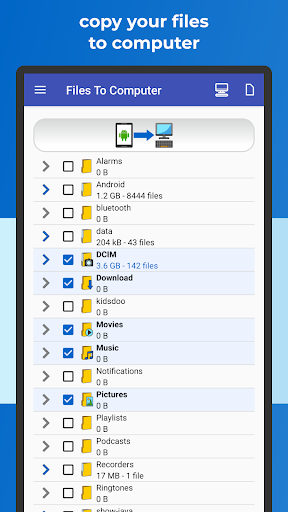
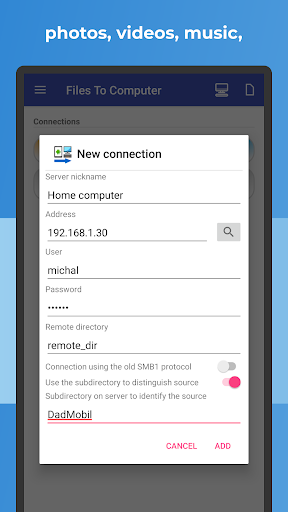
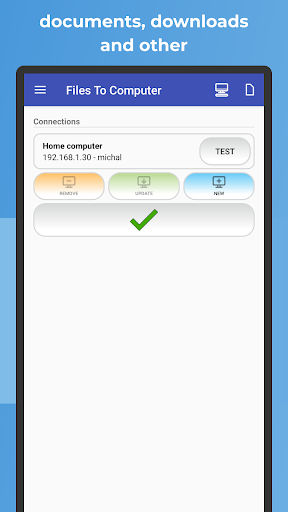
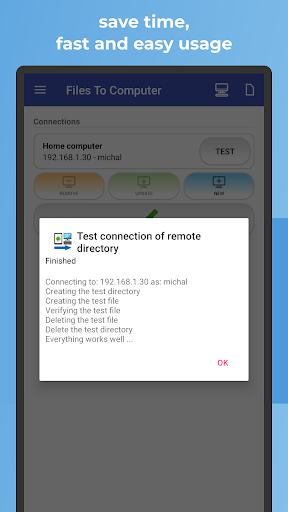
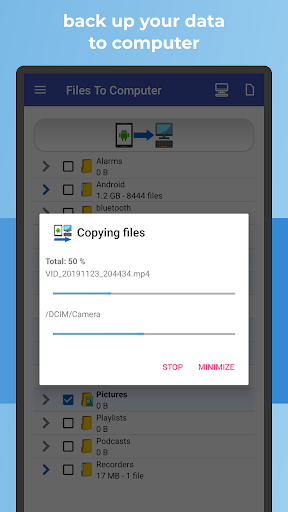

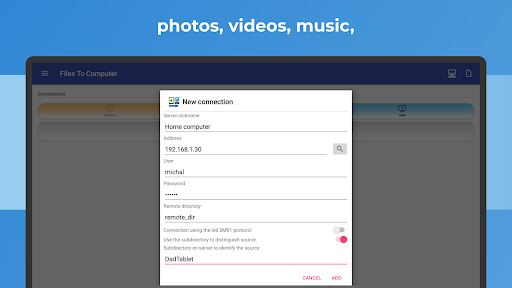
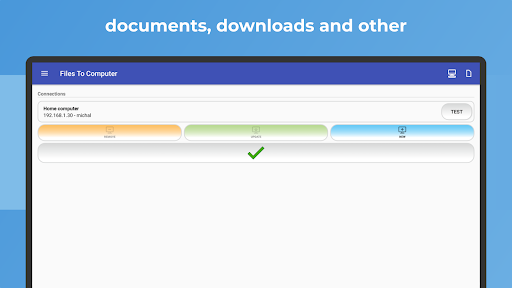
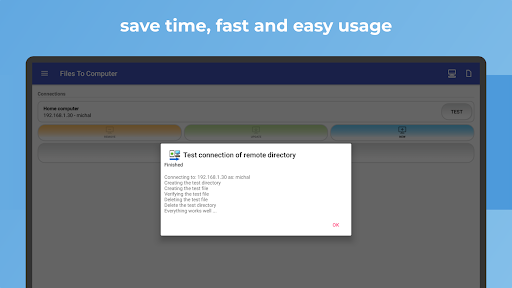
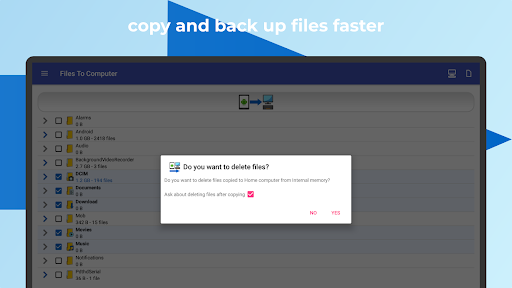
With FILES TO COMPUTER, you can easily transfer, back up and manage your files, photos, videos and music from your mobile device to your computer or NAS server. Use Samba (SMB) or SFTP protocols for seamless file transfer.
Key properties:
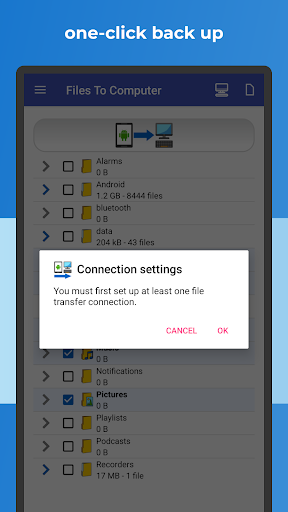
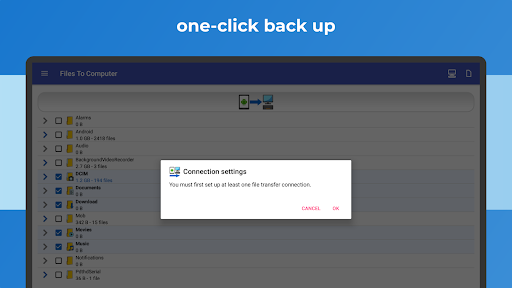
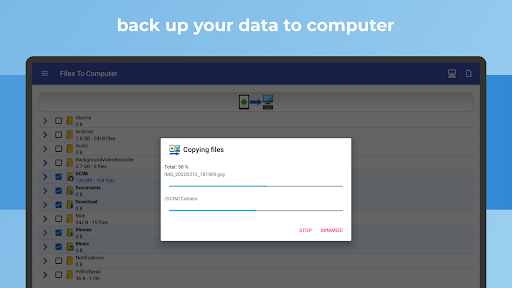
✔️ Effortlessly back up files, photos, videos and music to your computer or NAS server with a single and user-friendly click.
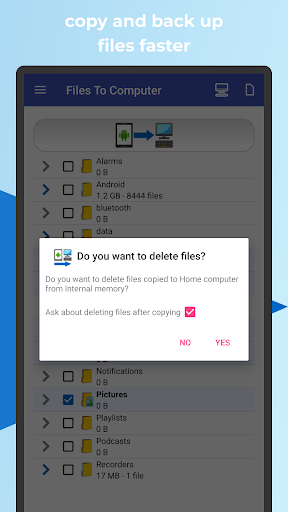
✔️ Free up device storage by deleting files after successful backups.
✔️ Enjoy a fast, intuitive and cable-free experience.
✔️ Compatible with Android Go devices.
Regular use of FILES TO COMPUTER allows you to back up your device's storage to your computer or NAS server with one click. Efficiently back up and manage photos, videos, and music from your device while freeing up valuable device storage space.
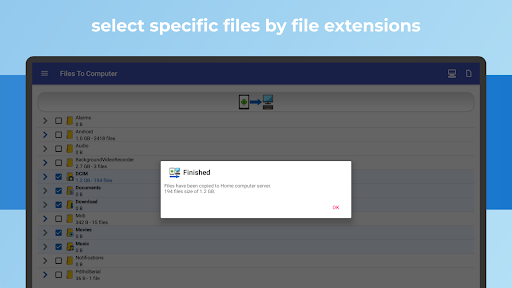
Keep your files safe by creating consistent backups on your computer or NAS server. The application intelligently avoids duplicating existing files and ensures an organized and updated backup.
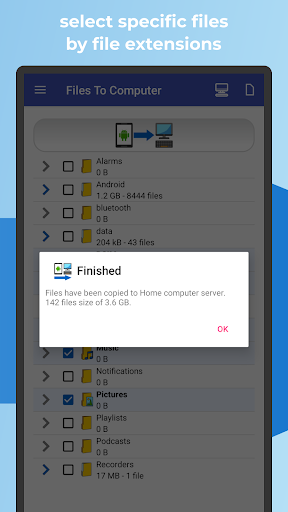
Connect to a computer or NAS server, select the files you want to back up or transfer, and manage your files efficiently with a simple click. Select specific file types for faster backups.
This app is especially useful for devices with limited internal storage, those without an SD card slot, or users who want a hassle-free way to securely back up files to your computer or NAS server.
Recommended devices: Samsung Galaxy, Nokia, Motorola, HTC, OPPO, Lenovo, Asus, Sony Xperia, Alcatel, Vodafone.
Ensure the longevity of your files by backing them up to your computer, PC or NAS to protect your most important content and memories. Use FileBackup, PhotoBackup, VideoBackup and MusicBackup for comprehensive and secure file management with a simple one-click process.
• SFTP Added another file transfer option
• Optimized for Android 14 (Upside Down Cake)
• New sorting of Photos and Videos throughout the day
• Enhanced graphics
• Faster app performance
• Bug fixes


9Apps 4.9