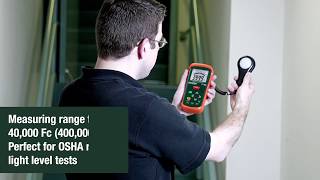
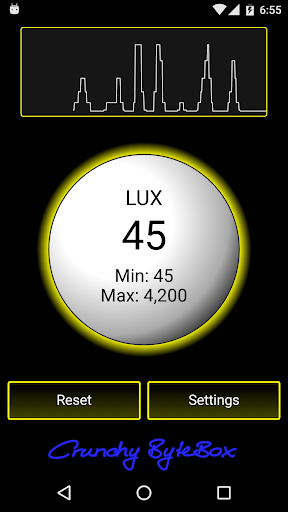
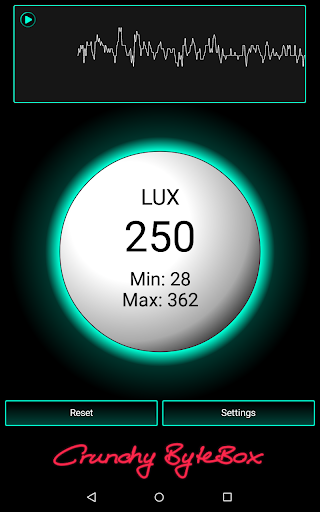
Measure the ambient illuminance in lux (lx) or foot-candle (fc) with your light sensor.
Simple application to detect the intensity of light. Check and compare the illuminance of different light sources.
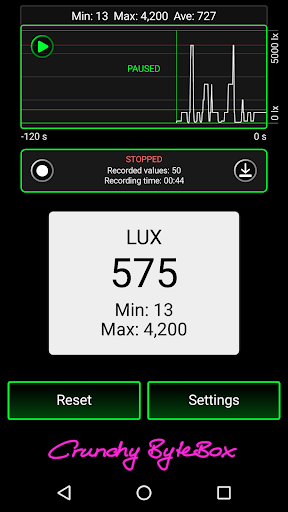
With recording function (see below).
The measured values depend on the accuracy of your light sensor. It may differ from real illuminance and between different devices.
The application only works if your device has a light sensor.
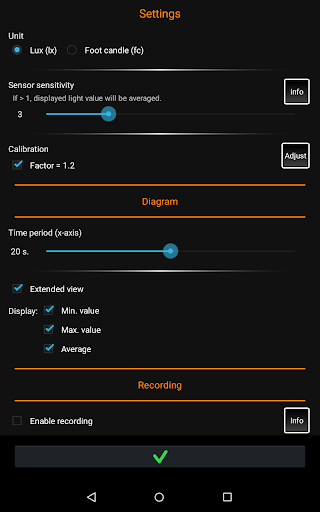
* Unit: lux or foot-candle
* Minimum and maximum values
* Diagram with average value
* Adjustable sensor sensitivity
* Calibrate if the sensor's values differ from real illuminance
* Choose your layout color
* More settings
* Application can be moved to SD card
RECORDING FUNCTION:
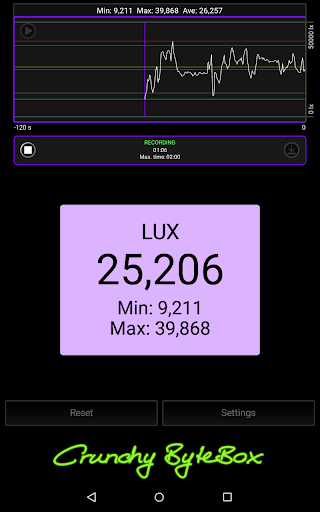
Record the illuminance for up to 16 h 39 min. Select the recording time and the number of recorded values.
The data can be saved or exported (for example via email).
PERMISSIONS:
'Internet and network access' are needed to show the ad. Therefore the application is for free. Read the privacy policy to get more information about advertisement and your data.
'Read/modify contents of your SD card' is used to save your recorded illuminance data.
- Android 2.2 (Froyo) is no longer supported -
* Recording function: record illuminance and save/export it
* More settings: lux or foot-candle, sensor sensitivity, calibration, diagram settings
* NEW PERMISSION: 'Read/modify SD card' to save your recorded values
* Link to privacy policy & consent from EU users is requested
* Various little improvements in performance and layout








9Apps 4.9