

Following is the introduction of a wonderful App. 10,000+ users downloaded Password Manager latest version on 9Apps for free every week! In addition, the latest version of the app has updated a lot of features. This hot app was released on 2016-02-17. However, has been a fashionable app for a long time.
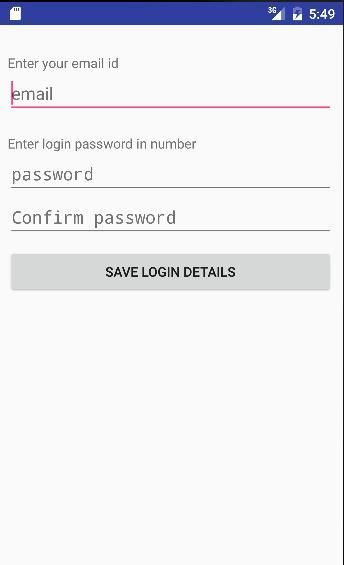
You can access this application only enter login password. Here your password details will be stored secure in your mobile phone. While storing your data will be encrypt and store in database. when you will access the details then you will get data in original from of data.
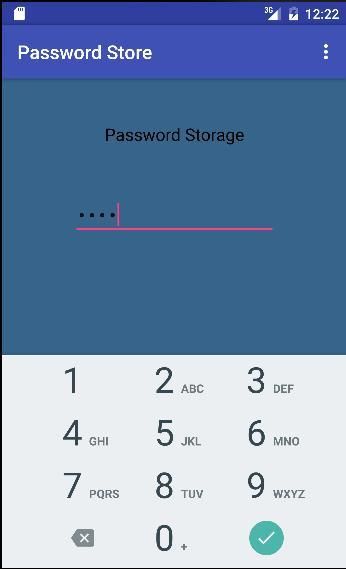
To access this application you have to enter the login password.
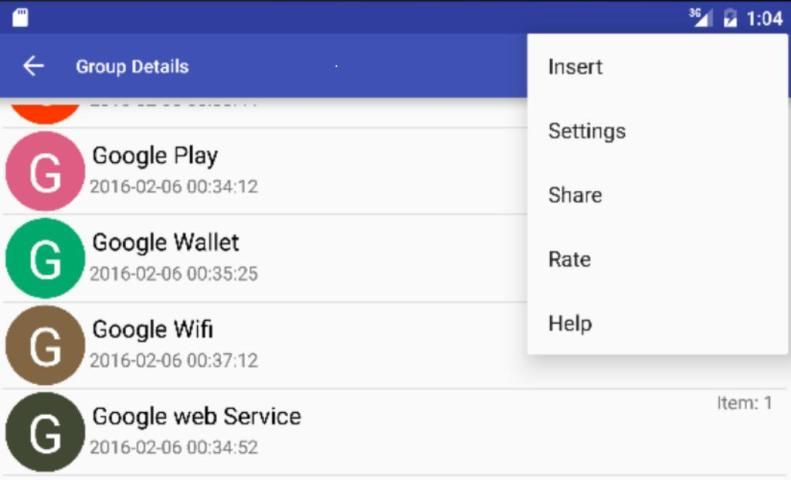
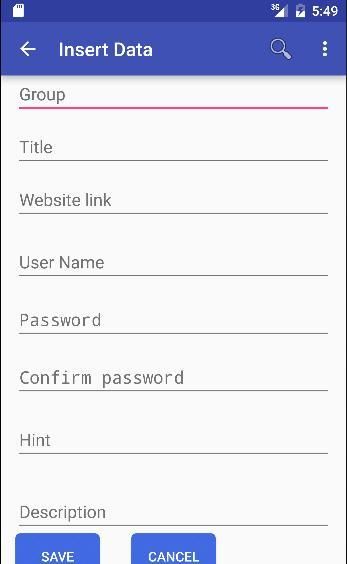
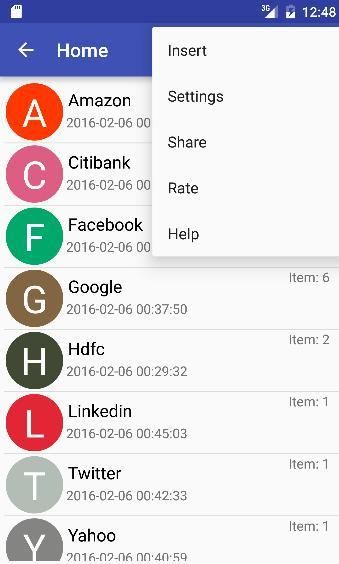
Insert option will ask details from user to enter group name for create a group, also you can select existing group name on enter existing group name, then enter title for group, URL, user name, password, hint, description finally click on save details to save data.
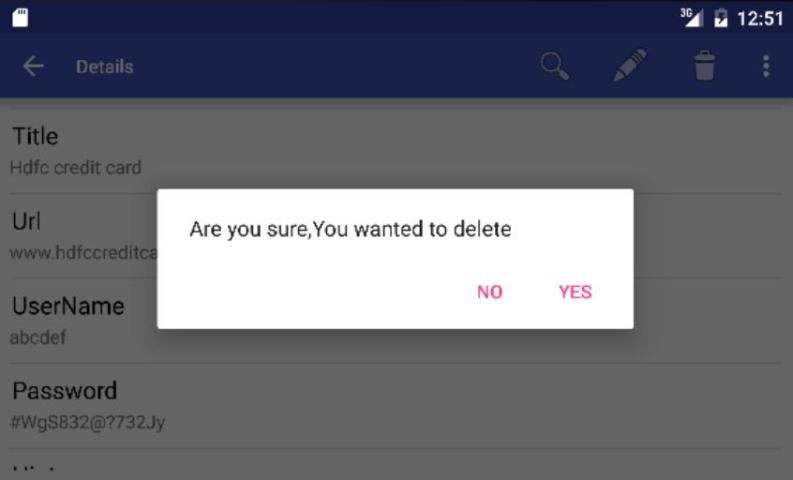
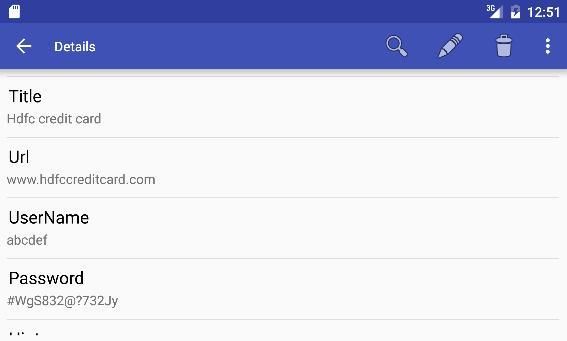
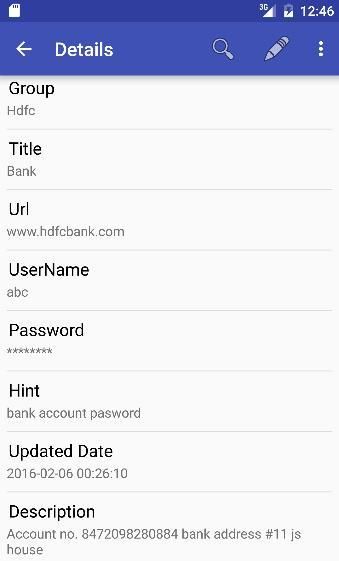
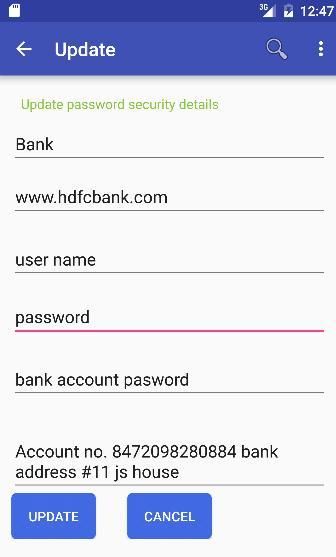
On item click you will get details that has stored by you group name, title, URL, user name, password, hint, last update date or insert date and description. On click delete button you can delete this Item. On click edit button you can edit the details that stored by you. After editing click on update button to update data.
On click title item will show the details that has been stored by you. On Item long click will show delete option to delete the item from group.
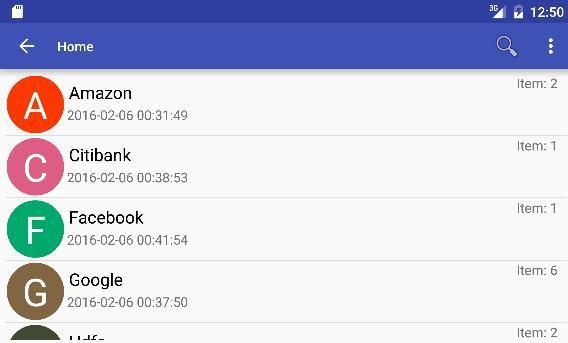
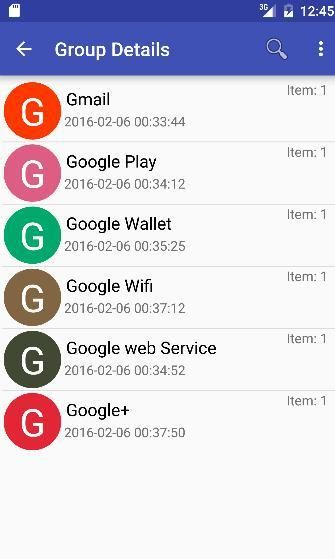
On click group item will go to next item page. On item long click will show delete option to delete the group.
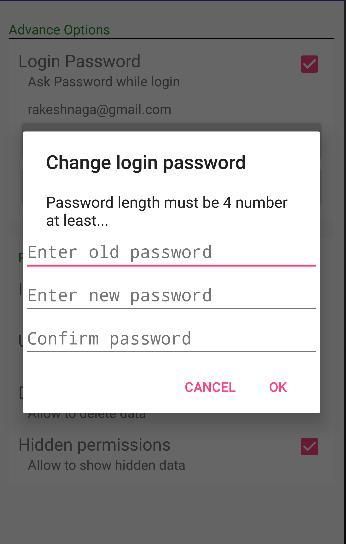
While login password checked will ask password on login time. If you will unchecked the will not ask password on login time. You can change your email id on click change email id button then enter a valid email id to change. Also you can change your login password on click change password button then enter new login password the password length must be 4 numbers at least. On checked insert permission check box you con insert data. If on unchecked insert permission you can not enter new data. On checked delete permission check box you can delete data. If on unchecked delete permission you can not delete data. On checked update permission check box you can update data. If on unchecked update permission you can not update data.
On click search button you will get search view here you can search your details. if you want to open the record then you can open on item click.
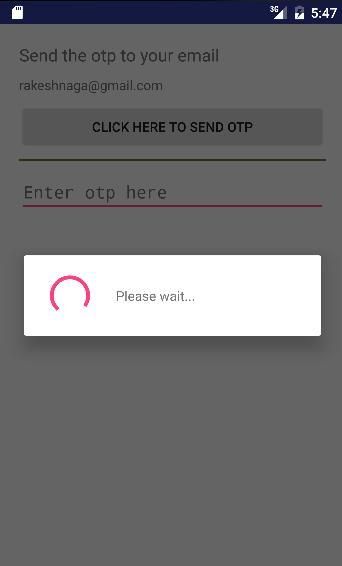
Click on send one time password button to send one time password on your registered email id. Enter one time password that you received on your email id after entering valid one time password you will get reset password button. Click on reset password button then enter your new password, the password length must be 4 number at least.



9Apps 4.9













