

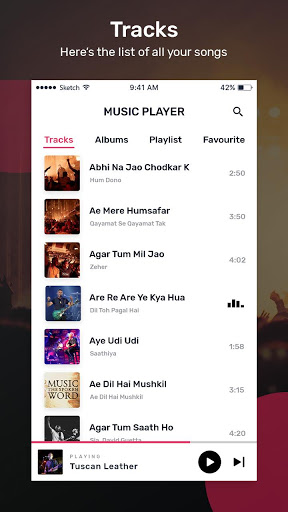
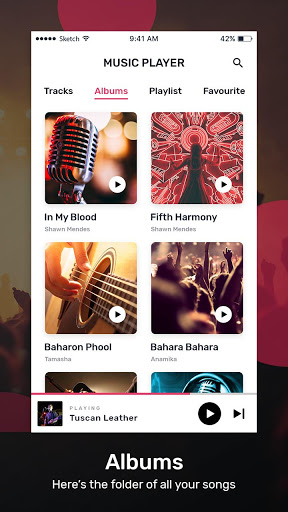
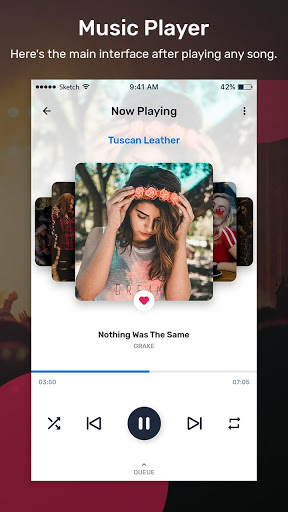
The MP3 Player app has a simplified view so you can get your songs quickly.
This offline music player has many features like creating a playlist, adding a song to favorite, mp3 player equalizer settings, bass booster, search engine, can add a song to queue, can directly share a song, HD sound quality and much more.
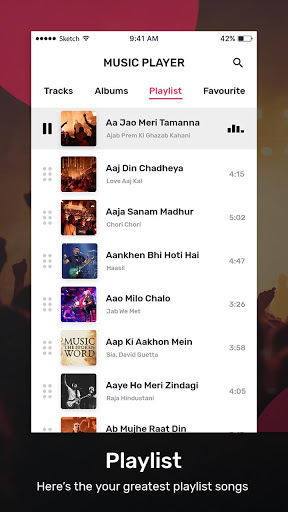
How to create a playlist?
- Select a song from this music player.
- Go to the menu option and click on ADD TO PLAYLIST.
- Select an existing playlist or click on the NEW PLAYLIST option.
- Give a name to your playlist and click on the CREATE option and your playlist will get created.
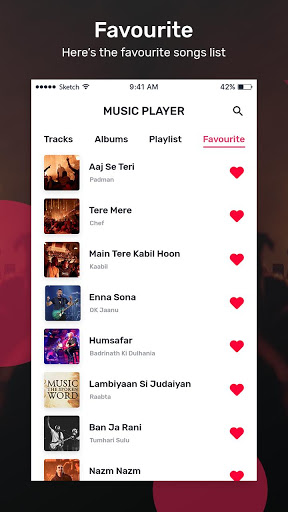
How to add a song to Favorite?
- Go to the menu option of a song and click on ADD TO FAVORITE.
- Or else tap on a song and click on the Heart icon and the song will be added to FAVORITE.
- From the FAVORITE menu of this audio player, you can also remove a song from favorite.
Equalizer:
- Using equalizer settings of this music player you can make changes to a song.
- Here you will get some default equalizer settings like Dance, Folk, Hip Hop.
- Here you can give bass & 3D effect to the song.
- You can also adjust the volume & frequency of the song.
So be quick, install the MP3 Player app on your android device and have fun with music.
![✅ 7 Best MP3 Players [2026] 🎧 for Running, Audiobooks, Bluetooth Hi-Res (Budget to Premium) screenshot 1](https://i.ytimg.com/vi/99zaiI7T0RQ/mqdefault.jpg)




9Apps 4.9














