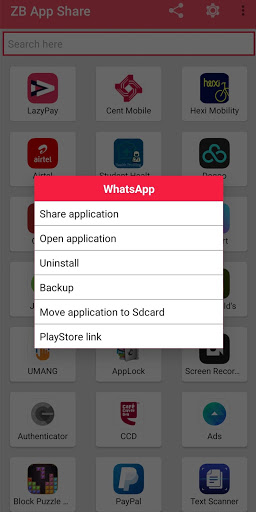
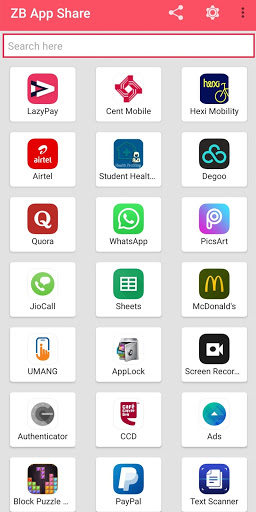
You can use this app to share apps (apk files) which are installed on your android device to another device via WhatsApp, Email, Bluetooth and via more mediums.
• On the other device you will receive the app apk files and can install the applications.
• Install the apk files just after receiving the files.
• No data cable needed to be shared between Android and Android devices.
• ZB App Share is Totally Free of cast file sharing for you to share app apk files.
User Manual
• ZB App Share shows all your installed applications with a list, you can get an installation package directly from your memory and send it to your friends as an attachment.
• To Share one app:
‒ Just tap the app that want to share.
‒ Then select where you want to share it.
• To Share multiple apps:
‒ Tap and hold an app to start selecting.
‒ Tap apps to select.
‒ Tap the share icon at the top of your screen.
‒ Select the way you want to share them.
• Share APK:
‒ Tap and hold an app to start selecting.
‒ Select one item.
‒ Tap the three dots to open the menu.
‒ Tap “Share APK”.
‒ Select the way you want to share them.
• Search Application:
‒ Tap the search field.
‒ Type to filter.
Minor bug fixes




9Apps 4.9