


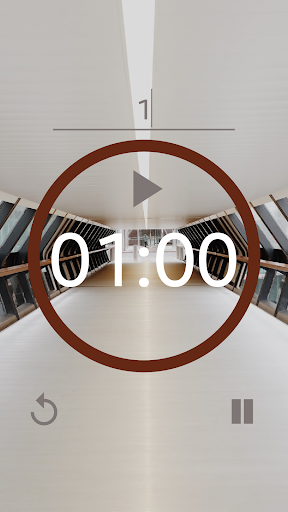
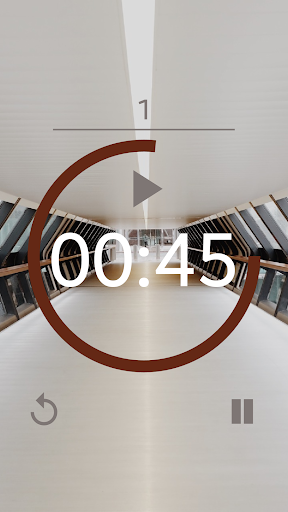
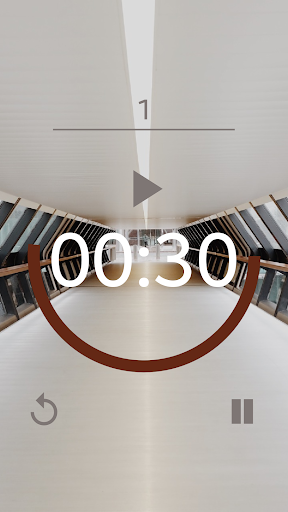
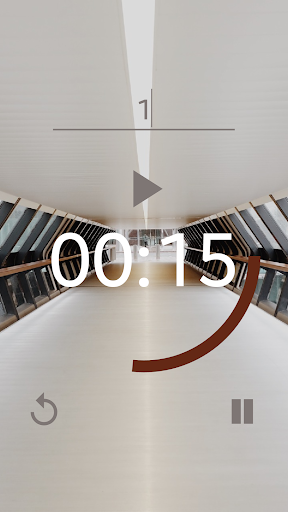
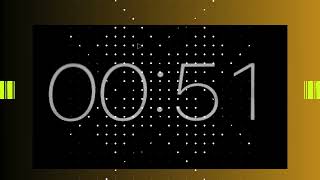
The Timer CountDown Clock: simple study tool App is a great timer app for those who are looking to use it as a Pomodoro Timer as well as just a normal countdown timer.
The Timer CountDown Clock: simple study tool App has a very simple to understand design and you can start using it as soon as you open the app.
Just press "Press To Start" to initiate the digital Timer CountDown Clock: simple study tool application. Once on the next page, write down the number of minutes you wish Timer CountDown Clock: simple study tool application to countdown to and press the Play symbol.
You can also pause Timer CountDown Clock: simple study tool application at any time, and resume the countdown right where you left off. You can also press the Stop button to completely stop Timer CountDown Clock: simple study tool application at any moment, or the Reload symbol to start Timer CountDown Clock: simple study tool application fresh from the beginning.
Easy time timer to use, great from the pomodoro study timer or any other activities where you need a stopwatch timer.
When the clock timer reaches 0, you will hear 5 pairs of rings to indicate the countdown is over.
alarm sound effect from http://www.orangefreesounds.com/
icons from http://skinoutfit.info/






9Apps 4.9














