Block Distractions - block distracting apps icon

Block Distractions - block distracting apps

3.0.2 for Android
3.1 | 5,000+ Installs | Reviews

SZWITCH

$4.49

Description of Block Distractions - block distracting apps

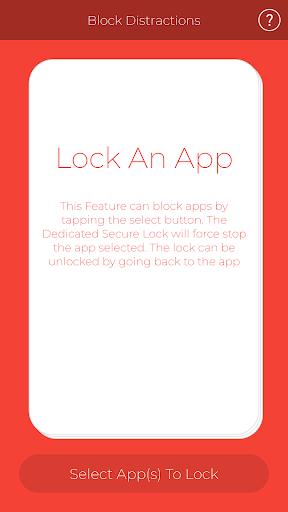
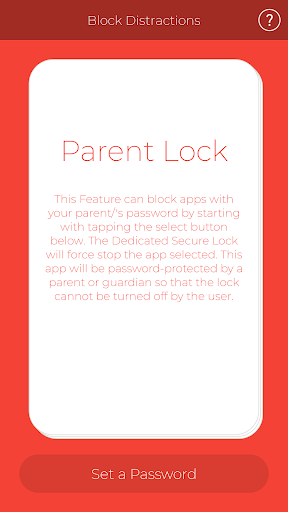
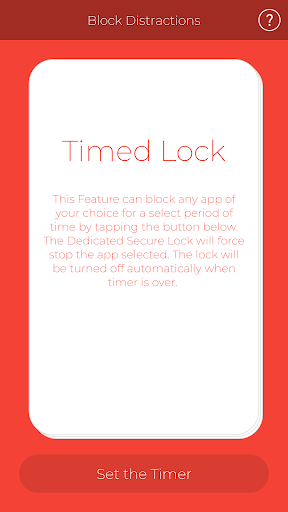
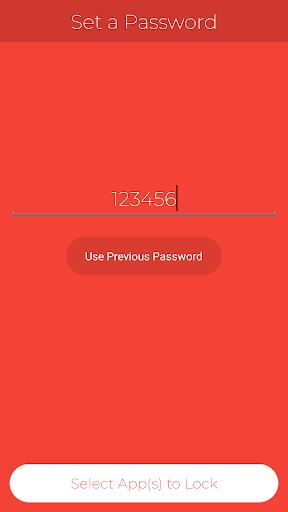
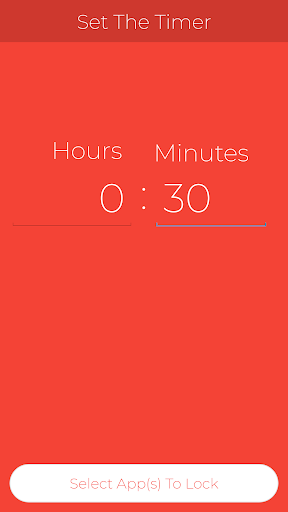
Block Distractions can block apps with a parent/guardian password lock, a timed lock, and a lock that can be locked and unlocked when you need to stop procrastinating. You can easily lock multiple apps at a time to block distracting apps through the user-friendly steps. The app is simple to use and is a great way to end procrastination.
How to use the App
Fling your finger to change cards (modes)
Hold your finger on the card that you want to select it
Set the timer, password, or freely unlock/lock apps
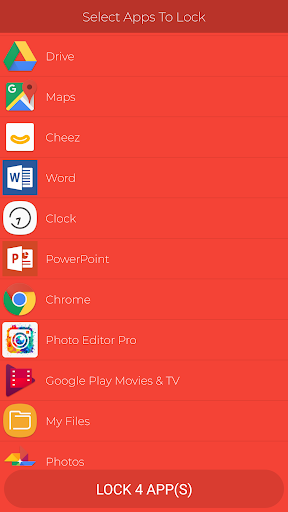
Tap on the apps that you want to lock
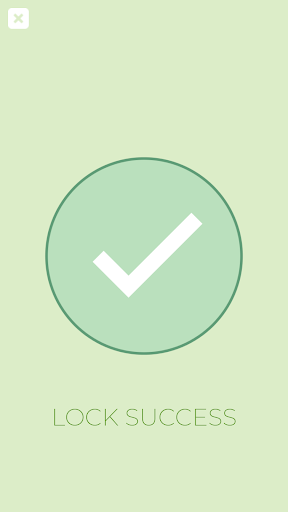
That’s it! It’s so simple to block distractions!
Developer: Joonmin Youn

Information

  • Category:
    Productivity
  • Latest Version:
    3.0.2
  • Updated:
    2018-09-03
  • Requirements:
    Android 0 or later
  • Developer:
    SZWITCH
  • ID:
    com.ygravityapps.blockdistractions
  • Available on:
Reviews
  • avatar
    I like it so far; the interface is simple and the features work as advertised. If you're using an app like this then I advise trusting it even though it's tempting to try and defeat the self-imposed controls. With the interconnectedness of apps these days it must be hard to design a blocker that is *perfect*. Without meaning to I accidentally circumvented a timer block when setting my alarm; through Clock I went to Google Assistant to check a routine then went to Activity Controls which opened in my default Browser (Firefox Focus) which I had nominated to be blocked. I think due to "Drawing Over" permissions for Google this defeated the block. I'll do some more investigating and provide constructive feedback. Thank you for your thoughtfulness and for this app. Keep up the great work!
    2018-11-28 08:03
  • avatar
    The app's timer doesn't seem to work properly. I was "permanently" locked out of the apps I locked. Luckily, I learned I can simply delete all app data or uninstall the app. The problem is, if I was bored and was supposed to be studying, I could use these methods to bypass the app. I've seen apps stop me from using these methods, like Norton app lock. I also hopped if I locked the app by the timer, I could unlock them was a the password if there was an emergency or I finished studying early. The password should be saved and have to be manually changed if I wanted to. Fix these, and I will give a five star. I would not recommend this app.
    2018-11-10 03:04
  • avatar
    This app is awsome it does what it says it will do it can be a little better if it would let u unchoose an app but other than that 5 stars
    2018-10-09 11:25
  • avatar
    Trash. Doesn't lock anything.
    2018-08-30 04:46
  • avatar
    Perfect. I tested it and works perfectly. I can now do my homework without any distractions. Thank you for the app.
    2018-08-28 04:35
  • avatar
    I know that there are lots of haters out there,but for me, this is really helpful,just some improvements needed to make this app the best,and I thank the maker of this app cuz it really helped me out alot
    2018-08-28 03:32