

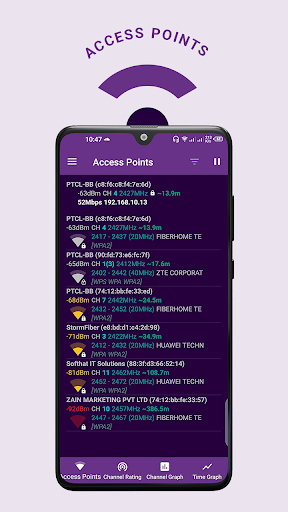
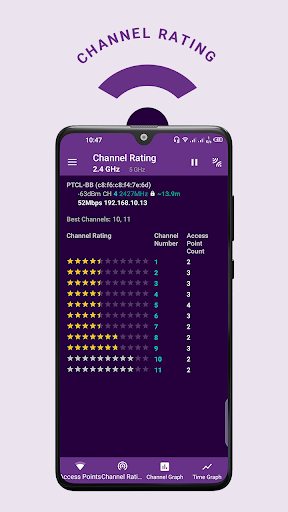
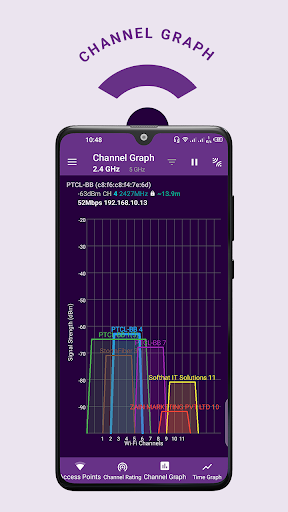

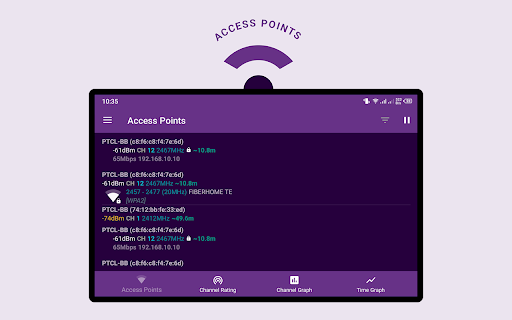
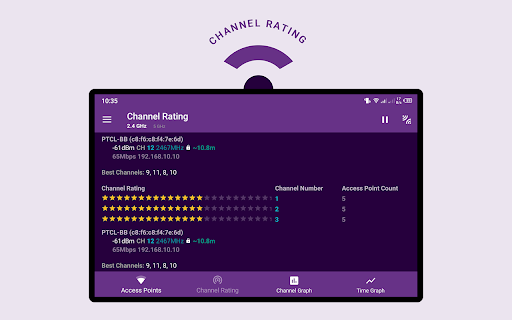
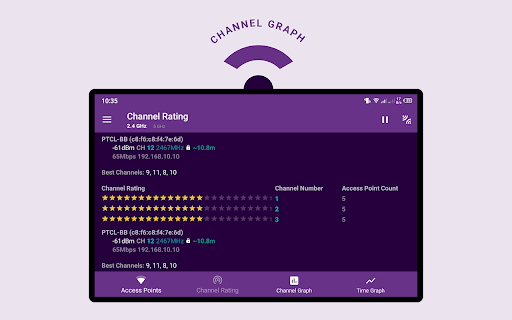
The Wifi Analyzer app can help you diagnose various problems in your wifi setup, Internet connectivity, and also detects various issues on remote servers.
This wifi analyzer app combines the most popular network utilities usually found on desktop PC. They will help you fix a wifi network problem easily or optimize the network when you are hundreds of meters away.
This signal strength finder app allows you to visualize WiFi signals all around you. With this app, you can block unwanted connections, check signal info, diagnose your wireless strength and speed, as well as map your network on a professional graphic display that is easy to understand for users!
The network analyzer application provides useful information about network signals around you. it supports 2.4Ghz and 5Ghz. This app helps increase network performance via analyzing and monitoring your wifi network!
In this signal strength meter app "Strength" chart helps to compare received power levels of available WiFi hotspots and track their dynamic. The higher the wifi signal strength, the better quality of the wireless connection.
Features:
- Network Optimizer for Interference Issues
- WiFi Analyzer for Nearby APs
- Supports 2.4GHz/5GHz
- WiFi Channel Optimizer
- Network Analyzer provides you information individually on router channels
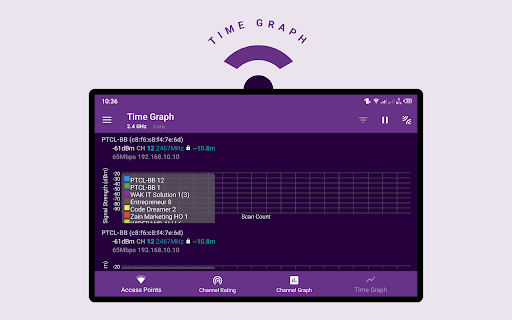
- It shows wiFi signal strength in the history graph
- Information of the wifi channel width (20/40/80MHz)
- Wifi analytics
- Configure your WiFi Settings setup page, 192.168.0.1 on wifi router setup page

![Top 5 WiFi Analyzer Apps I Use [Android Version] screenshot 2](https://i.ytimg.com/vi/vQYPKh32PDE/mqdefault.jpg)



9Apps 4.9













