
Want to add text or comments in PDF files?
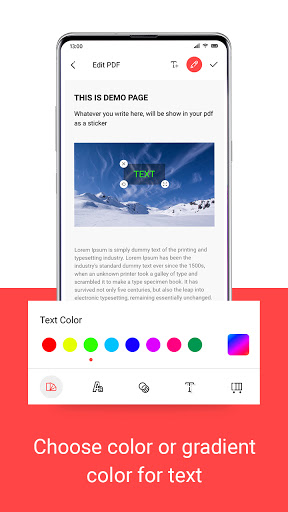
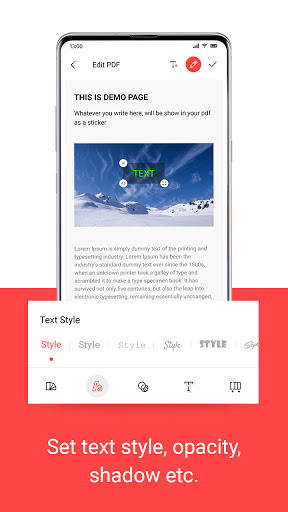
Add Text to PDF - PDF Writer app will help you out to add text on PDF files. You can add text with different color, text style, change opacity, shadow color and change text gradient.
Easy steps to
Add Text to PDF
1. Click on 'Get Started'.
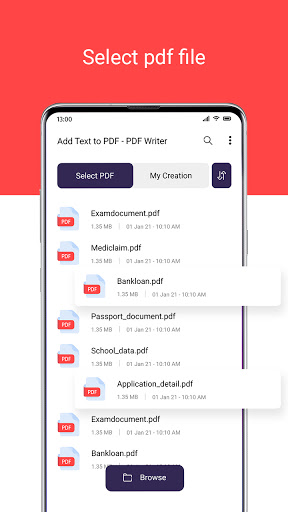
2. Select PDF file.
3. Enable the text editor and add the text.
4. Write text and edit according to your choice.
5. Click on right tick and add the name to the PDF file.
Features of PDF Editor
1. No login required.
2. Get the original PDF with added text in it.
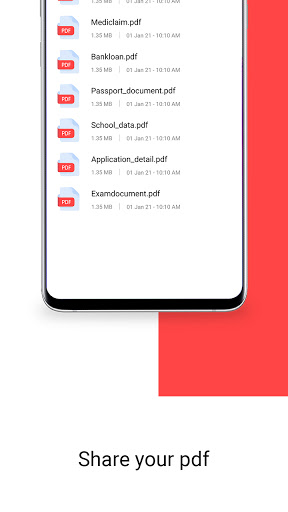
3. Easy to share and edit the PDF file.
4. Easy to use.
5. Free & Fast editable.
6. 100% offline app.
7. No extra permission required.
Install Add Text to PDF - PDF Writer app now & Markup PDF Files in documentation work, office work and many more!!!


9Apps 4.9