

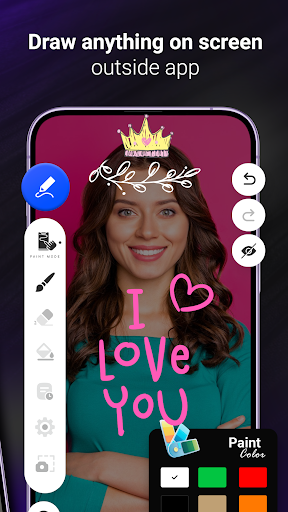
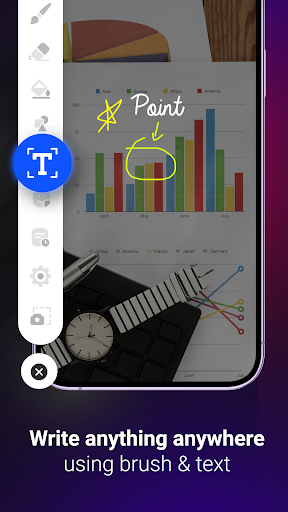
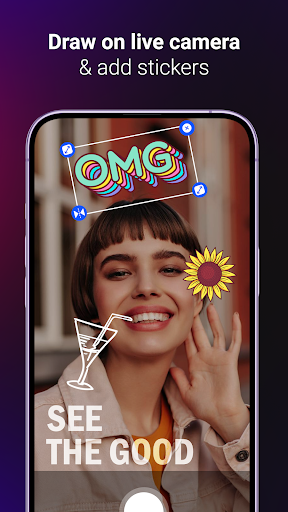
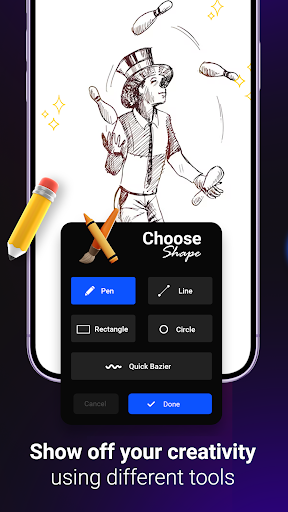
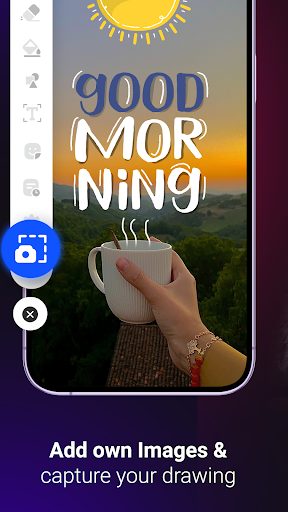

For so many things you need quick access to write something, you need to look for a pen & paper. Or need to look for a app to write quick note. Now with "Draw & Write on any screen" helps you quick write anything on whichever screen your phone maybe. Quick jot down a phone number, short note or anything important an save it as a screenshot. Also while using live camera of your phone you can draw on screen and add creative stickers to make live photo capturing fun.
App Main Features:
- Draw on any screen anywhere.
- A quick to use floating button available.
- Draw with different sizes of brushes or pen thickness.
- Draw with different colors available.
- Anytime use undo and redo to allow you to make mistakes and correct it easily.
- Use eraser to remove extra line, color or drawing on screen.
- Ready to use shapes available like square, rectangle, circle, heart, etc,.
- Adjust the shape size and color of your choice.
- Add image, text, sticker and different shapes on screen.
- Reset drawing to a blank screen.
- Take screenshot with single click to save your note, drawing, phone number, etc,.
Use your phone screen as your notepad or drawing page to never worry about carrying a pen and pen paper to take down notes or let your creative side grow with your drawing skills.
- New User interface for better use of the app.
- Improved app performance.
- Removed crashes & errors.




9Apps 4.9














