Microtonal eXplorer icon

Microtonal eXplorer

1.2 for Android
3.9 | 5,000+ Installs | Reviews

Chris Gauthier

Description of Microtonal eXplorer

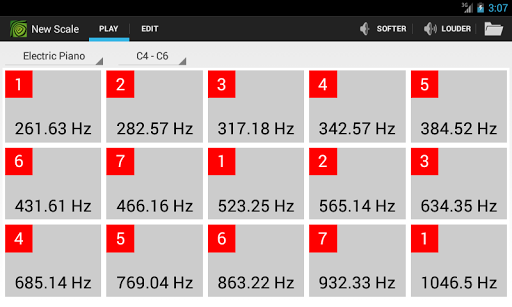
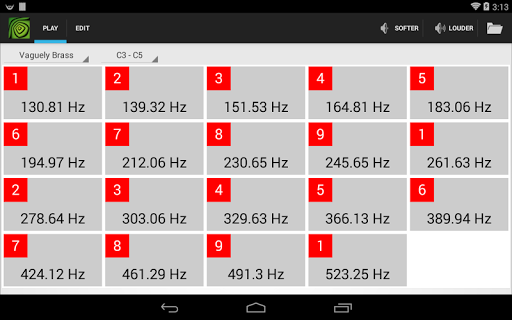
Western music incorporates the same twelve tones over and over again, but there are many musical universes out there! Microtonal Explorer (MtX) is your guide to those universes. Easily create an equal-tempered scale with any number of tones and any arrangement of intervals, then experiment with your new scale, playing chords and riffs.
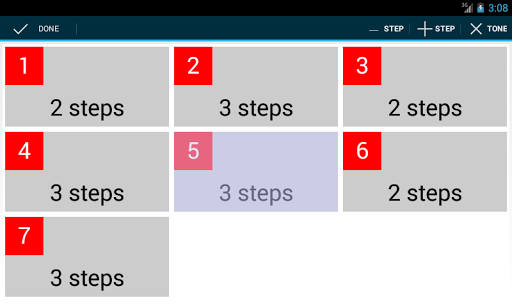
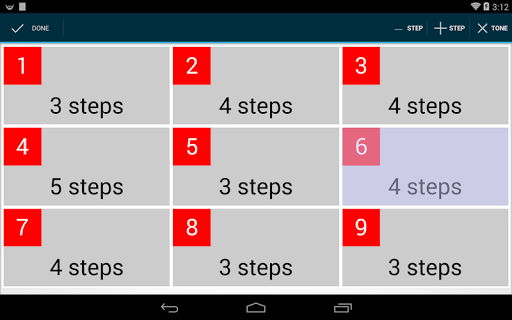
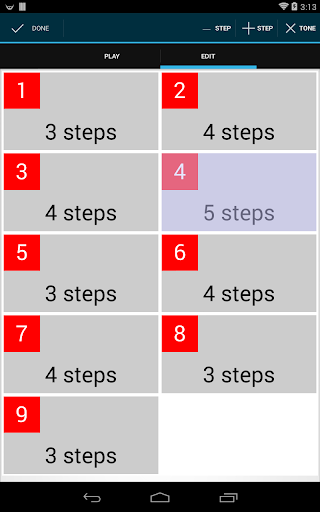
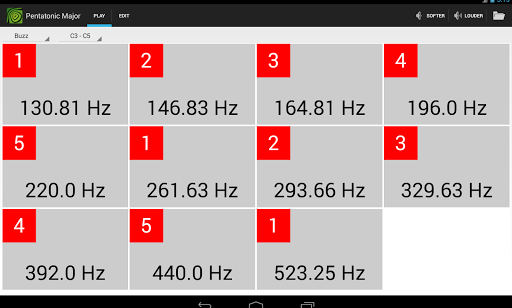
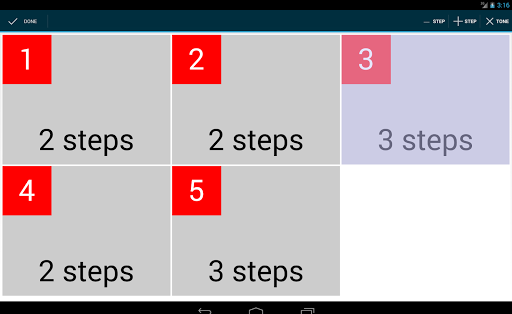
The edit mode lets you add and delete tones, then specify how many steps to place between each tone and the next. You are not limited to half steps and whole steps; try thirds, fifths, sevenths, whatever you like. MtX runs all the calculations for you immediately. At any point, flip over to play mode to test your scale. Six octaves are available, as well as several different instrument selections (more on the way!)
Scales may be saved to your device and retrieved for later use. Standard major, minor, and pentatonic scales are already provided to get you started. Where will you go from here?

What's New with Microtonal eXplorer 1.2

Version 1.2
Removed ads.
Version 1.1
Fixes "stuck note" issue.
Adds two new instruments.

Information

  • Category:
    Music & Audio
  • Latest Version:
    1.2
  • Updated:
    2015-04-03
  • File size:
    162.9KB
  • Requirements:
    Android 4.1 or later
  • Developer:
    Chris Gauthier
  • ID:
    com.wordsaretoys.mtx
Reviews
  • avatar
    This is a great app for exploring microtonal EDOs and especially scale subsets of them. Suggestion: please offer the user the alternative labeling of cents or EDO degrees, besides Hz. It's a simple calculation: (log(Hz)/log(2))*EDO. Results need only be integers. For cents EDO=1200.
    2020-05-09 08:48
  • avatar
    something isn't right with the tuning. You can tell most easily by testing the octaves and realizing they're way off
    2020-02-12 12:26
  • avatar
    The app is great. It would be better if we can label the notes.
    2018-04-02 08:47
  • avatar
    It's ok, but there are a couple of problems: * only works with equal tempered scale * changing 1 scale degree changes all the others, it's very unintuitive to create a scale. * the only way to know how many scale divisions you have within an octave is to count- the programme only displays the number of steps between 8 scale division
    2017-10-15 02:19
  • avatar
    Very unfriendly working with steps instead of tuning the note itself. I can't figure how to create the scales I want. Also, can't add notes! Only reduce
    2017-01-05 08:17
  • avatar
    Not liberating enough.
    2016-07-24 09:58