
HandWriter - Сonverter to Handwritten Text icon

HandWriter - Сonverter to Handwritten Text

1.4.10 for Android
4.3 | 500,000+ Installs | Reviews

AqulaSoft

⚠️ You need 9Apps App to install .XAPK File. How to install XAPK?

Description of HandWriter - Сonverter to Handwritten Text

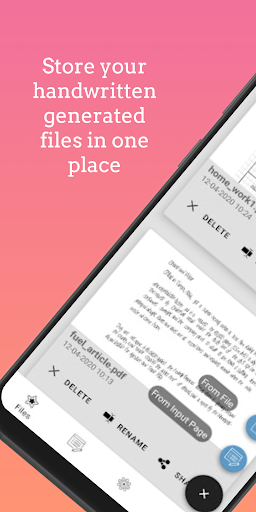
Tired of writing endless texts by hand? Then this app is definitely for you!
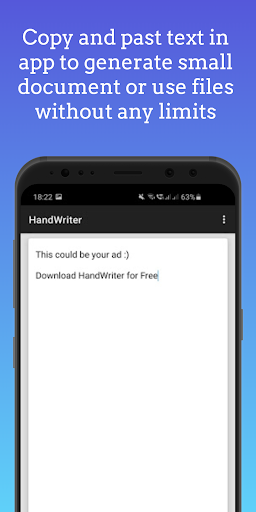
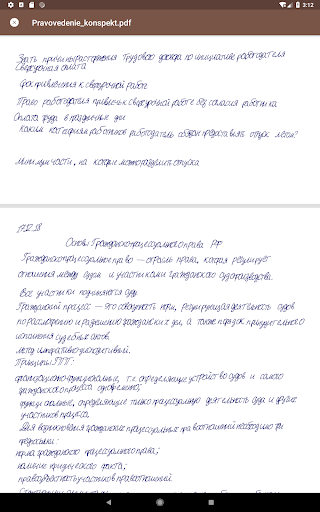
HandWriter will help you to create a high-quality translation of digital text and convert it into a handwritten view.
By combining fonts and settings, you can easily create a unique work and achieve the maximum result.
What else can you do with our application?
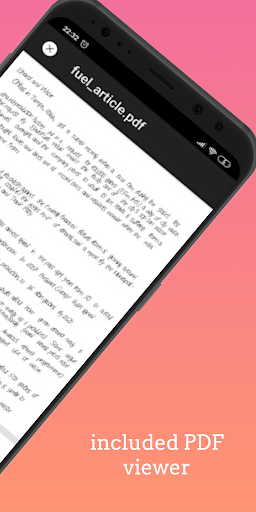
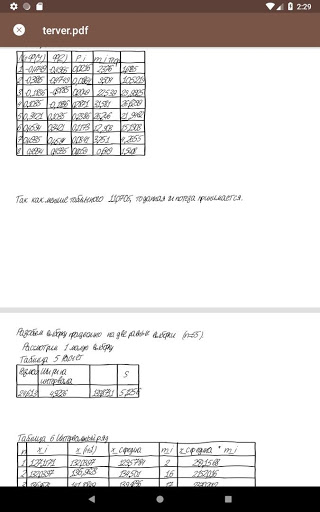
- Easily convert your .txt and .docx files into handwritten text in a convenient PDF format;
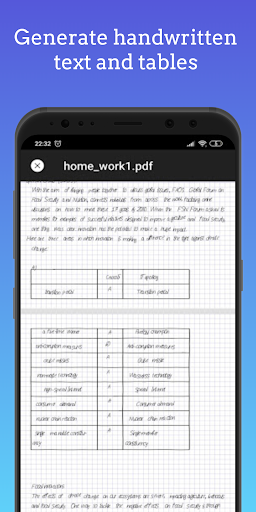
- Not just text! Create tables in Word, transfer images, and we will make their handwritten copy for any paper sizes! Yes, yes, we could do it too!
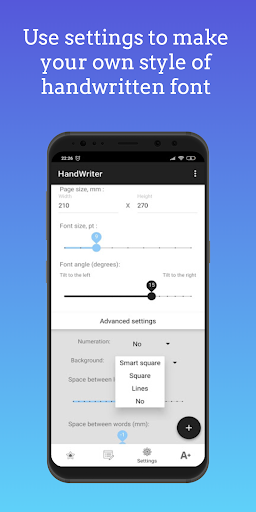
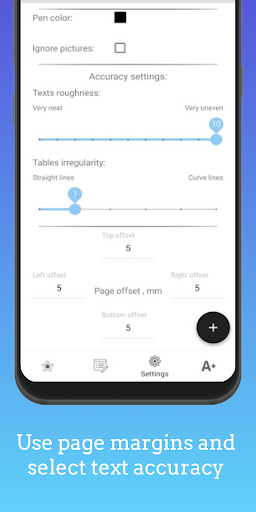
- Customize the handwriting and create your own individual style, or use the preset options;
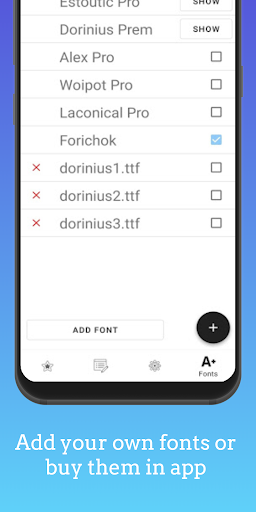
- Combine fonts to achieve the best result;
- Share your work with friends or save them in the cloud.
Any questions? Write to forandwoicorp@gmail.com
We're always looking for ways to improve. Share your unique online experience with our team and help us keep you connected.
VK: vk.com/hand_writer
Telegram: t.me/hand_writer

What's New with HandWriter - Сonverter to Handwritten Text 1.4.10

-OCR - text recognition by photo
-HW Subscription
-Some bugs were fixed

Information

  • Category:
    Tools
  • Latest Version:
    1.4.10
  • Updated:
    2021-01-28
  • File size:
    24.9MB
  • Requirements:
    Android 4.4 or later
  • Developer:
    AqulaSoft
  • ID:
    com.woiandforgmail.handwriter
  • Available on:
Reviews
  • avatar
    This is very amazing app Suggestions 😃 you should add scan opction ² you should add hindi language please
    2020-10-06 08:33
  • avatar
    Can u please tell how to make it to unlimited words and also will it work on my two devices with same account..?
    2020-09-28 10:03
  • avatar
    Wanted text photo to note converting
    2020-09-27 05:39
  • avatar
    One of the best applications I have ever used. However, some more features can be addded- 1. Side lines should be always on left. 2. Distortion feature should be added to Lines Background. 3.Changing of Pen colour on diffrent sentence in one file should be available . 4. Font Change option for headlines and Sub headlines should be there. 5. Random overwriting and crossed words and written again clearly.
    2020-09-23 09:57
  • avatar
    I like it😊😊 how it works but the problem is u have to pay money for the fonts😢😢😢😢
    2020-09-18 04:50
  • avatar
    Hello i have a problem i bought font but after reset my phone and again installed app i losed it. What should i do?
    2020-09-02 05:57