
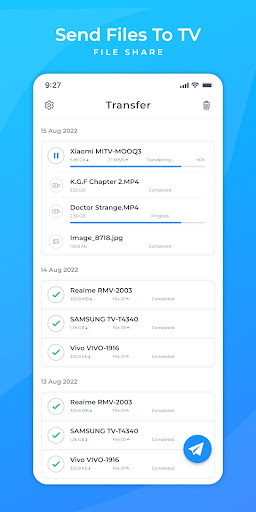
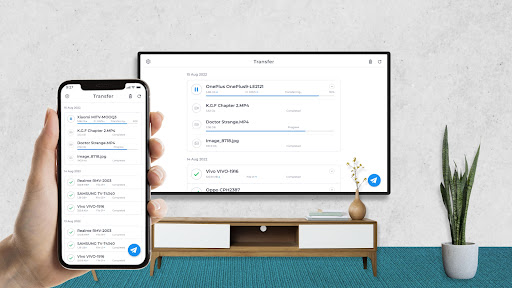
Send files to TV - File share is very simple and easy application to transfer files to Android Smart TV. It allows you to fast and easily share movies, song, photos, TV show or any files between mobile to mobile or mobile to TV through your local network. And its all done without Internet.
How to send files ?
- Install Send files to TV - File share application in mobile and TV both device.
- Open application in mobile and select file which you want to share.
- And open application in TV to receive file.
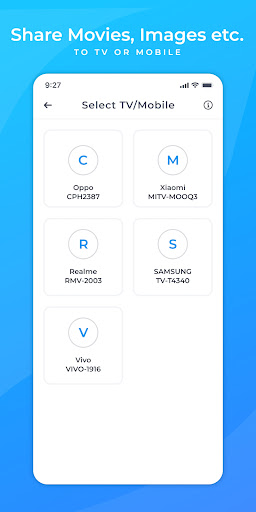
- Select your TV from devices list in mobile, and that's it.
- You will received files into your TV.
Isn't it easy ? Yes now it's too simple to send files to TV or mobile
- Bug fixes and performance improved!




9Apps 4.9













