Light Meter icon

Light Meter

1-2021-05-02T22:12Z for Android
4.6 | 5,000+ Installs | Reviews

WBPhoto

$5.99

Description of Light Meter

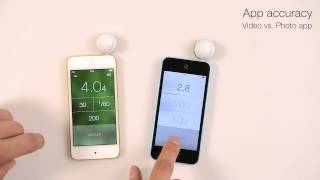
A reflected light meter with spot metering (using the device's camera) and an incident light meter (using the device's light sensor) in one app. Tested accurate against Gossen and Sekonic meters on most devices.
Can be used for any type of camera from film SLR to pinhole to cinematographic.
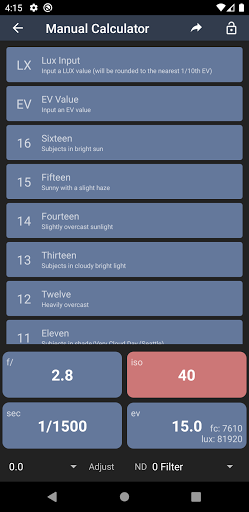
In addition to the two meters, the app includes a Color Temperature (White Balance) meter, a Reciprocity Calculator, an Exposure Convert, a Manual (Sunny Sixteen) calculator, a Depth of Field calculator, and an EXIF Reader.

What's New with Light Meter 1-2021-05-02T22:12Z

* Add Film Reciprocity Calculator feature
* Add Exposure Converter feature
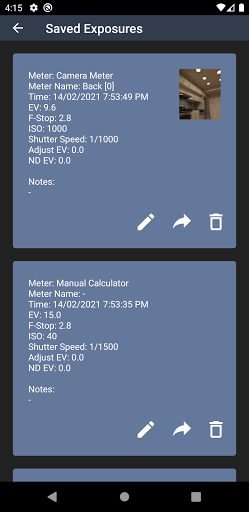
* Add Saved Exposures feature
* Add share exposure feature
* Add additional language support
* Minor bug fixes

Information

  • Category:
    Photography
  • Latest Version:
    1-2021-05-02T22:12Z
  • Updated:
    2021-05-02
  • File size:
    2.9MB
  • Requirements:
    Android 5.0 or later
  • Developer:
    WBPhoto
  • ID:
    com.willblaschko.android.lightmeterv2.pro
  • Available on:
Reviews
  • avatar
    Excellent 👍 Has saved me money.!!!!!
    2024-02-22 01:09
  • avatar
    Great app and worth the purchase. Had some trouble reinstalling on a new phone. Reached out to support and the issue was resolved in less than an hour. Thanks, Will!
    2023-12-11 03:25
  • avatar
    I have been using this app for a while now for a 35mm camera with broken exposure meter. My exposures are spot on. I also use it for pinhole photography and am very pleased with its' accuracy. It also includes a reciprocity calculator. Awesome!
    2023-12-06 04:31
  • avatar
    Does not work. Only stays on the first reading
    2023-07-01 06:41
  • avatar
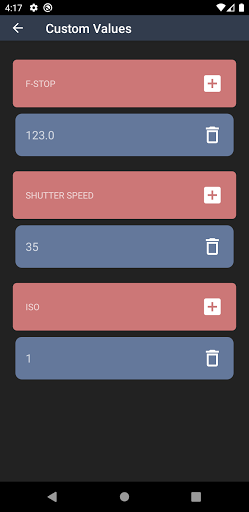
    I really like how easy to use this is, however I would like more filmstocks in the reciprocity calculator. Since I'm only a beginner and experiment a lot I shoot a lot of Kodak Gold and think that there should be a way to add custom entrys to the calculator
    2023-06-30 10:25
  • avatar
    Lots of functionality, but not sure of the accuracy. I compared it with a Gossen Luna Pro with the adapters from CRIS Camera, my old manual SLR with a Wein cell, and a Gossen Luna Pro SBC with a 9v battery. The camera and both the Luna Pros were within 1/2 stop every time, but this app was always off by over a stop or more. In the end, it always comes down to seeing how your camera shoots with the settings the meter suggests, then adjusting accordingly...
    2023-06-10 02:33