
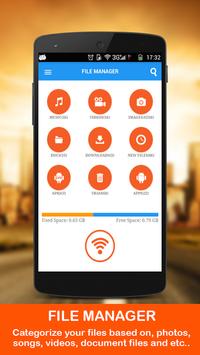
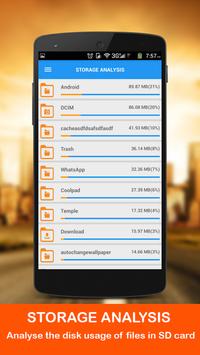
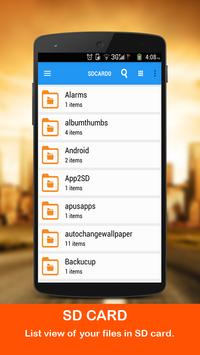
OYO Filemanager WiFi Explorer helps you to categorize, view, explore, retrieve and manage your files in mobile. File Transfer between PC and mobile over WiFi, without USB cable.
Features:
* Easy interface to categorize the music, video, images, document, APK and
Trash files.
* Application manager to backup, uninstall
and share the applications.
* Cloud storage services, Google Drive and Drop Box to backup your files.
* Trash folder to keep the recently deleted files.
* Set PASSWORD to protect your data.
* Create, Move, Delete, Edit, Copy, Rename, Zip, unzip, share, search and get information about file.
* List view and Grid view.
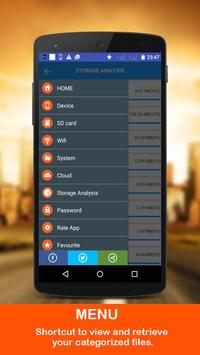
* Favorite folder for frequently used files.
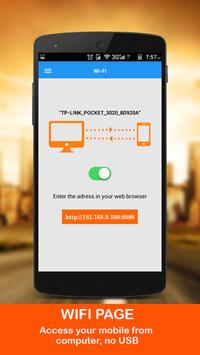
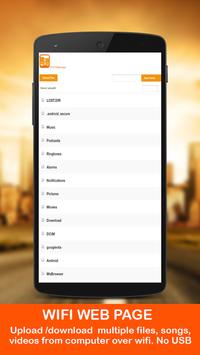
* Connect PC through WiFi to upload and download files.
* File sharing through WiFi network. Faster than Bluetooth.
* Intuitive web interface to upload your files from PC to Mobile.
Steps to use WiFi file transfer:
1. Make sure both your phone and PC are in same WiFi network.
2. Turn on the button on WiFi page, to get the IP address and port.
minor bug fixed in wifi page



9Apps 4.9














