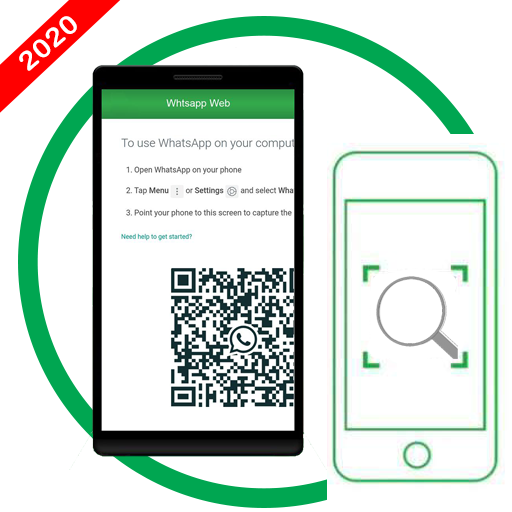
What Web Scan is a powerful tool to open two WhatsApp messenger accounts on one device. You can see anyone’s WhatsApp messenger messages on your phone after scanning the QR code showing in this app from the other device.
What Web Features
You can access your two WhatsApp accounts on your one device and you can open your one WhatsApp messenger account on two devices.
What Web Scan
Scan anyone’s QR code and read messages on your phone after scanning.
If user logout from main device than you can’t access the messages because user will be notified on their phone when QR code is scanned.
This is the best app for whatsapp web clone. You can use this app as your second whatsapp(Whatsapp 2).
How to use
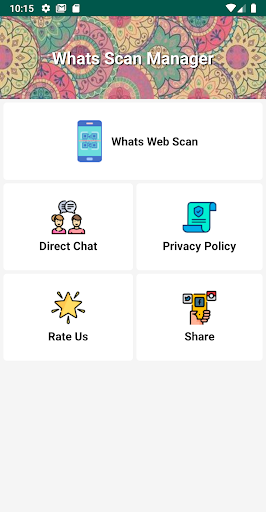
1. Install What Web Scan app and open it.
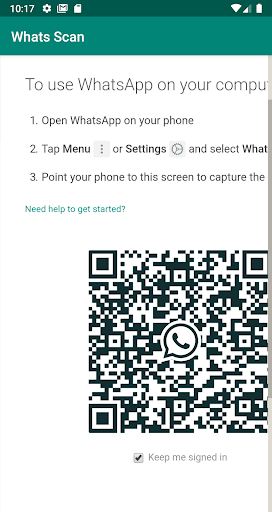
2. Click on What Web Scan tab showing on screen.
3. A QR code will be appeared.
4. Now open your WhatsApp messenger app.
5. Click on the menu icon(three dots) on top right of the app.
6. Now choose WhatsApp Web Scan tab and click on Scan code.
7. Now scan the QR code that is appearing in our What Web Scan app.
8. Done.
Now you can see all the messages on your devices.
What Web Scan is the best app to clone WhatsApp messages using WhatsApp web.
Note:
You will not be able to see messages if the user logout from the main phone.
2. Direct Chat
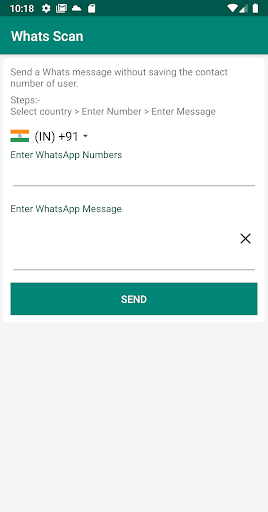
This feature provides you the ability to send messages to any WhatsApp number without saving the number in your contact list.
How to use
1. Open What Web Scan app.
2. Click on the Direct Chat tab displaying on the screen.
3. Enter mobile number and message that you want to send on WhatsApp messenger.
4. You are done.
Disclaimer
What Web Scan is developed and operated by Metalog Software Solutions and it is not affiliated with WhatsApp Inc.
Metalog Software Solutions reserves all the rights of What Web Scan app.

9Apps 4.9

![How to WhatsApp Web Scan Mobile To Mobile [Step by Step Guide] screenshot 1](https://i.ytimg.com/vi/ZoDizTgGnNw/mqdefault.jpg)