
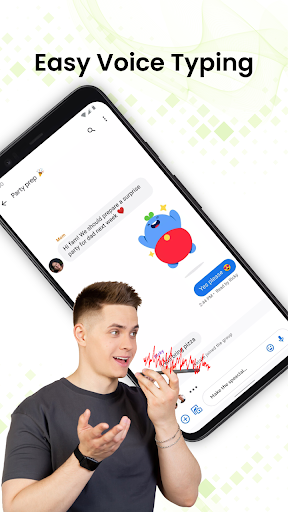
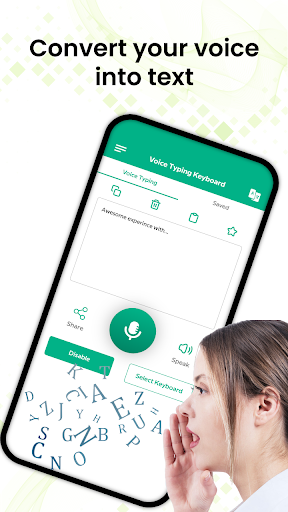
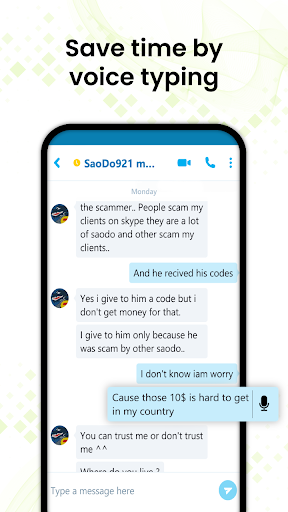
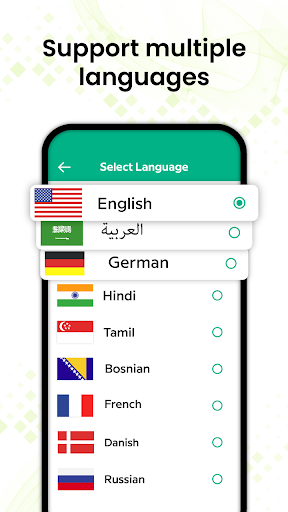
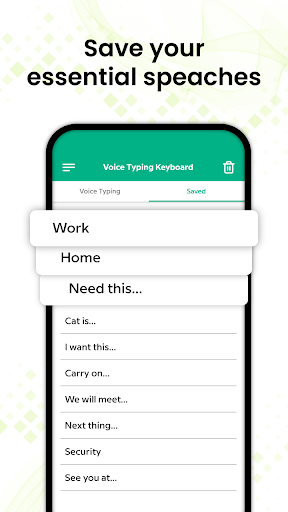
Voice Typing Keyboard – Speech to Text App makes your mobile typing easy! Voice to text typing app is designed to give you an easy and fast way to send your text message and enjoy hustle free typing by using your voice dictation app with no time. Just tap on the microphone speak and after a few seconds your voice message converts into text message, review text and if you find any problem in the typed text then say it again. Audio message to text application is very simple and free for all android users. You can copy, share and save your typed text and get back to it. Audio to text is a great application for you if you want to write long paragraph text or article.
Best Voice Typing Keyboard app that make typing faster and easy. Never type any text Just speak and type text with Voice Typing Keyboard. Chances are that you can speak faster than type. With Voice to Text Convertor app converts your voice into text by English typing keyboard application. Voice Typing Keyboard – Speech to Text App is a very simple and useful speaking app that allows you to type text through voice. Sometimes we are in a hurry and not able to type text so just turn on voice to text keyboard and say whatever you want. You can easily type handwritten messages with your voice. You can easily type text by speech notes. Through free talk and text app, your voice will be automatically typed in the text after you are done talking. Voice Typing text application is the easiest way to convert your voice message into text. Voice typing keyboard application allows you to save and share long text, speech notes, stories and articles on any social media website. Talk to text speaking app gives you the ability to dictate text messages daily.
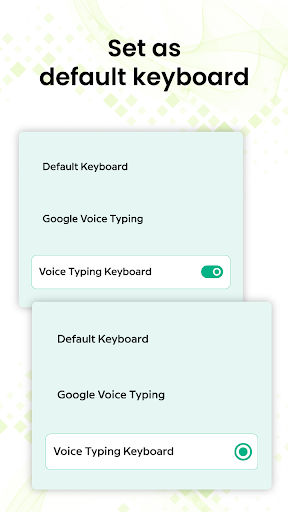
You can easily type text messages, text lines and stories with your voice and you can also convert your voice email to text with the English voice keyboard apps. If you need to disable this audio to text translate keyboard just open the free talk and text application and it will give you an option to change the android keyboard. Following features of speech to text application:
How to use:
🕪Open the English typing and change keyboard
🕪Click on the microphone and it will start recording your voice
🕪Now you can start talking in English
🕪Voice typing app will convert your talk into text
🕪You can also edit typed text with the English voice android keyboard app.
Features:
🕪Speech recognizer app easily converts Voice to text
🕪 Voice Typing Keyboard – Speech to Text App is easy to use
🕪Capture your voice by text and save your time
🕪Voice keyboard app has fast voice conversion
🕪Audio to text app work online
🕪English voice to English text converter
🕪Fast Voice Typing Keyboard
🕪Accurate speak to text converter
🕪Easily voice recognition & speech recognition
🕪Advance voice input
🕪Simple and friendly user interface
🕪You can easily share and save voice text by English text typing app
🕪Create audio SMS, convert to voice text and edit them
The main purpose of Voice Typing Keyboard – Speech to Text App is to make communication easy and fast. Speak slowly and loudly so voice to text keyboard translator free works correctly and if you speak fast then it might be getting it wrong. Talk and text app require an internet connection to work. Stop getting irritated by using regular mobile typing, type messages quickly by using your voice. Instantly type text by using your voice! No need to write text, talk and text app will automatically type your voice text. Download the Voice Typing Keyboard – Speech to Text App, save your time and keep enjoying….!! 🎀 🎀




9Apps 4.9














