


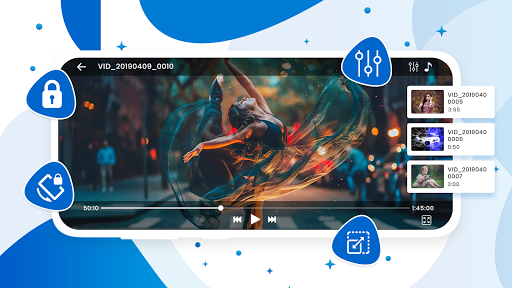
VM Player - Video Player is the most demandable and highly rated video playback tool use to download the HD Videos.
This application support all high-quality video formats or 4K/ultra HD video files of high definition. It is one of the most demandable and best video players for smartphones, androids, and android tablets.
PRIMARY KEY FEATURES:
Best Hardware Acceleration
Support Ultra HD or 4K videos
Ease in Video Casting with Chromecast
Safe your video with password-protected folder
Subtitle Downloader Supportive
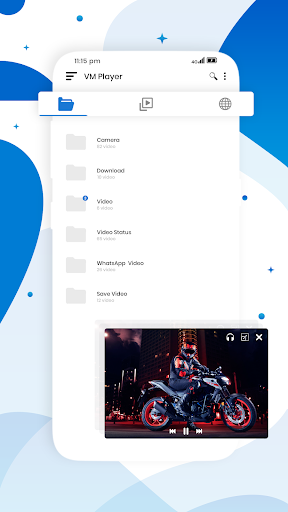
Play Videos on the Pop-Up windows or split-screen
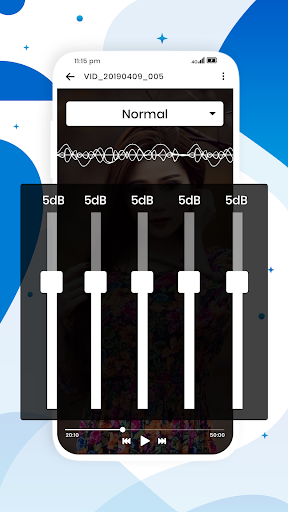
Manage control volume, playing status, & brightness
Automatically saves your videos on the SD card.
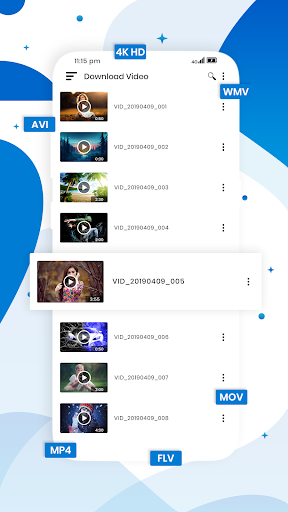
Support all High-Quality Video formats, including MKV, MP4, M4V, AVI, MOV, etc
Allow auto-rotation, aspect-ratio, screen-lock, etc
Play Videos on Night Mode or Background with playback speed.
All Format Video Player
VM Player - Video player, is best for downloading videos. It supports all the high-quality video formats.
HD Video Player
Play high definition, full HD & 4K video efficiently and smoothly with the VM Video player.
HD Player with speed control
HD player enables you to enjoy the full HD playback with an advanced setting. Enjoy the slow motion and fast motion high-quality videos with the VM Video player.
Floating Video Player
The floating video player allows us to move and resize the videos easily. Also, you can enjoy the videos on the split screen.
Background Video Player
A video player is for you. Now you can easily watch videos, like listening to a song.
Video Player for Android
Video Player is supportive of all the android devices and android tablets.
Video player with casting to TV
Cast your videos for Chromecast free of cost on androids.
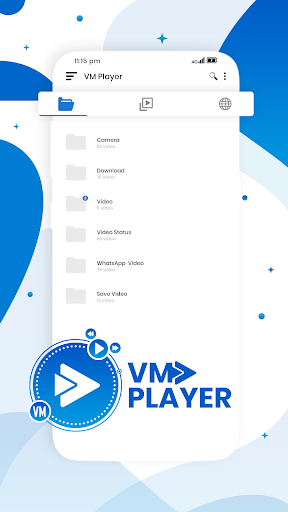
Files manager
Automatically detect the Videos on your SD card
Easy to use
You can easily control the Video volume, playing graph, and brightness on simple sliding.
Permission Required from your device:
"READ_EXTERNAL_STORAGE" to read files.
"WRITE_EXTERNAL_STORAGE" to rename, delete or store files.
"NETWORK" and "WIFI" to download and share files, videos, and audio.
“INTERNET” to play online video streamings.
"SCREEN_OVERLAY" to play video picture in picture mode






9Apps 4.9














