
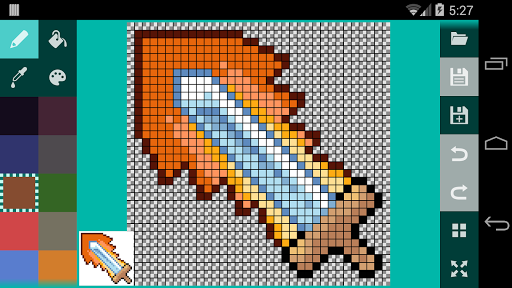
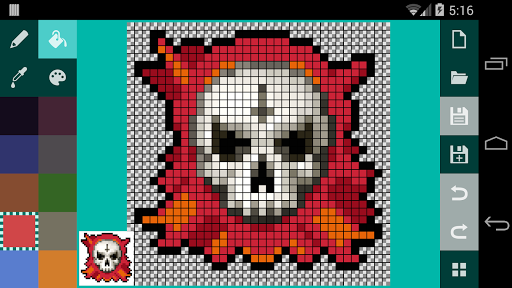
A pixel art editor built from the ground up specifically for Android and touch interfaces.
Note: this app is under active development. If you find a feature is missing, chances are it's coming soon. Contact support to help me prioritize important features first. Thanks!
Features:
- double-finger zoom
- double-finger pan/scroll
- pencil tool
- fill tool
- eraser tool
- eyedrop tool
- square and magic wand selection tools
- cut/copy/paste/invert and move selection
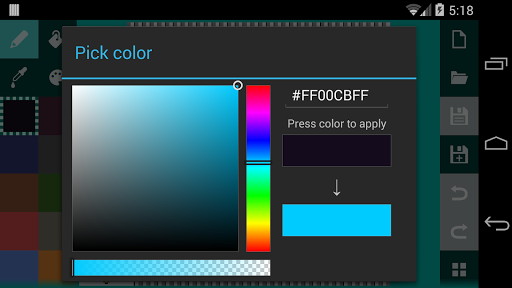
- color picker
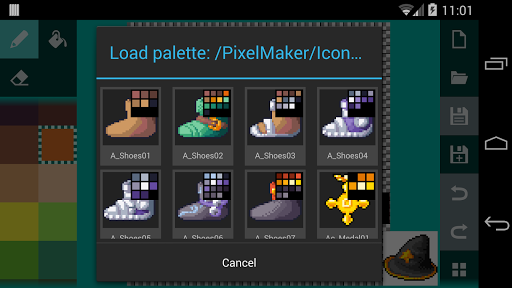
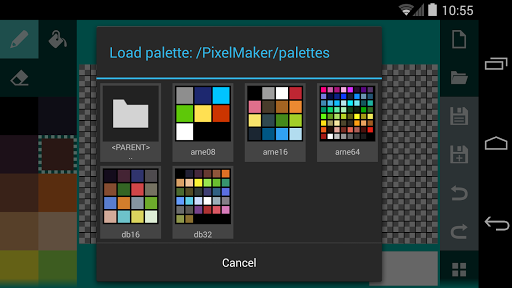
- palette management (add/remove, move up/down, load)
- built-in palettes like DawnBringer's DB16 and DB32 and Arne's 8, 16 and 64 color palettes
- supporting .pal (JASC PAL) palette file format
- import palette from existing image
- single tap to toggle pixel color to fix mistakes
- unlimited undo/redo
- 18 color palette
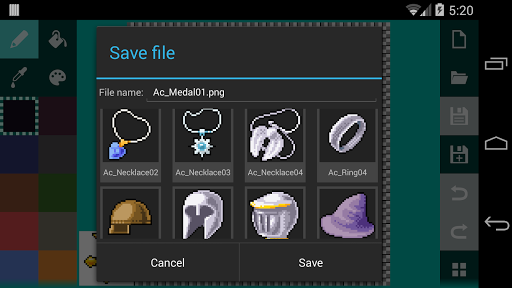
- saving to SD card in PNG format
- grid that can be toggled on/off
- checkered background to show transparent pixels
- preview window with 1:1 and 2:1 modes
- color settings for image background, preview background and grid color
- settings for showing/hiding the preview window and the grid
This app also contains a lot of minor usability improvements:
- when using the pen or eraser, tapping again on a single pixel you've changed to undo it to its previous color
- when using the fill (bucket) tool, dragging will switch to pencil
- when the eraser is selected, changing color will switch to pencil
- when drawing using the pencil, the app will interpolate between tap event locations to draw an uninterrupted line
- tap anywhere outside of the selection to apply it
Feel free to email me if you can think of more usability changes to streamline your pixel art creation process.
Free version supports canvas sizes from 8x8 to 32x16 pixels.
PRO version only features:
- canvas size from 8 to 512 pixels wide or tall
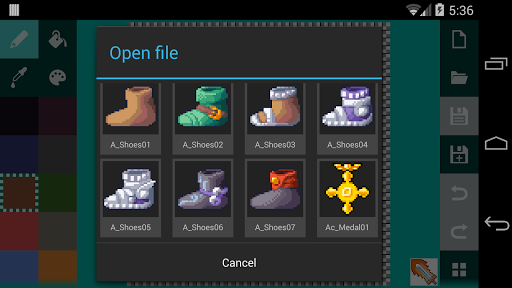
- loading existing images from SD card
- changing alpha value and entering hex values for color picker
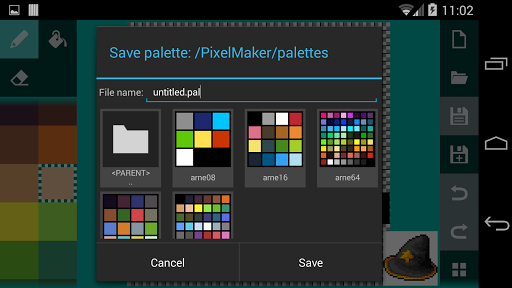
- saving palettes
This app uses icons from http://icons8.com/android-icons. Pixel art in screenshots are RPG icons from http://7soul1.deviantart.com/art/420-Pixel-Art-Icons-for-RPG-129892453.
Many thanks to Arne and DawnBringer for their awesome palettes!
Bugfix for drawing - should now start on the proper pixel.







9Apps 4.9