
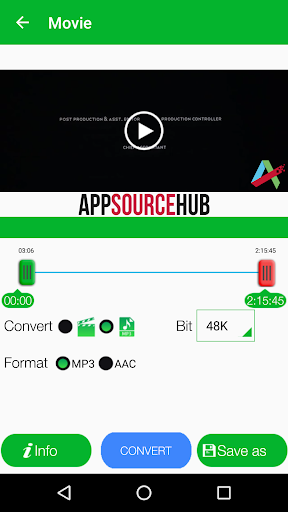
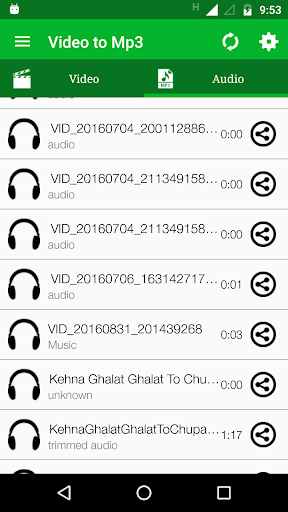
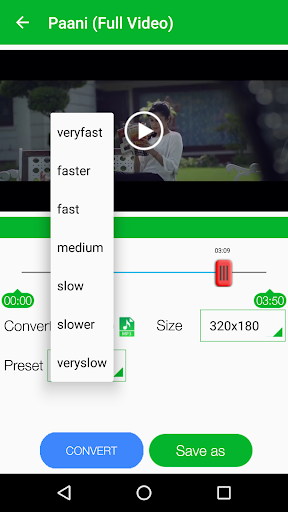
Video MP3 Converter is easy and powerful video editor app to convert, edit and trim your videos, Audios. Save in MP3 & AAC from bit rate 48kbps to 320kbps and different videos resolution from 320X180 to 1280X720
App Features:
- Work as Video Cutter/Editor/Converter and video compressor.
- MP3 Cutter for editing audio files.
- Supports different Video formats: MP4, WMV, AVI, 3GP, MKV, MOV, FLAC and more.
- Supports different Audio formats: MP3, AAC, WMV, M4A.
- Convert to MP3 and AAC.
- Browse folders directly within an APP.
- Supports MP3 bit rates : 48K, 64K, 80K, 96K, 112K, 128K, 160K, 192K, 224K, 256K and 320K.
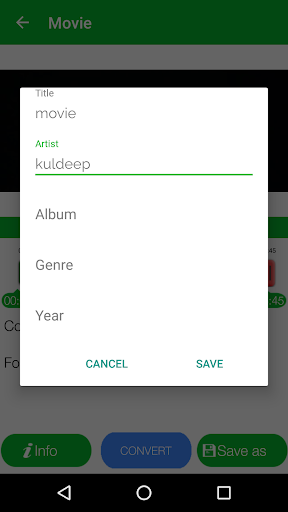
- Add/Edit Meta Data: Artist, Album, Genre,Year.
- Select Video reslotions: 320X180, 480X270, 640X360, 800X450, 960X540, 1280X720.
- Share Videos and Audios on different apps and social media.
- Trim/Convert MP3 files in your device
- Edit MP3 Meta-Data (Title, Artist, Genre, Year..)
- Options (Play, Delete, Rename, Share, Edit Meta-Data, Trim, Merge)
How to Edit/Convert/Trim Video:
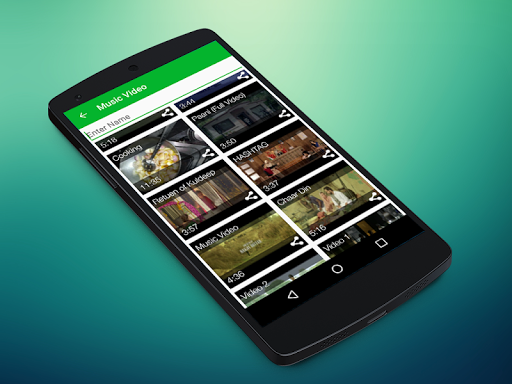
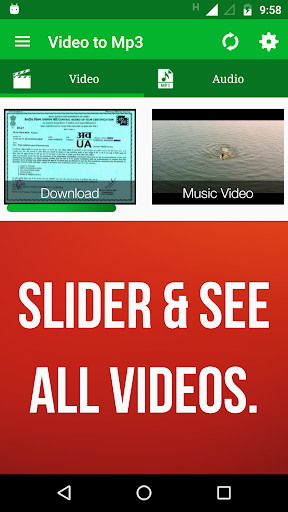
- When you start App all the videos avaialble on device will shows.
- Select your video.
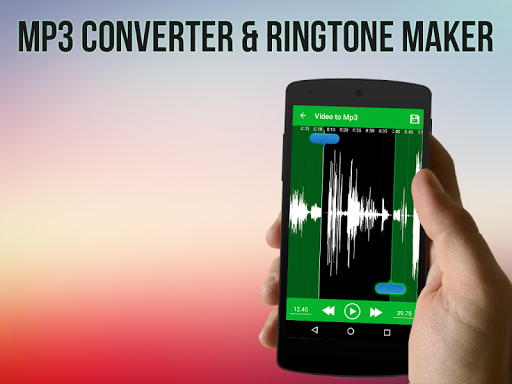
- Select starting and end point to make new video/Audio.
- select your choice to convert into audio (MP3,AAC) or video.
- Add Metadata in info and select video resolution.
- Select speed from very slow to very fast mode.
- select saving folder or it will default take folder as "Video to MP3".
- Press Convert Button and That's it.
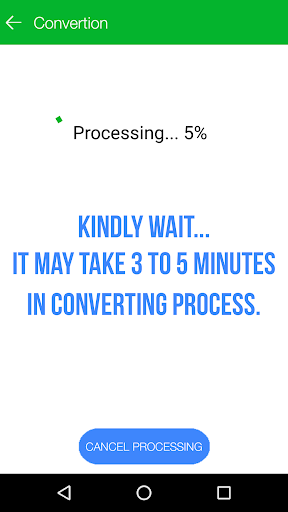
Note: It can take uptp 3 minutes if video file is in HD and large size. We request you to wait kindly as process get done.
How to Edit/Trim Audio:
- Select an Audio of your choice under Audio Section.
- Select starting and ending point.
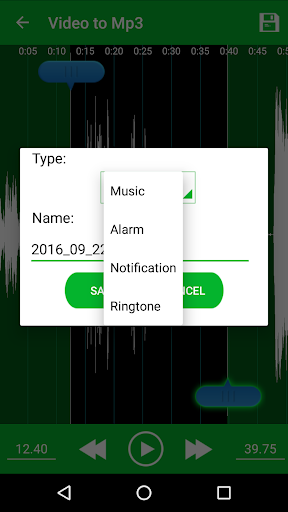
- Press Save and give name of your choice.
- Chose how you want to save MP3 as Music, Ringtone, Notification.
- That's it. Its done you can use app as Ringtone maker and MP3 cutter.
You can check all converted audio and video files in Audio Cutter and Video Cutter section in app.
Please, You can give feedback and we would love to listen your suggestions by E-mail, Facebook, Twitter or Google .
E-mail: rajkm454@gmail.com
Twitter: https://www.twitter.com/AppSourceHub
Facebook: https://www.facebook.com/AppSourceHub
Google : https://plus.google.com/110040689488872486407
Note:
Video to MP3 Converter, Cutter is a customized version of the open source Ringdroid project, which is licensed by Apache 2.0. http://www.apache.org/licenses/LICENSE-2.0.html
- We have taken care to develop app, If you would find any kind of mistake then kindly please mail us. email your helpful suggestions and comments on the following address: rajkm454@gmail.com
Your use of Video to MP3 Converter, RINGTONE Maker, MP3 Cutter is free of charge in exchange for safely using some of your device's resources (WiFi and very limited cellular data), and only when you are not using your device. You may turn this off from the settings menu. Please see our TOS for further information. http://www.appsourcehub.com/privacy/video_to_mp3
Version 9.6:
- Fixed minor Bugs.
Thanks for Feedback. Support us with 5* Ratings and Reviews.









9Apps 4.9














