
MediaMonkey Pro icon

MediaMonkey Pro

1.3.0017 for Android
4.5 | 50,000+ Installs | Reviews

Ventis Media, Inc.

$5.49

Description of MediaMonkey Pro

Accept no substitute. MediaMonkey is the music manager for serious collectors.
MediaMonkey Pro unlocks the following extras:
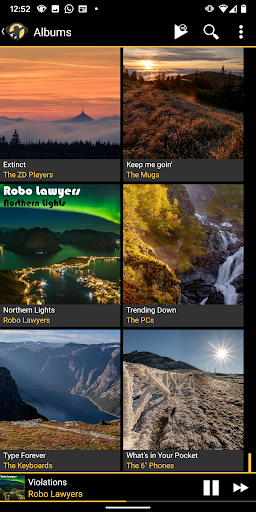
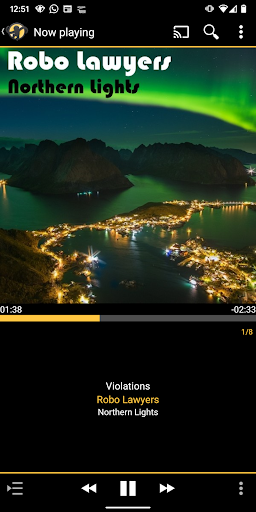
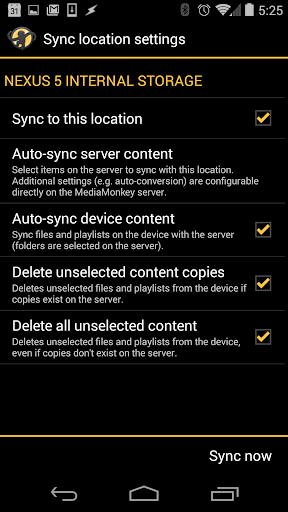
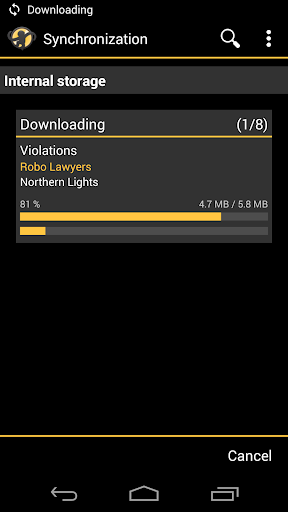
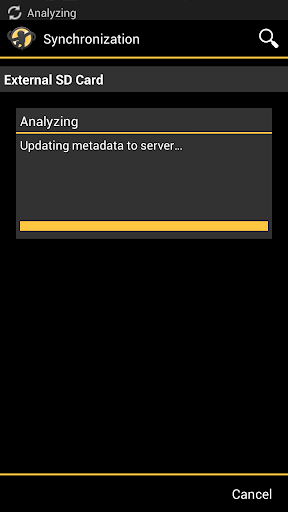
• Wi-Fi Sync: wirelessly sync your device's library (incl. ratings, play history, volume levels, etc.) with your Windows PC
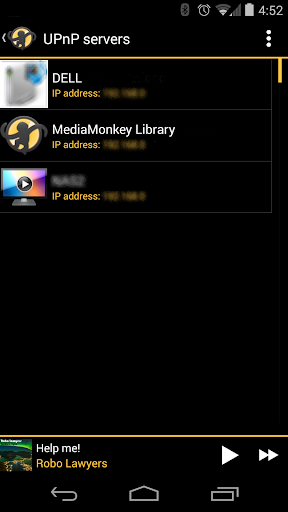
• UPnP/DLNA: play / download content from UPnP/DLNA servers
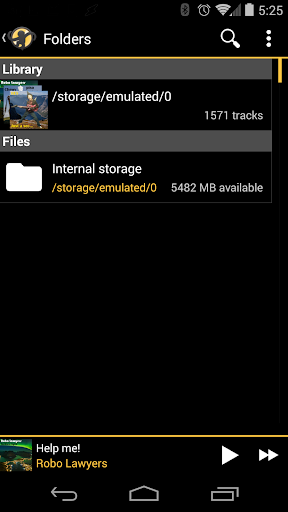
• Folder browsing: navigate your library using the device's physical file hierarchy
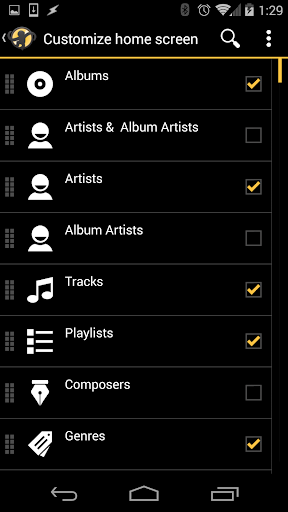
• Configurable home screen: customize what content appears on the home screen
And more...
MediaMonkey Pro acts as a license to unlock these features in the free MediaMonkey app, and removes the 15-day trial limit for individual builds of MediaMonkey Beta. You will need to install
MediaMonkey
or
MediaMonkey Beta
first.
Thanks for supporting the ongoing development of MediaMonkey!

What's New with MediaMonkey Pro 1.3.0017

Improved compatibility with newer versions of Android.

Information

  • Category:
    Music & Audio
  • Latest Version:
    1.3.0017
  • Updated:
    2020-04-29
  • File size:
    52.6KB
  • Requirements:
    Android 4.0.3 or later
  • Developer:
    Ventis Media, Inc.
  • ID:
    com.ventismedia.android.mediamonkeypro
  • Available on:
Reviews
  • avatar
    I have been using MediaMonkey for all my Android devices for several years, and have had no problems. The GUI gets better and better. As mentioned below, it is not 100% gapless, but the gaps are so brief that you have to listen hard to notice them.
    2024-02-24 02:17
  • avatar
    Fantastic
    2024-02-24 12:11
  • avatar
    Great mobile and desktop apps. Work well together. Fast and reliable sync. Good Android remote for desktop too. Only possible improvement for me would be Airplay support for my hybrid environment.
    2024-02-23 07:39
  • avatar
    Does exactly what I want it to do - play music and sync playlists from my PC .
    2024-02-22 04:34
  • avatar
    Got me out of a big hole coming from an IOS device with no clue as to Android and music syncing and playing
    2024-02-22 01:02
  • avatar
    The UI is useable, albeit overcomplicated in a lot of ways. The app has all the features I wanted in a media player, but the sync from my PC to my android phone was essentially impossible. I sunk hours into trying to get it to work - from USB, to Wi-Fi sync, and even using an external SD card. I just couldn't make it work, and it's now the reason I'm now looking for a different service.
    2024-02-21 12:13