

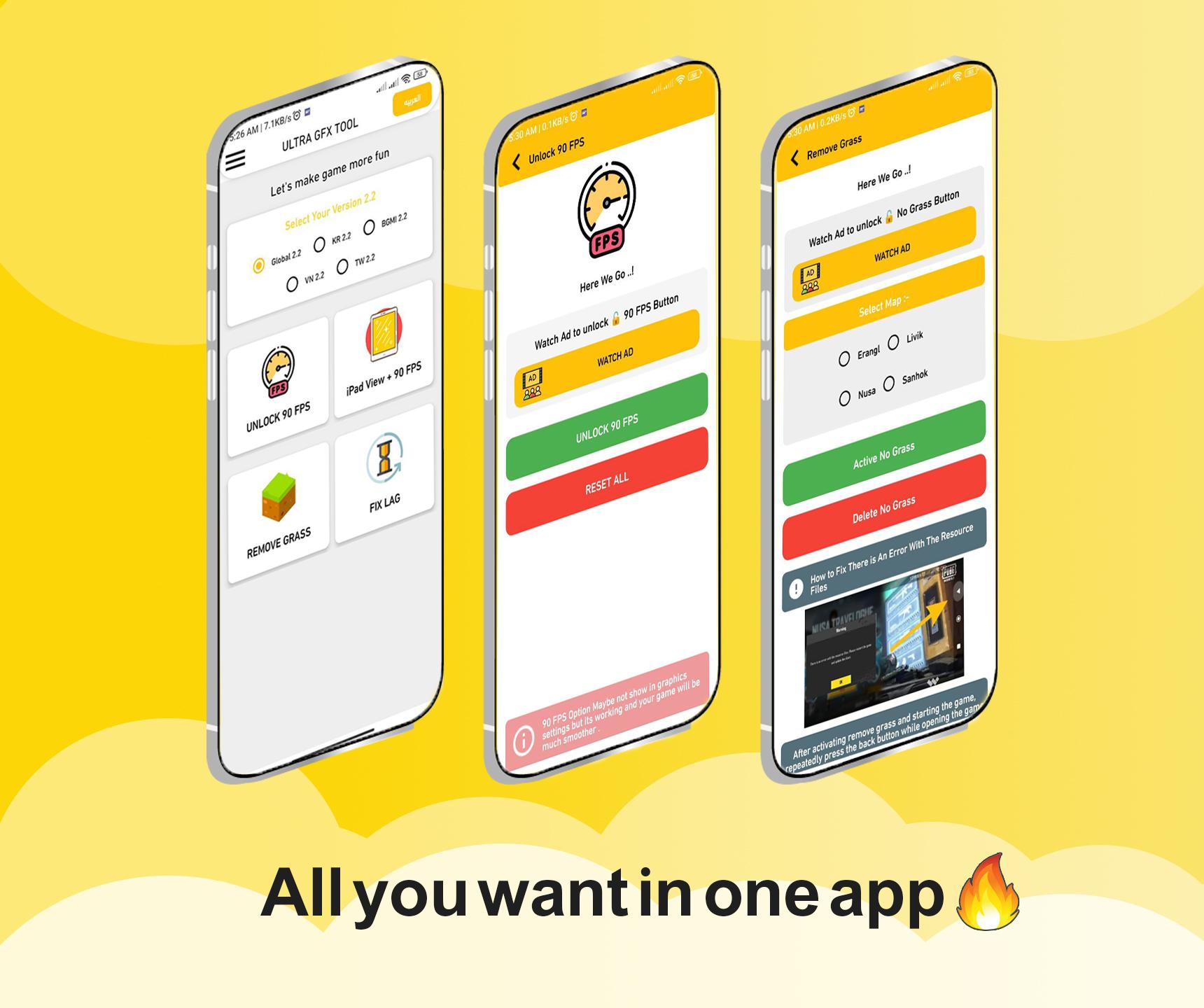
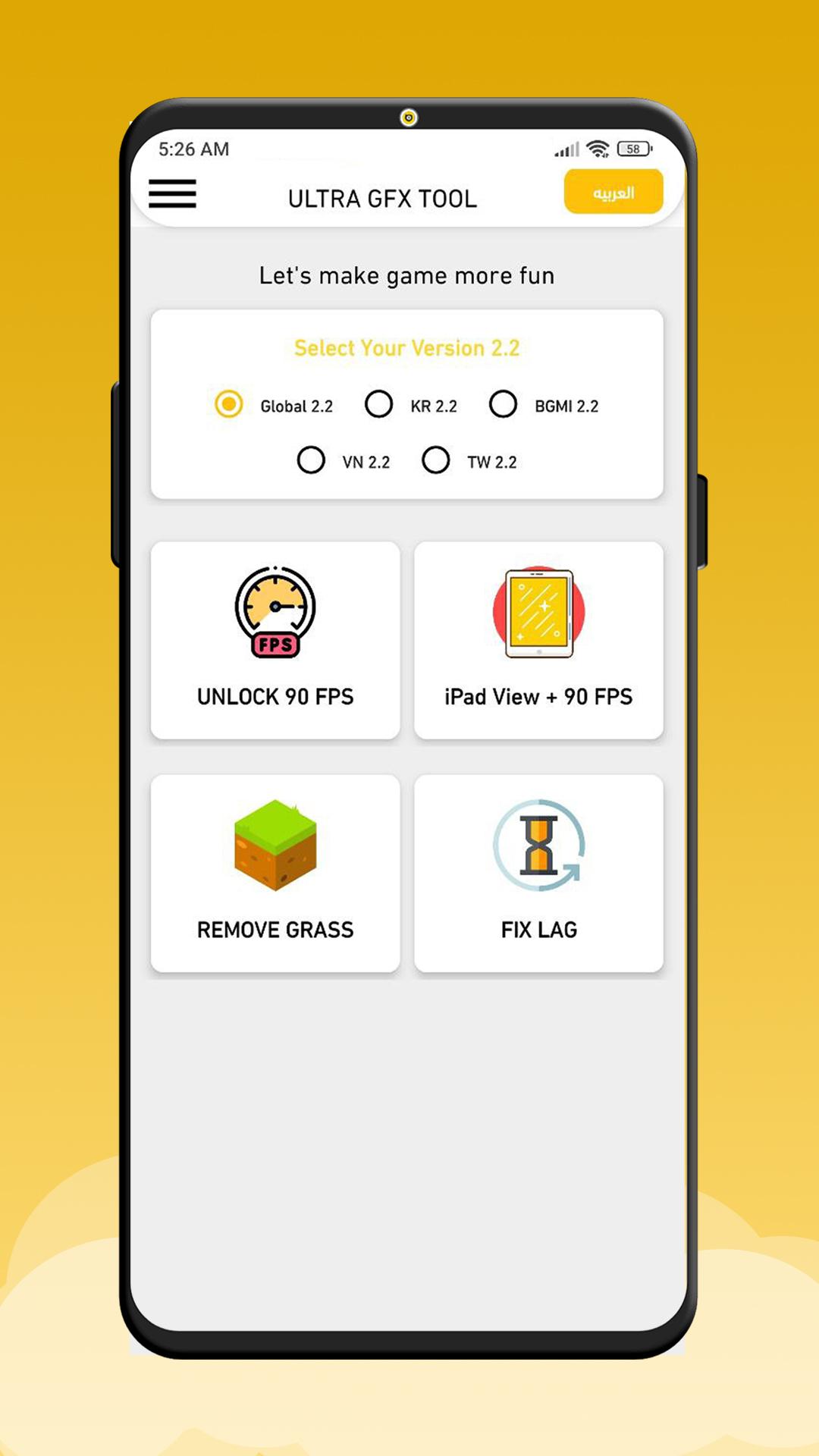
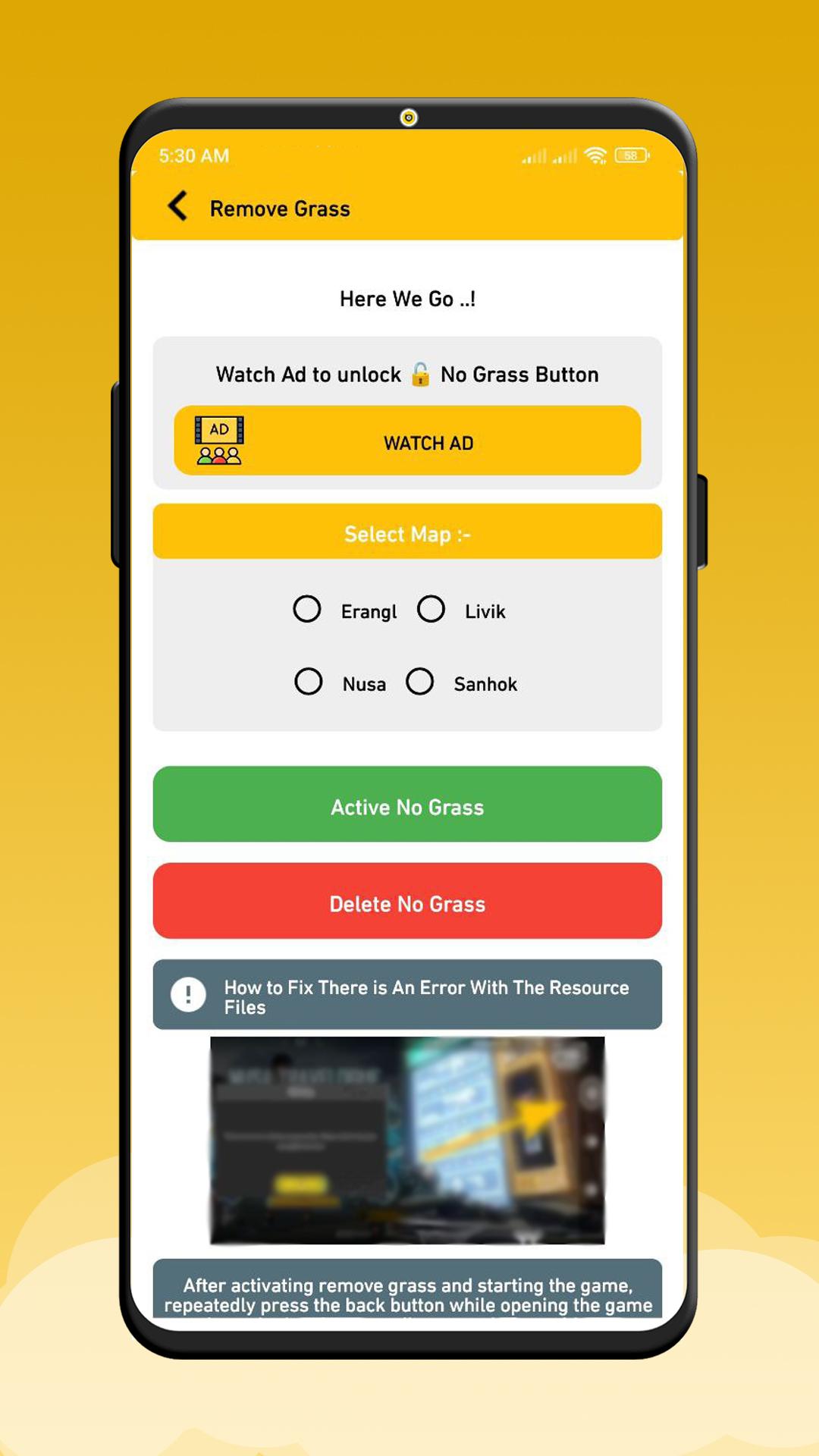
GFX Tool is a free utility launcher for FPS games where you can fully customize the game graphics according to your desires for smooth game experience.
YOU CAN UNLOCK
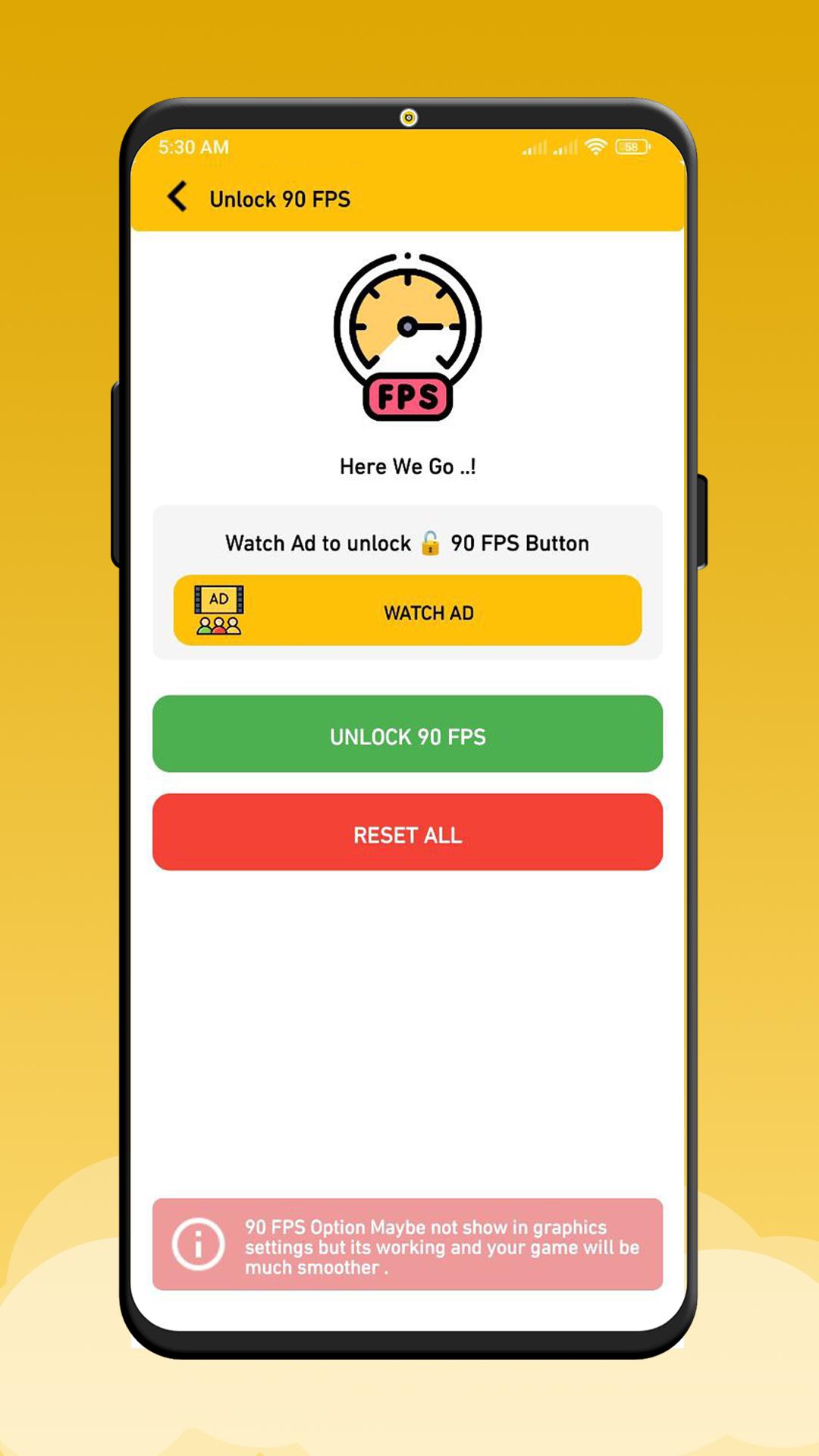
Smooth 90 FPS
Balanced 90 FPS
HD 90 FPS
HDR 90 FPS
Ultra HD 90 FPS
Remove Grass
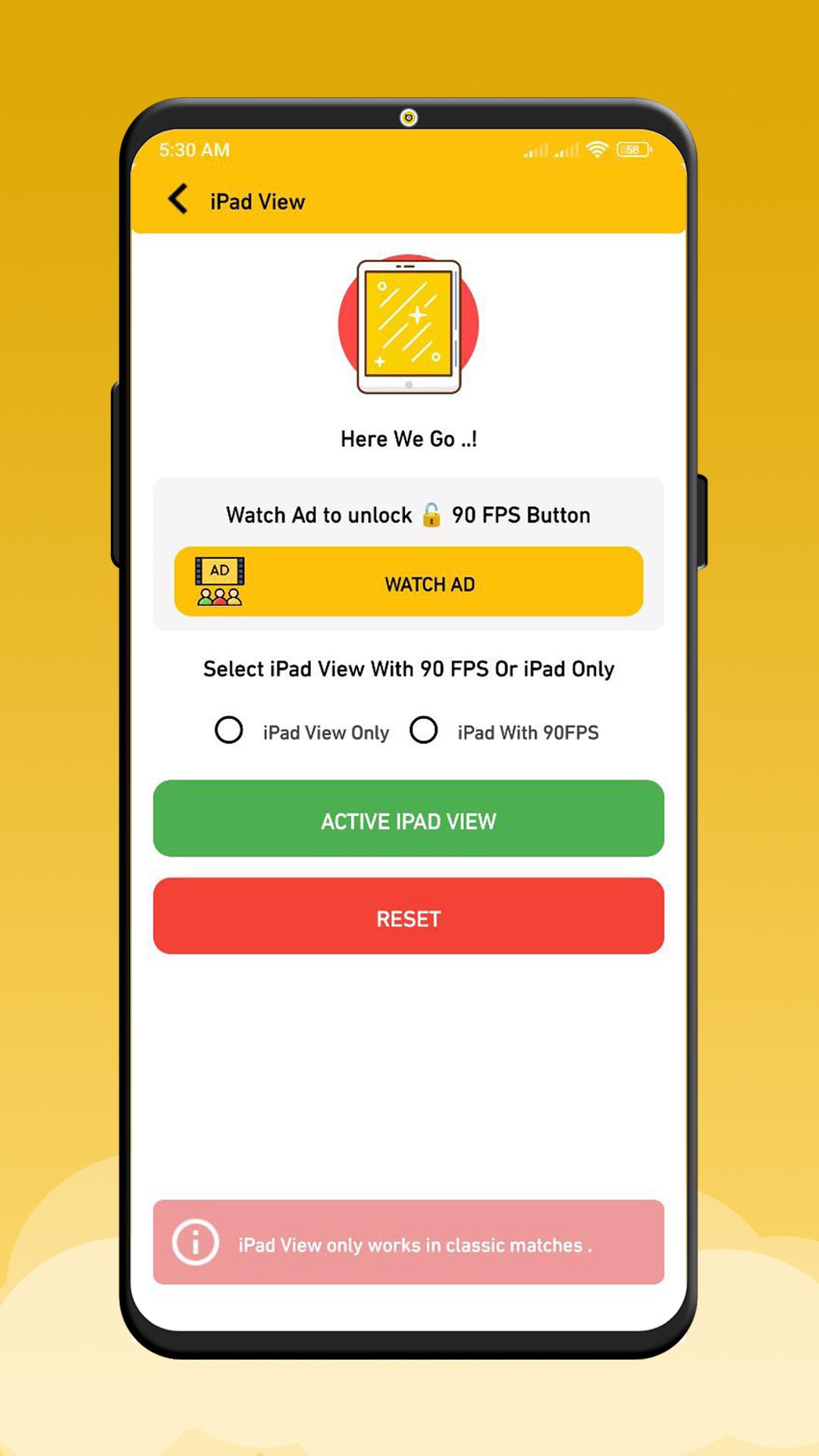
iPad View
App features
✅ Android 11 Supported.
✅ For Global,Korean,BGMI
✅ Unlock HDR graphics and all FPS levels
✅ All Version Supported.
How to use our GFX Tool
1- Close game if it’s currently running before starting GFX Tool,
2- Choose your version of your game,
3- Customize the graphics according to your desires and device capabilities.
4- Once everything is set, click on Apply button and Run Game!
DISCLAIMER: This is an UNOFFICIAL application for specific games.This application is not associated in any way with other brands and developers.
*All trademarked names and images are only used as references and we do not intend to violate or take ownership of these names and images, If you still feels that we have violated your intellectual property rights or any other agreement, please contact us by e-mail at gfx.pubg.vt@gmail.com, we will immediately take the necessary measures. Thanks
New update for v2.5
• 90 FPS ( if support )
• Remove Grass added
• Black sky added
• iPad view added
• HeadShot added
• Fix Lag



9Apps 4.9














