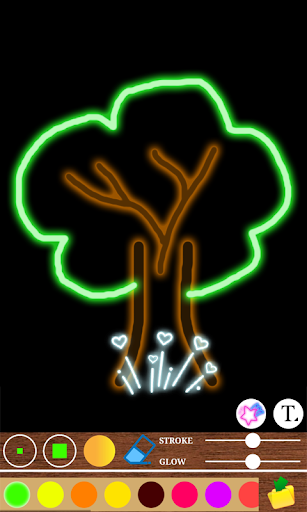
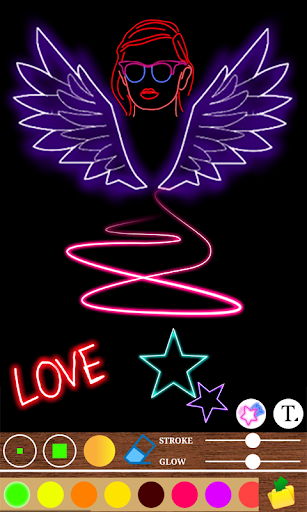
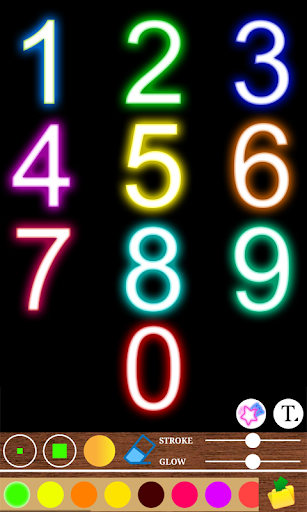
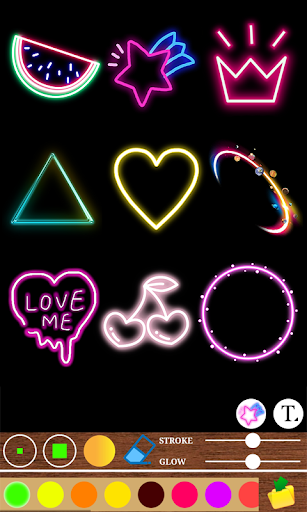
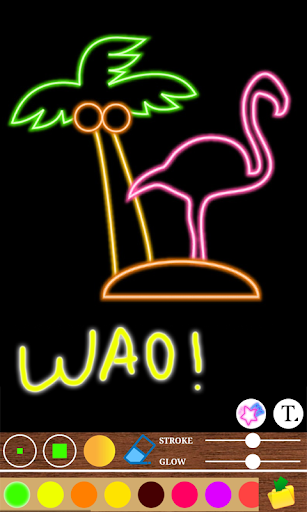
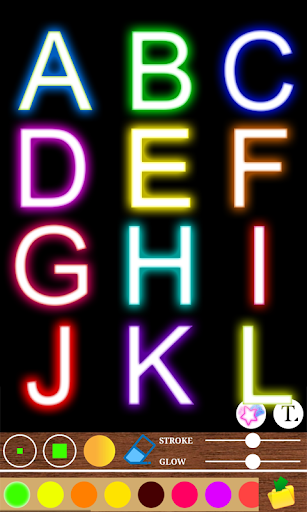
Magic Slate Neon Effects app contains on learning and help to practice drawing images with beautiful multi colors & write letters and numbers. write alphabets with different neon color effects. magic slate may develop interest in painting with brushes & creative thinking.
Magic Slate drawing and writing board with multicolor. A digital slate where you can write, draw and clear. Kids can learn drawing or writing alphabets and numbers. Kids can begin their study with this amazing app. Multiple brush sizes are available to choose. Eraser available to rectify errors. Multicolored pallet available to choose and draw painting.
Real slate to practice for adults, kids, children i.e all ages. Now you will have feel of writing on the slate. The colorful magical effect on the slate makes it an extraordinary Magic slate. Enjoy writing.
◼ Easily remove or Clean board by single click
◼ First realistic blackboard on your mobile device
◼ You can play different game on slate like Tic Tac Toe etc
◼ You can Learn, Teach and Practice Educational things
◼ You can Draw and Sketch of any Idea that comes in your mind
◼ Write Letters, Alphabets, Digits, Numbers, Barakhadi and many more
◼ Using Blackboard - Magic Slate Parents can play with their kids and teach them
◼ Instead of playing games this learning app plays very important role in lives
◼ Create Drawing
◼ Undo/Redo for drawing
How to use the App?
1. Start writing alphabets and numbers by dragging the finger on the slate
2. To change color-> click on any color then the particular color will be selected
3. To change brush-> Click on the brush icon and select any brush types from the list of brushes
4. To Erase-> Click on erase icon
5. To Undo & Redo-> Click on Undo for undoing any action. Same as click on Redo to get the undo action back again.
6. To Save-> Click on three dots option at the right hand bottom corner then select save to save the image
7. Click on Delete button at the right hand bottom corner to erase the writing on the slate
8. To Set as Wallpaper-> Click on the three dots option at the bottom right corner and select Set as Wallpaper option to set the image as wallpaper of the mobile







9Apps 4.9