

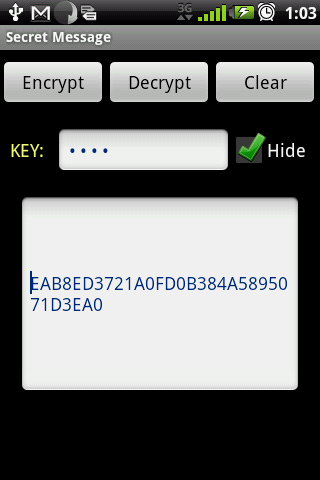
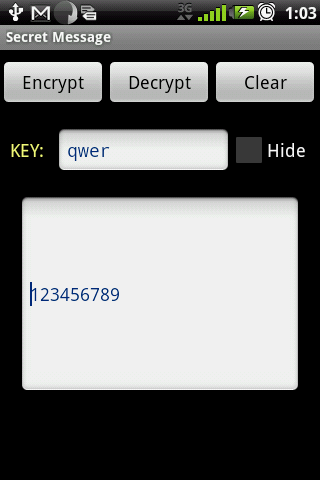
Have you ever wanted to send a secret message to someone?
Now you can easily use Secret Message to encrypt your facebook, emails, messages, notes, appointments, etc.
Secret Message utilizes the best secure AES encryption to ensure your messages is safe from prying guys.
* How to use
Encrypt:
1. Type or paste text that is to be encrypted.
2. Enter a key (password), and click the "encrypt" button.
3. Copy the scrambled text which can be save in applications, blogs or sent to someone.
Decrypt:
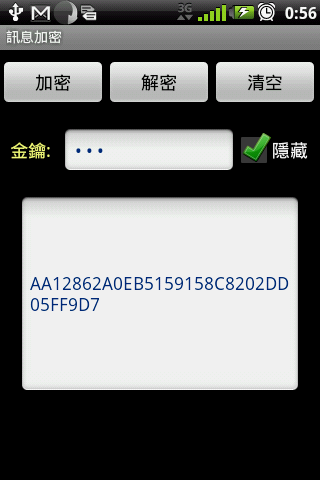
1. Paste the scrambled text to textbox.
2. Enter the key (password) and click the "dncrypt" button.
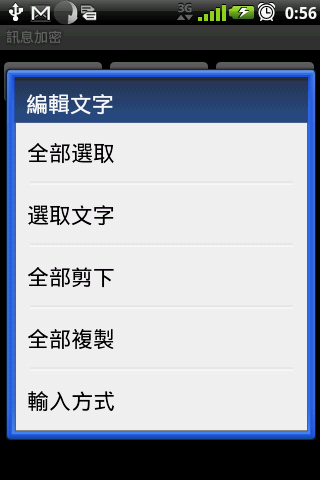
Copy or Paste text:
1. long-click the text box, select "Copy" or "Paste".







9Apps 4.9














