
Features of AC DVD Remote Control- Universal Remote Control
* Easy with simple design
* Support the most Air Conditioners devices
* Remote ac via infrared (IR) blaster technique, don't need to connect your devices with Internet
* Simple ac remote to change temperature or fan speed etc...
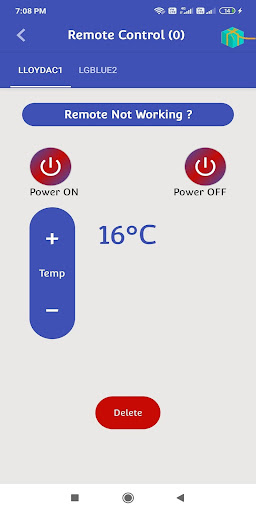
- On Off
- C° / AC
- Menu button with up / down and left / right
- Up / Down temperature control
- Change the AC operation mode: cool, fan, dry, heat
- Change Temperature
- Change the fan speed: low – high
- Change Mode of the AC
- Set the swing of the AC
- Set switch On and Off timer of the AC
- Switch On or Off the turbo mode of the AC
- Get to know the time left for the AC to get switched On or Off
- Sleep Option
How can use the AC DVD Remote Control- Universal Remote Control application ?
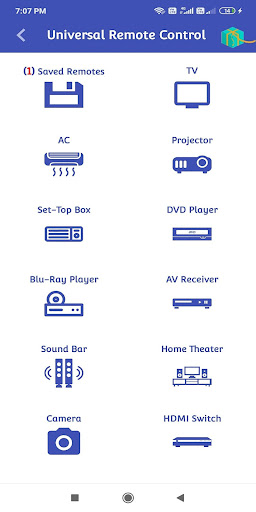
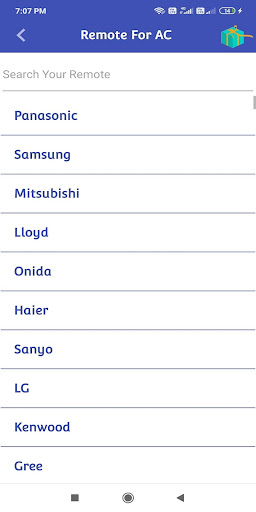
1- After download this Air conditioner Remote Control application , the first step is to choose your Air Conditioner brand name in the list .
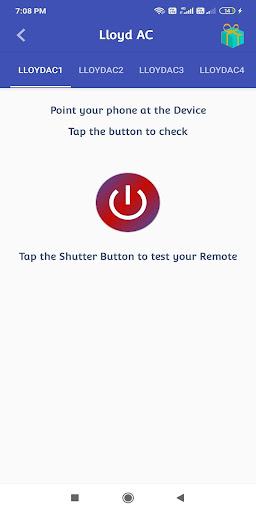
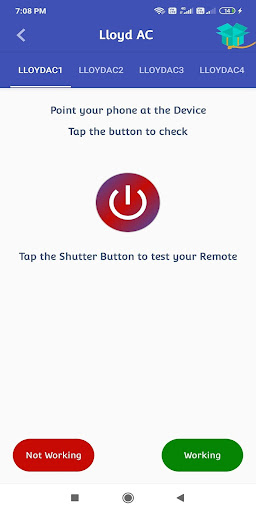
2- After you select the brand name , test all universal remote control ac supported by this app to find the compatible remote
3- When you find it click ok then rename and save .
- Fix Issue Existing Remote
- Add New Remote
- Improve App Performance




9Apps 4.9














