

File Manager: fully featured file explorer (Root Explorer) & app manager to help with file transfer, accessing files and document management.
File Manager is a free, secure tool that helps you find file faster, manage files easily, and share them offline with others. It supports tons of cool features: quick search, moving, deleting, opening, and sharing files, as well as renaming, unzipping, and copy-paste. File Manager also recognizes multiple file formats, including music, videos, images, documents, APKs, and zip-files.
This is the solid explorer And root explorer files app, its so cool file manager android app that provides usage manager, storage manager and a lot of releven features.
(Features)
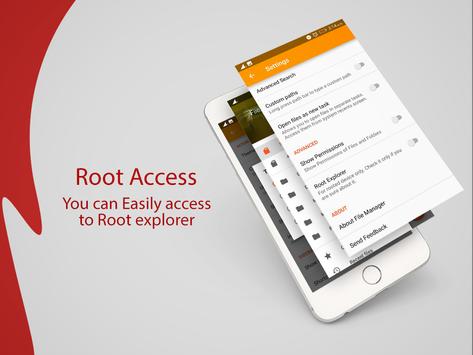
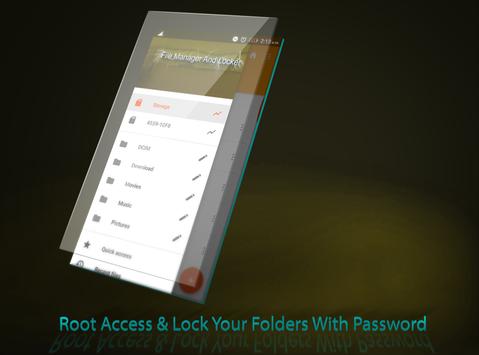
•Root Access (Root Explorer)
•Document organizer for my documents, document storage: Manage all document files in device. File formats: doc, ppt, pdf, es...
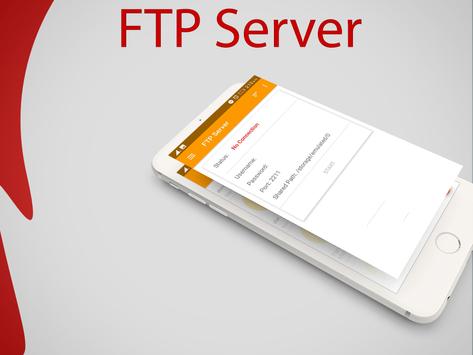
• Ftp file transfer protocol with ftp server in app & ftp client in web file browser
•Sd card manager android tool: Tools for sd card manager like: usage volume, copy, cut, paste, move files & send to sd card
•Browser files easily by category: documents and data, images, videos, music, applications, downloaded, and favorites.
•Apps : You can see and manage all applications installed on your local device.
• Internal image viewer
Internal music player
Internal text editor : You can choose to use built-in utilities for faster and better performance.
•File search :The optimized search engine of file explorer will find file in internal storage and SD card in 1 second. And users can browse files by category, e.g. image, music, video, apps, etc.
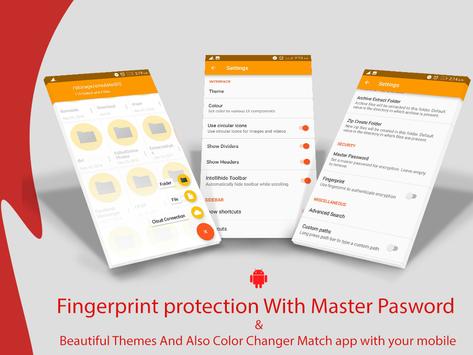
• Master pasword: With master password you can maintain your privacy and creat
your Secure File Manager.
• Folder pasword: You can set password to each folder which is personal and you want to have your own privacy.
• Hide & show folder
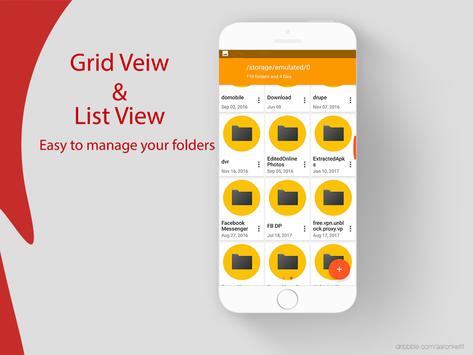
• Grid view and list view
• Themes & Color Change
• Search and share files
• Support file shortcut on Home screen for easily access




9Apps 4.9














