
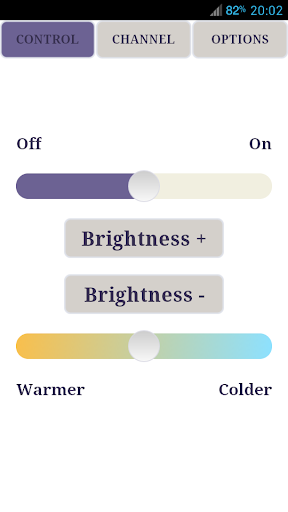
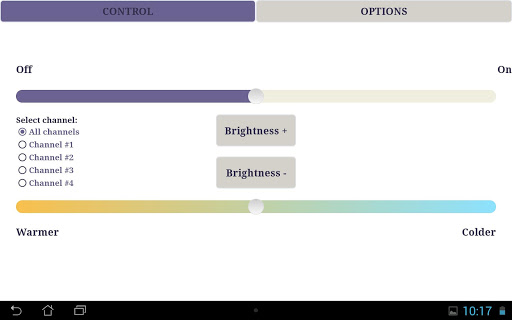
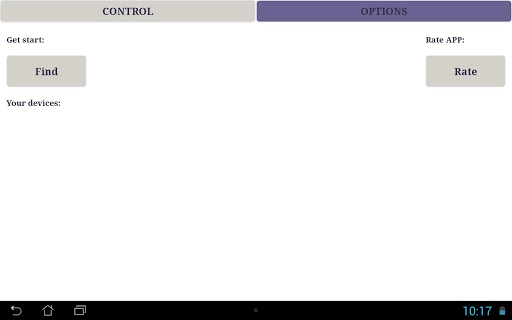
The app allows you to control LED bulbs or LED strip with Mi-Light (LimitlessLed, Easybulb) controller.
Features:
- Smooth control of color temperature and brightness
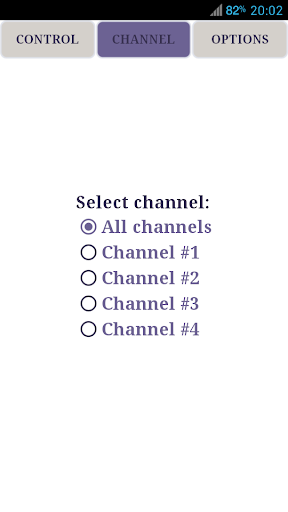
- Operating with four channels
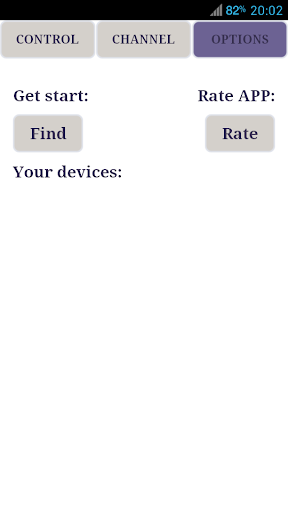
- Simultaneously operating with all controllers via broadcasting or separate IP address
- You can assign the name to each controller and each channel
- Linking the lamps to the controller *
- Linking the controller to the WiFi network **
This app works with white LED bulbs or strip only. The app does not yet support RGB or RGBW-lights.
* - To sync:
1 .Switch off the power to the socket of the bulb that you are going to sync.
2. Switch the wall switch back on, and within 2 seconds,
click one of the group ON buttons.
3. The lamp will blink 3 times to confirm it is securely synced.
To desync:
1 .Switch off the power to the socket of the bulb that you are going to clear/reset.
2. Switch the wall switch back on, and within 2 seconds, quickly press 5 times the “All On” button or “Channel On” button.
3. The LED bulb will blink 6 times to confirm that it has now cleared/reset.
** - Standard WiFi settings : WPA2 PSK, AES encryption





9Apps 4.9














