


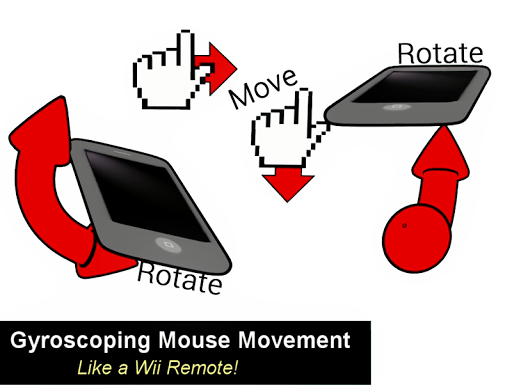
MouseDroid is a wireless computer mouse controller that lets you move your PC cursor by rotating your phone (like a Wii Remote).
MouseDroid uses your phone's Gyroscope and Accelerometer to track motion in 3D-space, using a complex algorithm that offers maximum smoothing and motion control for best performance.
* * * *
FEATURES:
• Accelerometer rotational mouse movement
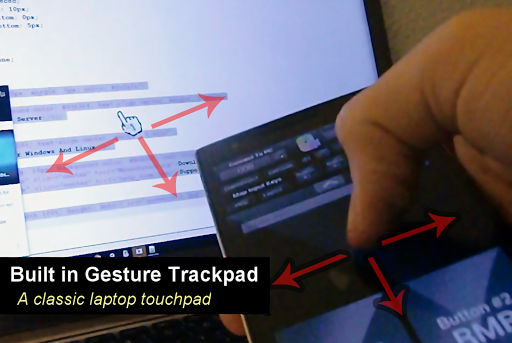
• Classic gesture trackpad included
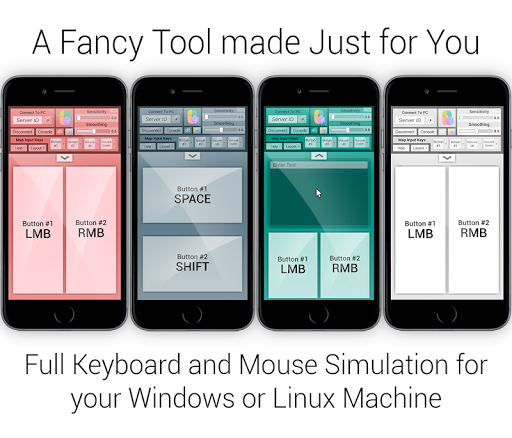
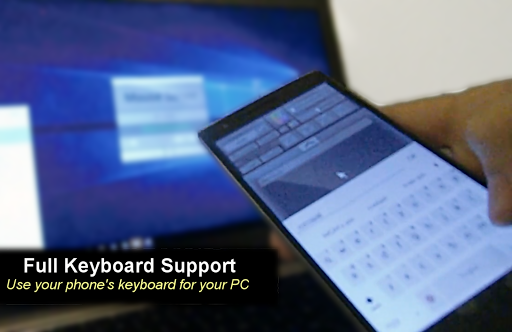
• Keyboard input
• Fully mappable buttons and volume keys
• Additional Windows pointers for presentations, games, etc.
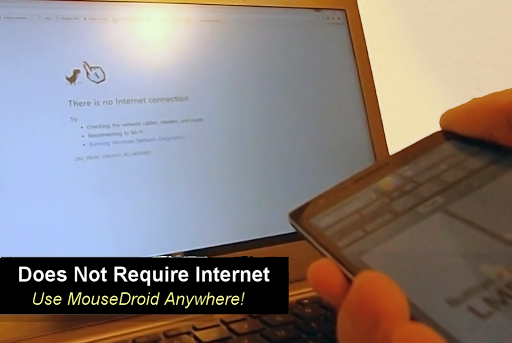
• No Internet required
• Smooth input
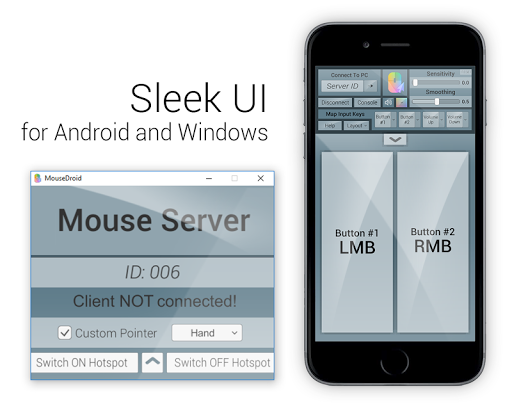
• Customizable UI with fancy themes
• Compatible with Windows 7 and Linux 2.2
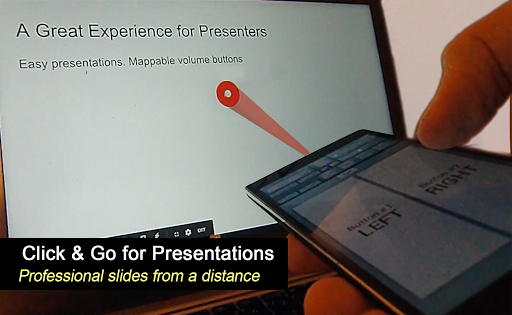
• Great for presentations and games
TO USE MOUSEDROID
1. Visit http://mousedroid.ml
2. Download the MouseDroid Server program
3. Connect to the same network, type the server ID (last digits of your PC's IP), and connect!
* * * *
Use MouseDroid to create memorable presentations by pointing out everything and controlling your PC from afar, or perhaps use it for Wii simulators and other games. The options are endless.
No need to use that pesky laptop keyboard anymore:
Get wireless input with MouseDroid!
MouseDroid Released!




9Apps 4.9













