
TV Cast & Screen Mirroring is the most powerful and smart app for broadcasting your Android screen and audio in real-time speed.
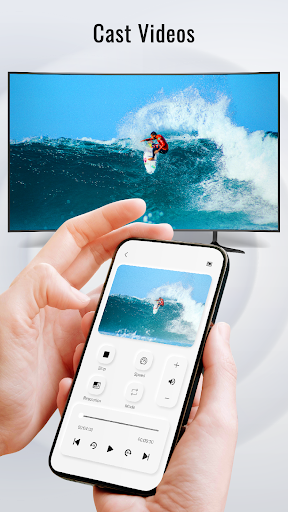
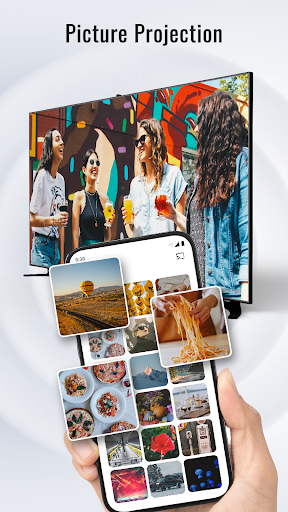
Cast all images, content, and videos from mobile to TV.
Features of "TV Cast & Screen Mirroring" app:
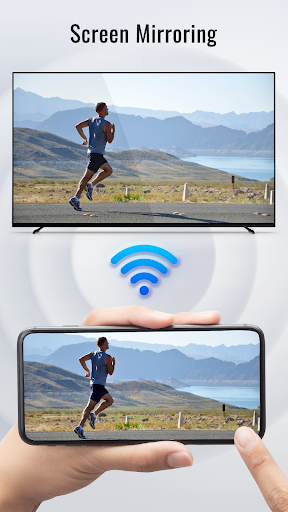
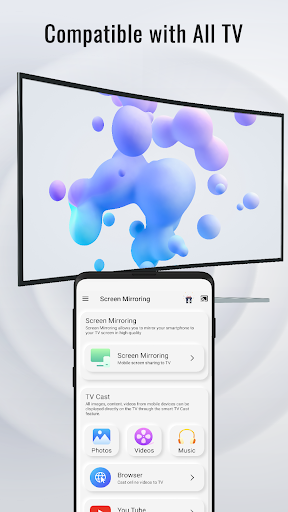
☆ Screen Mirroring: Screen Mirroring allows you to mirror your smartphone to your TV screen in high quality
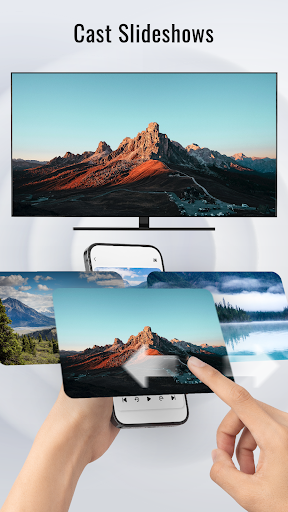
☆ TV Cast: All images, content, videos from mobile devices can be displayed directly on the TV through the smart TV Cast feature.
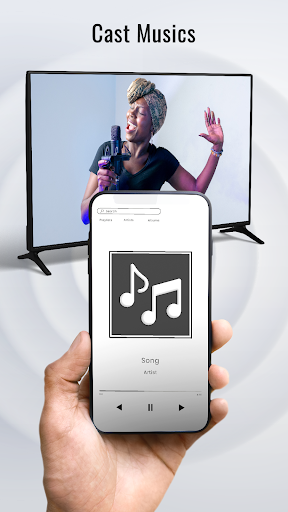
☆ Experience music, playing the game on the bigger screen.
☆ Display all content in the smartphone screen to TV
☆ Media Player: play videos, music, photos on screen sharing anywhere cast to your smart TV
How to Cast to TV:
• Make sure your phone and tv are connect to the same WiFi.
• Enable the "Miracast Display" on your TV and "Wireless Display" on your phone.
• Click the "Connect device" button and choose your device that you want to show your screen on.
All done, just enjoy on the bigger screen.
☆ Screen Mirroring
☆ TV Cast: Cast Video, photos, audio




9Apps 4.9













