

This is the best Korean Soft Keyboard ever!!
(Type trace effect, Multi tool bar)
You don't need to look up and down between Text screen and Keyboard any more.
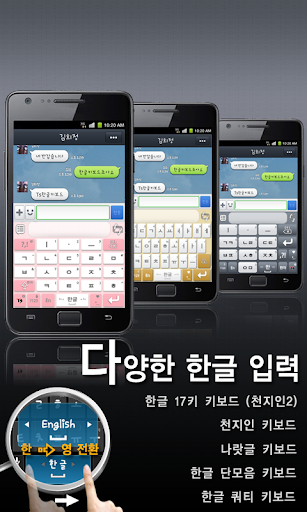
●Try this Korean 17 Key Layout Keyboard!
- It's convenient to type with wider buttons. More intuitive & simple! No need to learn! Just type as you want.
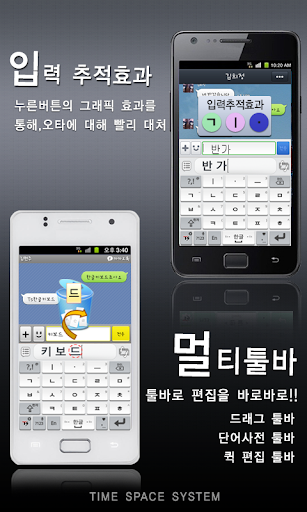
●Type trace effect helps you to correct the mistyped letters quickly!
- You can quickly recognize mistyped letters and correct them with visual effects of touching buttons.
●Try this convenient Multi Tool Bar!
- You can type with fun and convenience with Multi Tool Bar's various sub tool bars.
Meet an Easier, Simpler, more Intuitive Hangul Keyboard.
You can feel a real fun to type with those various auxiliary tools in Multi Tool Bar.
★Main Features
*Korean 17 Key Layout
*Type trace effect
*Multi tool bar
- Drag Tool Bar : You can Move letters left and right, Delete letters, Move cursor easily in typed words.
- Edit Tool Bar : You can COPY, CUT, PASTE, SELECT, SELECT ALL for the typed words.
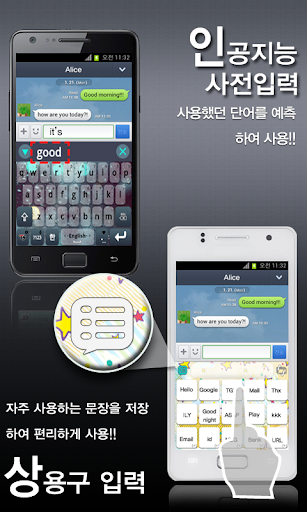
- Dictionary Tool Bar : It helps to type in Korean & English with showing candidate words.
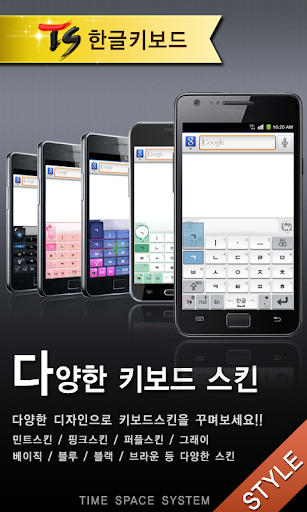
*Selective Skin (Basic, Gray, Brown) : No More use the old fashioned keyboard layouts! It supports 3 fancy skins.
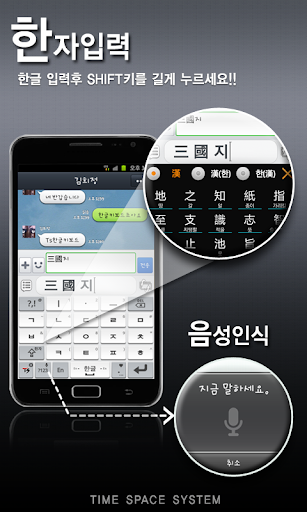
*Voice recognition : You can enter words with your voice.
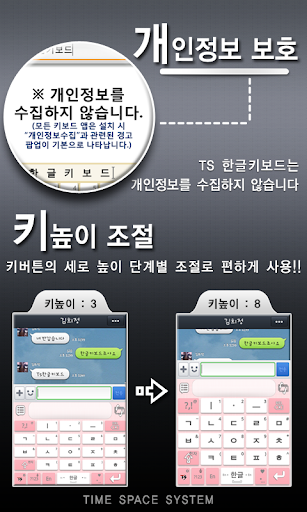
*Key Height Control : You can change the buttons' height for your finger size.
*Delete Words with Gesture : Try to swipe from the right to the left on the word to delete. You can find how easy to delete words.
*Report Bugs : Easy to contact with us, report bugs and requests at Setting's mail to menu.
★How to install
- Settings -> Language & keyboard -> Select 'TS Hangul keyboard' -> Long touch at any text input box -> Select 'Input method' on the edit menu -> Select 'TS Korean keyboard'


![[Cozy ASMR] 2h typing on 5 different keyboards ☁️ screenshot 2](https://i.ytimg.com/vi/l4XclA2-FKg/mqdefault.jpg)






9Apps 4.9














