
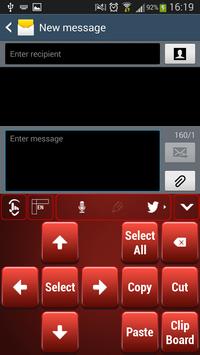
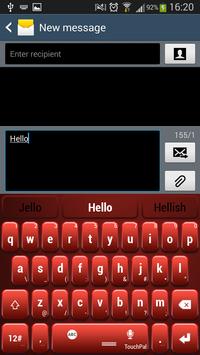
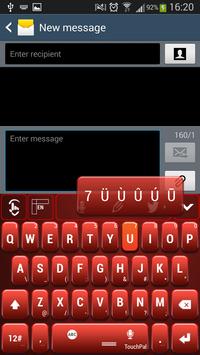
How do I apply?
1. Download Red Keyboard
2. Open
3. Click Apply theme
4. Select Red Keyboard by clicking Enable
5. Enjoy!
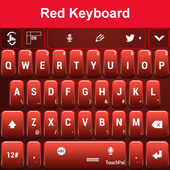
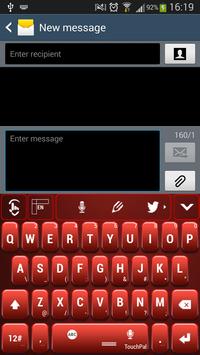
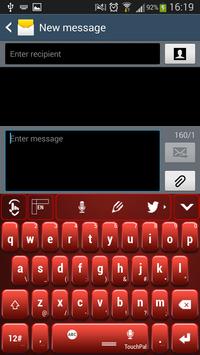
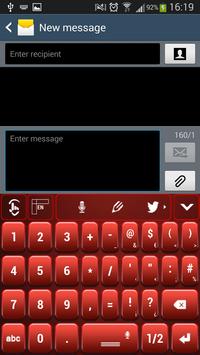
Do you like to be the center of attention and attract everyone's admiration? Then a red, bold look is the perfect one for you. If you like strong, vivid colors then the
Red Keyboard theme is just perfect for you. Show off your strong character and passionate side by customizing your gadgets with a Red Keyboard theme, that will help you express yourself so easy. This
Red Keyboard theme looks gorgeous and it will make you the center of attention, no matter were you are. Choose to be different and chase away the dull moments with the new
Red keyboard theme.
Fixed apply button


![[Cozy ASMR ☁] typing on 9 different Keyboards (no mid-roll ads) screenshot 5](https://i.ytimg.com/vi/U7Y50T7NKyw/mqdefault.jpg)

9Apps 4.9













