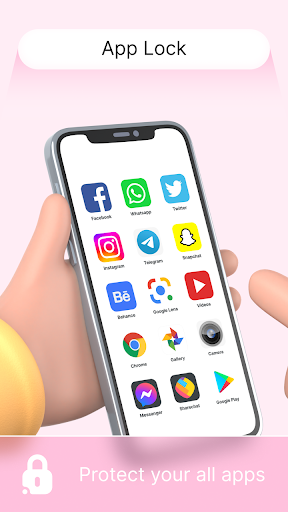
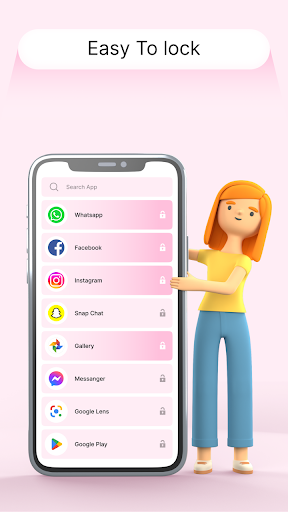
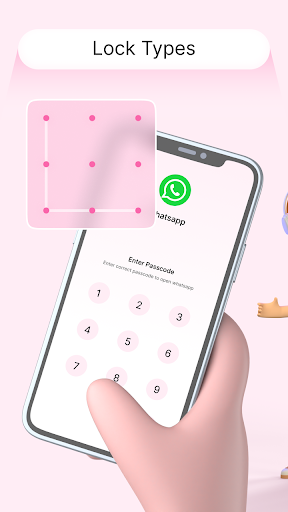
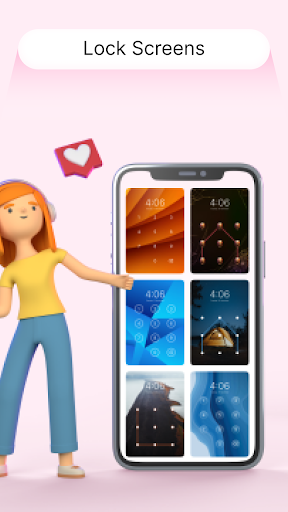
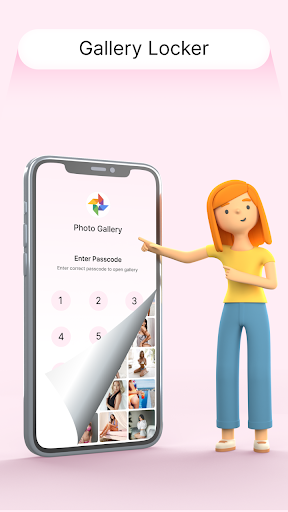
This Applock Pro - App Lock & Guard application gives you a brand-new method to use your phone's Live Time lock screen. Just use a special key code in the 0 to 9 range and a spot you choose in the screen image. With the lock screen's original, varied, lovely fonts, and many different customized to fulfill all your needs, it will help offer you a safe phone that has character.
👉Are you concerned that revealing your PIN may allow someone to use your phone?
👉The solution is here: Screen Lock - Time Password (Dynamic Password).
👉You may change the lock screen password on your phone to the time of day.
👉The password is also changing constantly, making it impossible for anyone to even guess it.
Currant Time zone Password Lock Screen Features:
Current Time is the locker password. Enter
Stunning and stylish Version.
To unlock, type in the pin.
Enable or disable vibration.
Screen lock password
The wall covering can be changed.
Both 12- and 24-hour forms are accepted.
One of the greatest, easiest, and safest tools is the time password phone lock.
Pick your own themes and backdrop for the lock screen.
Choosing from the gallery or using HD screen wallpaper is an option.
The password for your lock screen is the time right now.
A compact device that consumes less power and memory.
Almost all Android devices are compatible with Live Time Lock Screen.
All screen locks are displayed and shown in real-time.
Your voice lock screen's font style can be changed.
Modify the time and date colors.
How to AppLock Screen - Current Time Passcode Lock to lock screen?
Go to permissions in the Security App.
Choose the permissions option. Screen Lock using the Time Password Give each and every permission.
Re-enter Permissions Screen Lock to Auto Start -> Allow Time Password -> Auto Start.
Get App Info and Request Permission Permit anything.
Permission:
Read external storage and phone state.
Draw over other applications.
Any feedback you have is always welcome so we can make the software better and please all users. Please get in touch with us if you have any issues with the Screen lock - Time Password App. We'll reply as soon as we can.
Download now!!
Thank you…

9Apps 4.9