
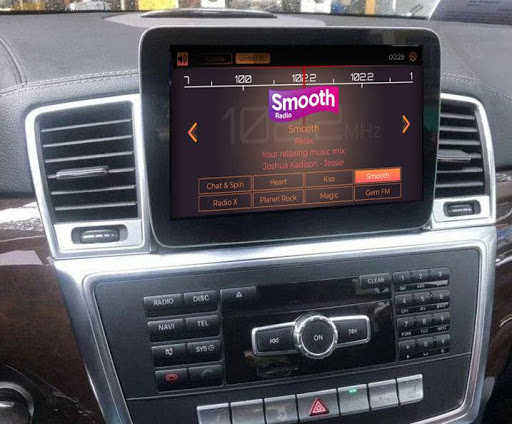
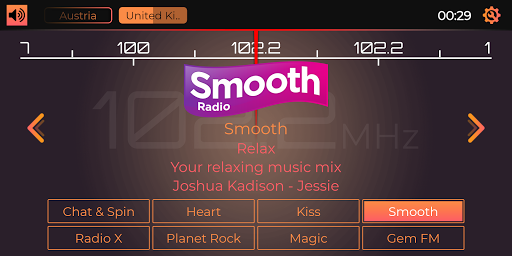
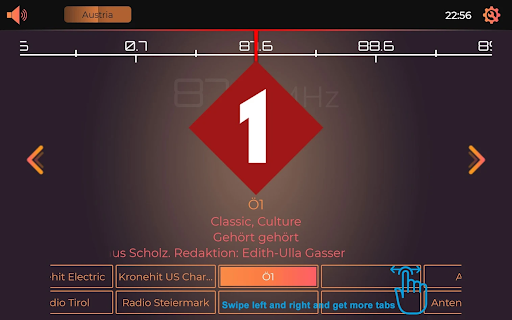
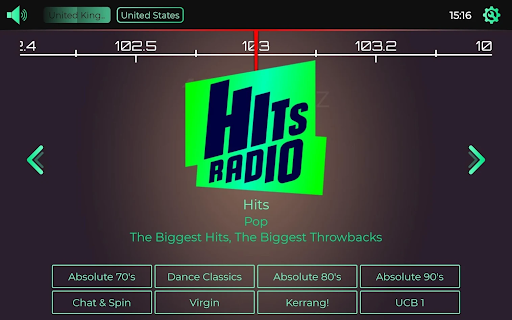
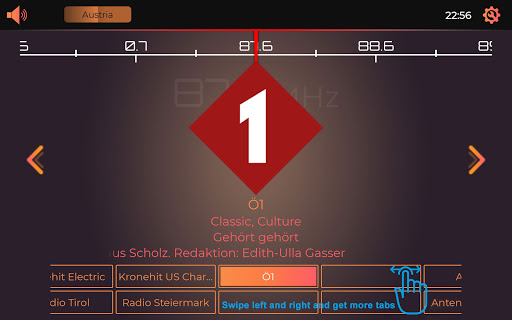
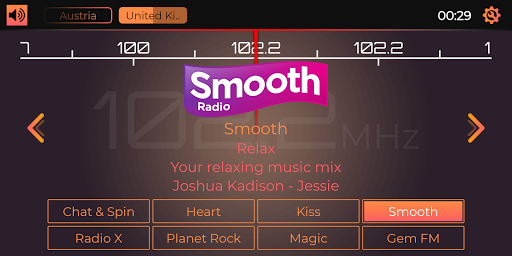
Online Radio designed specifically for Android Car Head Units to MIMIC an FM radio.
"RDS" / "Playing Now" displayed (where available - The radio station sends it, or not!).
Free version allows listening to stations of one country! This is for TESTING the app, before you buy it! You can unlock all the stations available by purchasing the full version.
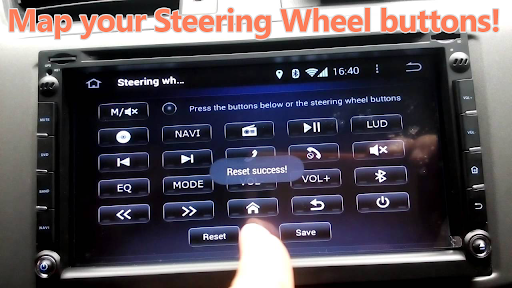
Steering Wheel buttons " " and "- "or "UP" and "DOWN" control the switching of stations within the actually displayed country. Buttons Fast Forward and Fast Rewind control the switching between saved favorite stations. You have to map the buttons in your Head Unit!
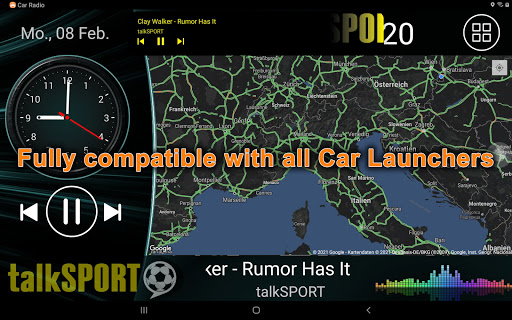
Can be used in Car Launchers!
The app is meant to be used on 2 Din Car Stereo Head Units, like Joying or MTCD PX5 car audio sound devices.
Based on the app's nature and reason to exist, it is not desired to add thousands of stations and playlists to it.
We could load all the stations of the world into the app within a second, but we won't do it.
If you want an app that has thousands of useless playlists in them, which you never listen to, but have to scroll through every time, then please try another app.
If you want a quality app that has the most listened, high quality stations in it, then you don't need other apps, but this.
We have stations from all around the world and we are adding new countries and radio stations continuously.
If you don't find your country and/or your favorite radio station, you can ask for it inside the app or you can contact us at "support@carradio.live" with the country and the name of the requested station.
1. If you ask for a station that is already in the app, but you just didn't find it, we will ignore your request.
2. You have to make sure that the station you ask for, has a licence to broadcast over the internet, which means, you need to make sure that there is actually an online version of the station and there is a live stream available. If you ask for a station that has no live stream, we will ignore your request.
3. You have to make sure that you provide the official, unique name (call sign for USA/Canada) of the station you ask for. If we can not find the station or we find multiple stations with similar names and we can't decide which one you meant, we will ignore your request.
4. We won't add amateur radio stations, Sound Cloud streams, podcasts and playlists without real programming and commentators to the app.
5. Webradios without a frequency will be added at our discretion.
6. Religious radios will be added at our discretion. If you asked for one and it is not added within a week, then please do not ask for it again. The request will be ignored.
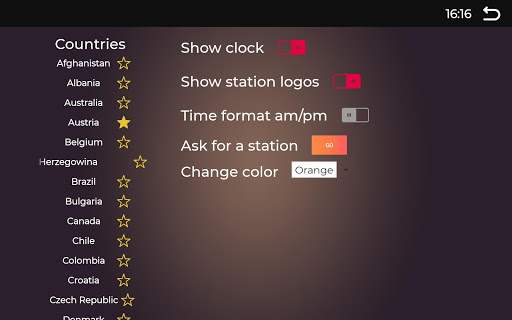
Countries available at the moment:
Austria
Australia
Albania
Bahamas
Belgium
Bosnia-Herzegovina
Brazil
Bulgaria
Canada (Geo Restrictions!)
Chile
Colombia
Croatia
Czechia
Denmark
Egypt
Estonia
Finland
France
Germany
Greece
Hungary
India
Indonesia
Ireland
Israel
Italy
Japan
Latvia
Lebanon
Lithuania
Liechtenstein
Luxembourg
Malaysia
Mexico
Montenegro
Netherlands
Norway
Peru
Poland
Portugal
Quatar
Romania
Russia
Serbia
Slovakia
Slovenia
Spain
Sweden
Switzerland
Taiwan
Turkey
UAE
UK
USA
Please visit our Facebook page: https://www.facebook.com/AndroidCarRadio
Please also join our Facebook group: https://www.facebook.com/groups/chineseheadunits
The app might not work on custom roms, like Malaysk!
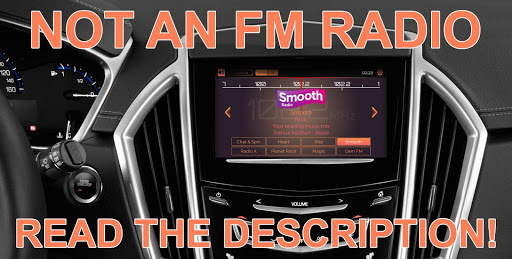
This is not an offline AM/FM Radio!
It is impossible to create an offline radio for Android without hacking the OS!
All apps on the Play Store that claim to be offline FM radios, are scam!
You will need a data plan to use this app.
In the EU your standard phone bill has several gigabyte of mobile data integrated.
You will need ~1MB for listening to the Radio for 1 Minute.
The app can also be used on devices, like Sony, JVC, Pioneer, Blaupunkt, Panasonic, Eunavi, Junsun, Dasaita, Asottu, Xtrons, Teyes, Isudar, Ownice, Wandefoo, Podofo, SilverStrong, Bosion, Pumpkin, Mekede, Hizpo, NaviFly, A-sure, AM Prime
- Number of stations per country added in options
- Bug fixes and performance improvements









9Apps 4.9














