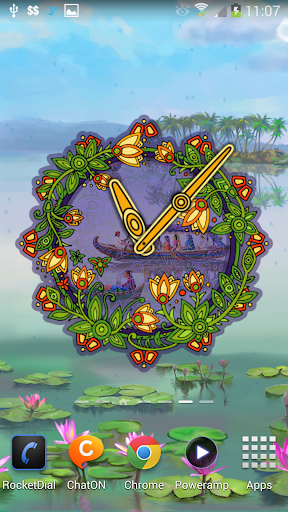
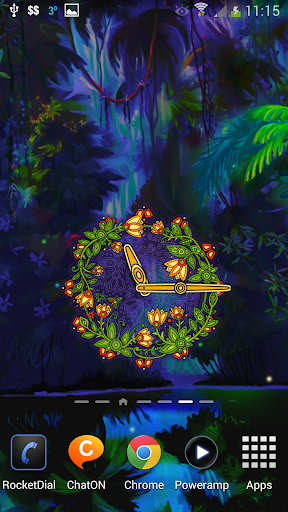
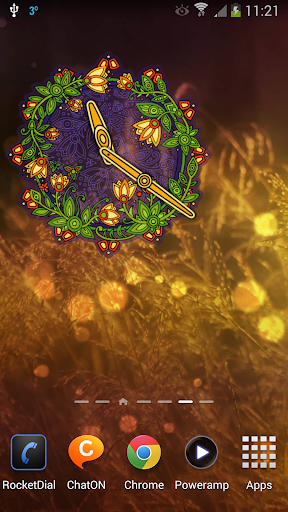
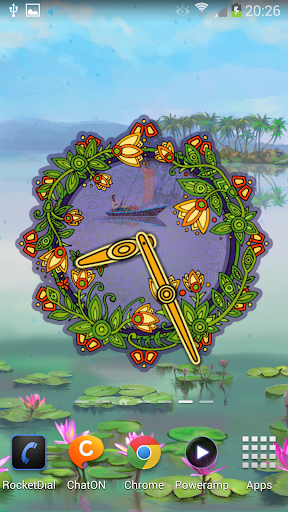
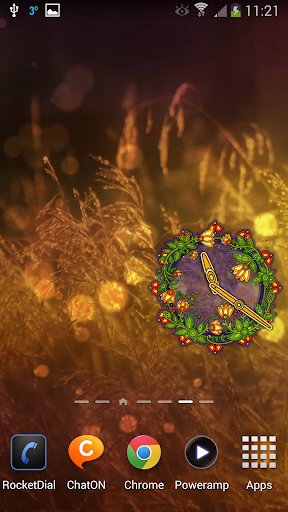
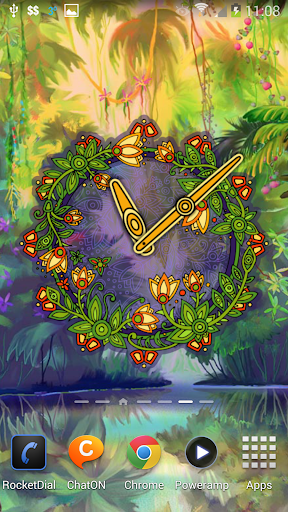
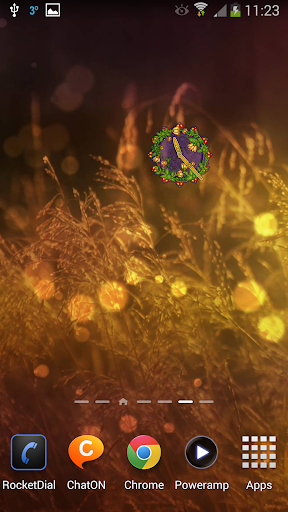

Bell Flower Clock Widget icon

Bell Flower Clock Widget

1.1.8 for Android
4.0 | 10,000+ Installs | Reviews

7art Studio

Description of Bell Flower Clock Widget

Little flowers want to bloom, on a street and in a room.
Time is coming for the joy. Are your ready to enjoy?
You can change size of the Bell flower clock widget. Just put it to your home screen and long tap on it to see the resizable border.
The widget designed both for Android tablets and phones and contains no ads.
Bell flower clock is also available in free Flower Clock live wallpaper.
To install it please open Widgets tab (usually next to Wallpapers after long tap home screen) and find Bell Flower Clock there. After that drag and drop it to your home screen.
Privacy Policy Consent
By installing this app you agree to the following privacy policy:
'http://the7art.com/privacy-policy.html'

Information

  • Category:
    Personalization
  • Latest Version:
    1.1.8
  • Updated:
    2019-07-25
  • File size:
    3.2MB
  • Requirements:
    Android 5.0 or later
  • Developer:
    7art Studio
  • ID:
    com.the7art.bellflowerclock
  • Available on:
Reviews
  • avatar
    I desperately wanted this clock. But it does not show up in my phone's widget list. Im using phone's default launcher. Marshmallow 4g phone with barely 5apps. Pls fix it so its recognised by all phones with basic launcher.
    2018-08-08 03:59
  • avatar
    Beautiful for enjoy
    2016-11-04 12:11
  • avatar
    Sinani
    2016-01-25 12:08
  • avatar
    Love them all!
    2014-03-27 08:34