

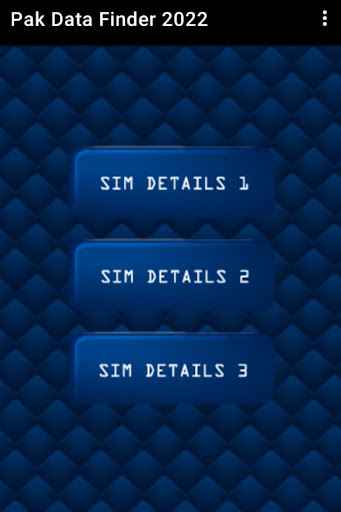
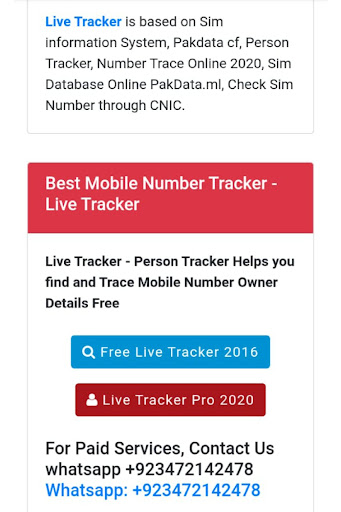
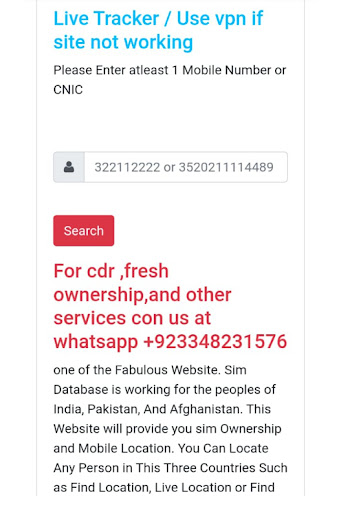

By entering mobile number in the given box then click on the submit button. That’s it, next you will find the sim ownership name and address and other important details.
Check the registered sim number you only need to click on "sim information" to enter your CNIC number to get the complete details of Sim ownership registration.
By Pak Data Finder 2020 app it's now very easier all registered numbers on your CNIC. It provides the complete details of sim ownership registration. You can also whether there how many Zong, Jazz, Warid, Ufone, and Telenor sims are registered.
Fix all error and bugs now working fine





9Apps 4.9















