

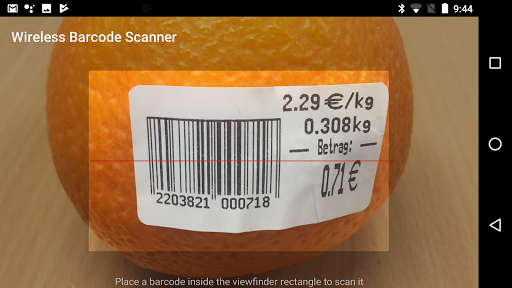
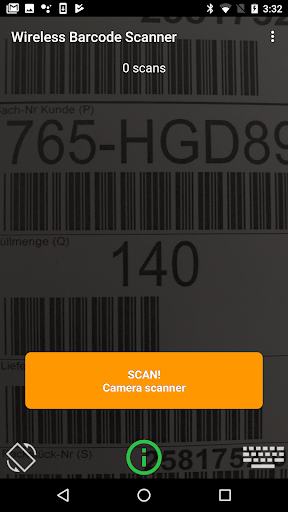
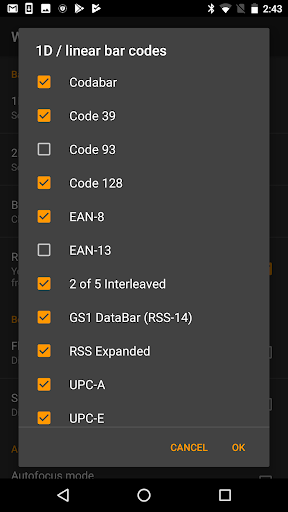
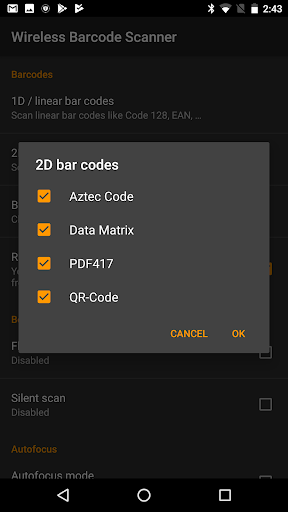
Use your
smartphone or tablet as a wireless barcode scanner for your PC, Mac or Linux
box. The scanned bar-codes are immediately available for further processing via a Bluetooth, TCP/IP or WebSocket connection.
EASY TO USE
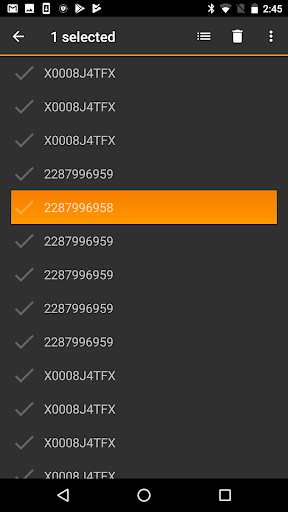
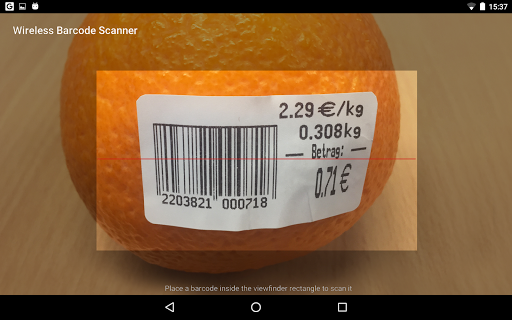
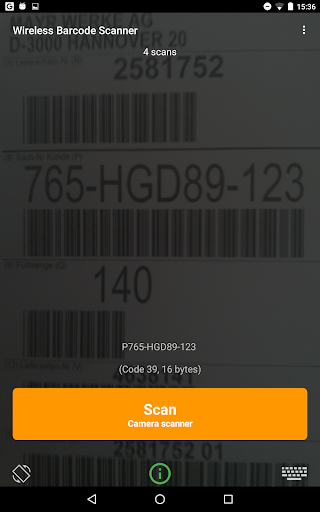
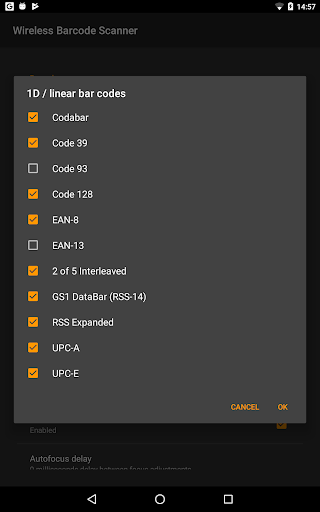
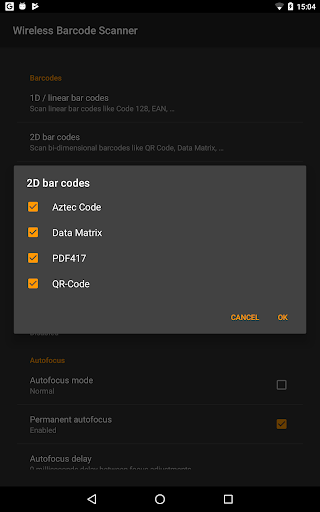
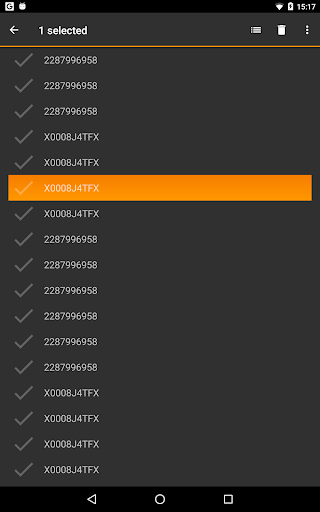
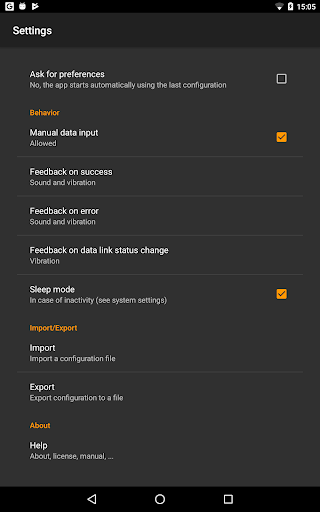
Bar-codes are detected and decoded quickly. The scanned barcodes are stored in the history on the device. Batch mode for bulk scanning is supported. Wireless Barcode Scanner provides prefix and suffix configuration and an adjustable character set for decoding barcodes. The app notifies you about the current connection status to the target system and shows failed barcode-scans immediately.
FREE DEMO
This is a free demo version. It replaces barcode data with a demo text on an irregular basis. All other features are identical to the full version (market://details?id=com.tecit.android.bluescanner.full). Please contact sales@tec-it.com for volume or enterprise licensing (installation without Google Play).
INTERFACES
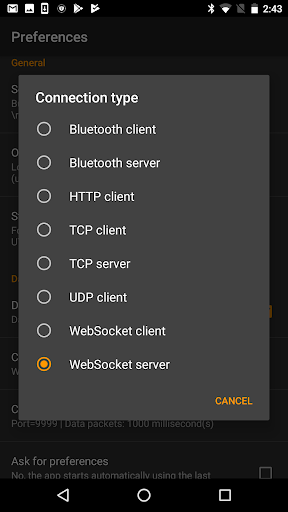
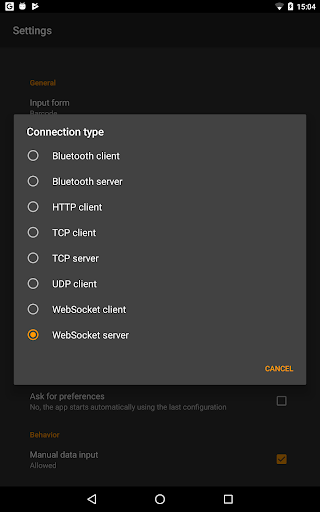
Wireless Barcode Scanner communicates via Bluetooth, TCP (server and client mode) or WebSockets with remote systems:
Bluetooth
: The app can be operated as Bluetooth Master supporting the serial port profile (Bluetooth SPP). Once connected to the computer, the barcode data can be received via a virtual serial port (RS232 or COM-port).
TCP/IP
: You can also configure Wireless Barcode Scanner to use TCP/IP for communicating with a remote system. TCP server and TCP client mode are supported.
Websocket
: Finally, Wireless Barcode Scanner can operate as a WebSocket server. A suitably created HTML5 page is able to communicate with the app easily.
FEEDBACK & SUPPORT
We highly appreciate your feedback! For questions or suggestions please contact support@tec-it.com.
NEW: In-screen camera switching and flashlight
NEW: Added possibility to share custom forms
NEW: Added history export (CSV)
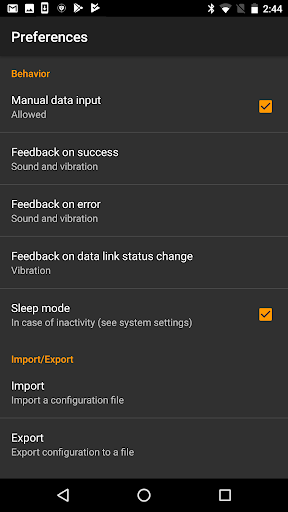
NEW: Added password protection for settings
NEW: App rating dialog
UPD: Improved user interface (history view, feedback on success/failure)
UPD: Improved field types for custom forms (including new GPS location field)
UPD: Updated app icon
FIX: Various fixes










9Apps 4.9













