

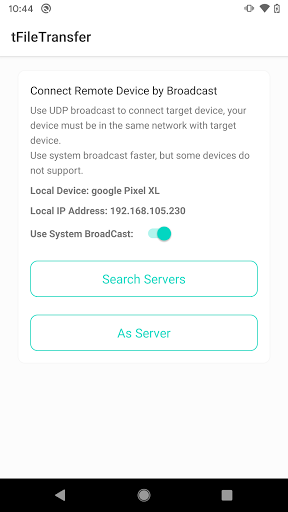
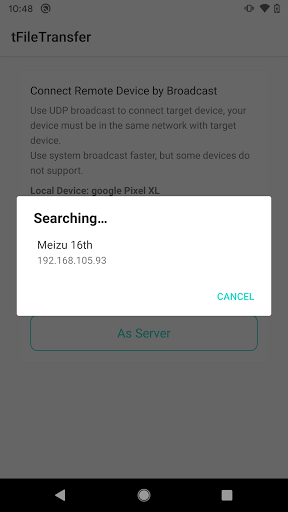
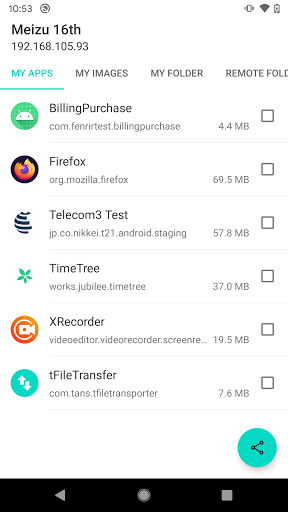
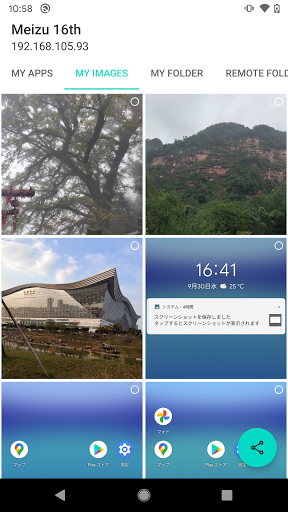
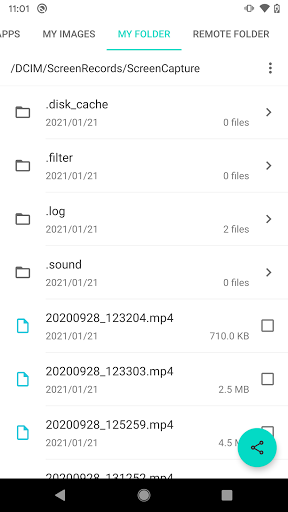
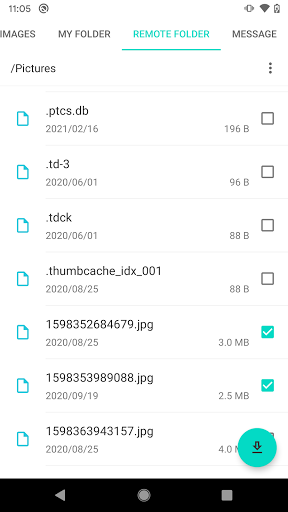
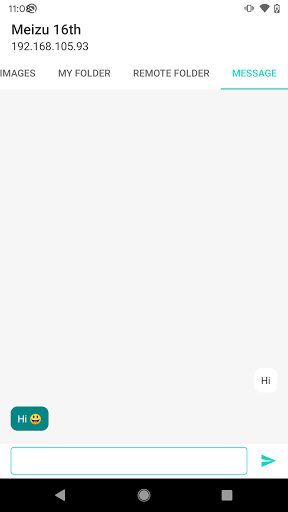
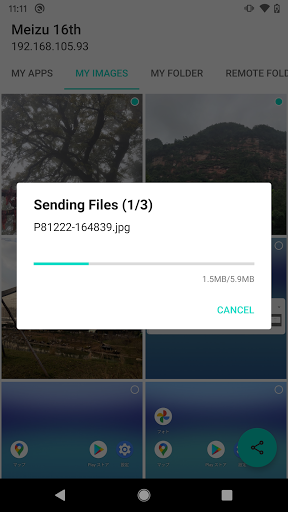
You could create a connection with target device via WiFi P2P or UDP Broadcast. After that, you could transfer files in a easy way. The downloaded files would be saved in /Download/tFileTransfer folder.
Features
* Connection
1. Connect via WiFi P2P
2. Connect via UDP Broadcast (Need two devices in the same network)
* File Transfer
1. Transfer installed Apps
2. Transfer local photos
3. Transfer text message
4. Read local files' folder and transfer local files
5. Read remote files' folder and download remote files
Github
Android: https://github.com/Tans5/tFileTransporter
Desktop Version: https://github.com/Tans5/tFileTransfer_desktop
1 Support transfer audio and video media files.


9Apps 4.9















