

* How to start:
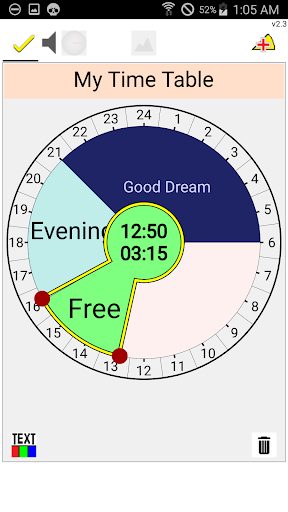
1) Select EDIT(pencil) icon to start
2) Drag Pie( ) icon to pie chart.
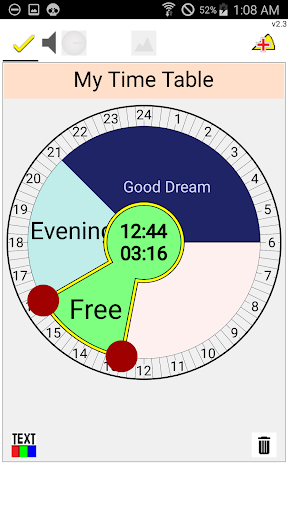
3) Select Pie(time slot - task) to display anchor.
4) Move anchor to modify(start-end duration).
5) Drag pie to move.
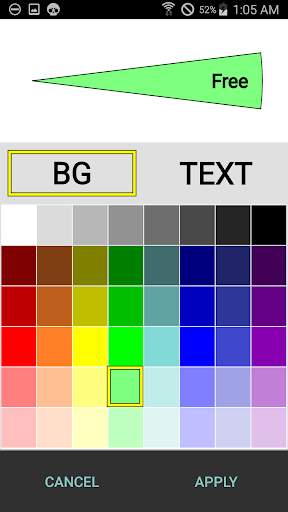
6) Try EDIT Title / Task / Color
7) Select 'DONE' icon to save
8) Swipe to edit other pie chart (up to 7 time charts)
* Features :
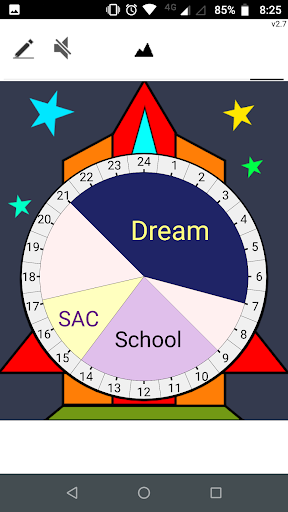
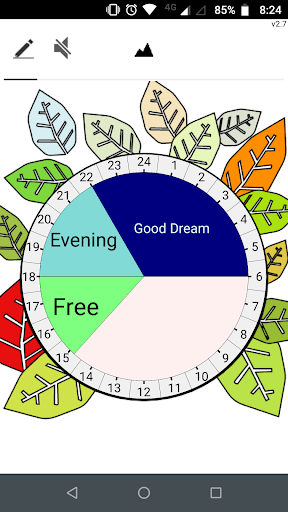
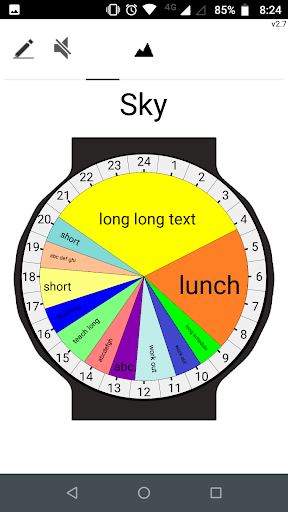
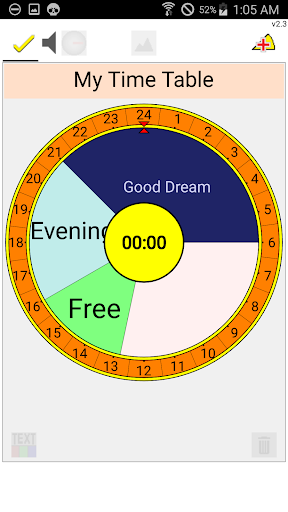
- Make your own Circle Of Daily Routines.
- Simple and Easy Daily Schedule Editor
- Daily Routines
- Daily Scheduler
- Circle Of Time Planner
- 24H Daily Routine
- Background Theme
Simple and Daily Schedule / Simple and Easy / Daily Routines / Daily Scheduler / Circle Of Time Planner
Make your own Circle Of Daily Routines.
Updates and Enhancement
a) Remove Minute Scale Guide
b) Minor change for selecting task
Features may be updated later
a) May be 'Notification'?
b) More themes from server?




9Apps 4.9














