

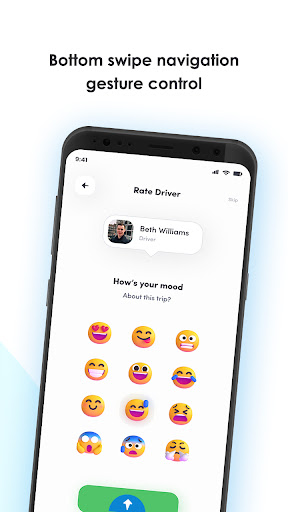
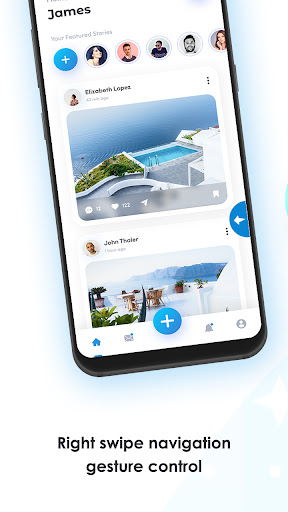
Swipe Navigation Gesture app allow you to add back navigation gesture on Android devices.
It allow on any app, calender, contact, music player, calculator etc.
It makes swipe to back easy and smooth navigation like wipe Left ➡️ right, right ⬅️ left and Bottom ⬆ top to navigate back.
Key Features of Actions:-
• Back
• Setting
• Screenshots
• Browser
• Power Summary
• Toggle down notification
• Split screen
• Voice command
• Dialer
• Date and time setting
• Power Dialog
• Home
• Recent Apps
Steps to Download app and How to use :-
1) Download & install Swipe navigation Gesture app
2) Enable accessibility service to use swipe navigation gesture app
3) steps to understand the swipe navigation app
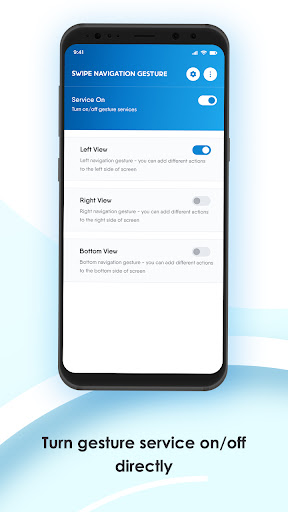
4) For enable Navigation services you get left, right and bottom view for enable/Disable options
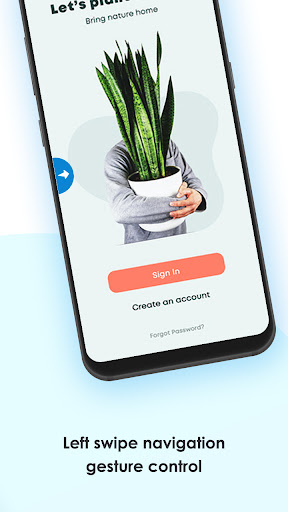
5) Swipe LEFT-RIGHT-BOTTOM edge to perform actions.
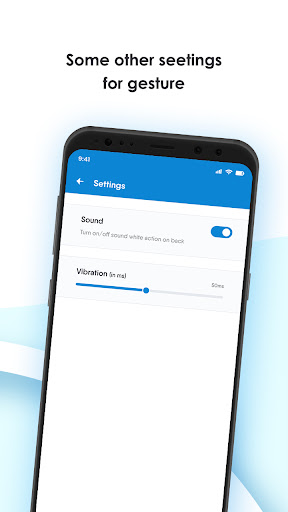
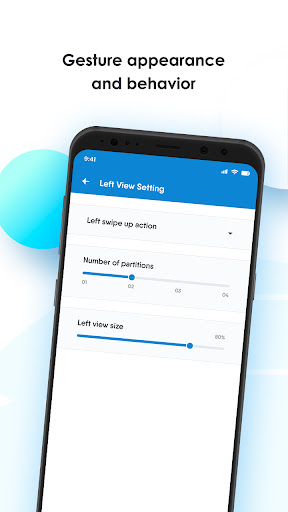
6) Easy Customize display, size, sensitivity for each gesture.
7) You can partitions edge for perform different action on swipe.
Easy and simple to use with customize display and size with smooth swipe gesture.
If any query you can contact us on email ndinfosoft@gmail.com


![Use Custom Gestures to Swipe Back in Any Application on the Galaxy Note 2 & 3 [How-To] screenshot 2](https://i.ytimg.com/vi/kZpQ_s2GOjM/mqdefault.jpg)

![Best navigation gestures app [FLUID N.G.] screenshot 4](https://i.ytimg.com/vi/ENWXVYWzGCg/mqdefault.jpg)
![How Navigation Gestures SHOULD have been done on Android Pie [ No root ] [ Free ] screenshot 5](https://i.ytimg.com/vi/DDxz7KoqUrQ/mqdefault.jpg)

9Apps 4.9













