VirtualTablet (S-Pen) icon

VirtualTablet (S-Pen)

3.0.8 for Android
3.4 | 10,000+ Installs | Reviews

Sunnysidesoft

$4.49

Description of VirtualTablet (S-Pen)

*** If you have a tablet/phone device, you can draw on your PC with VirtualTablet!***
*** If you have Galaxy Note Series with S-Pen, you can draw with pressure sensitivity!***
*** Additional server program(can be downloaded from http://www.sunnysidesoft.com/virtualtablet) should be running on your PC(support both Windows & Mac) to use this app***
** VirtualTablet Lite version with AD is also available in store **
** You can buy the full version of VirtualTablet with no Ad in the store **
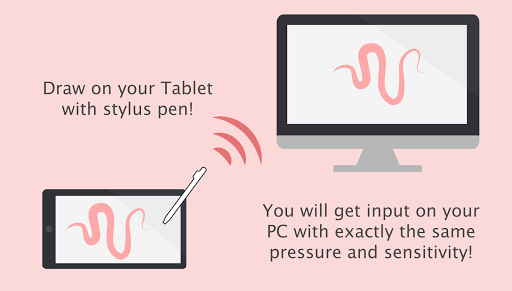
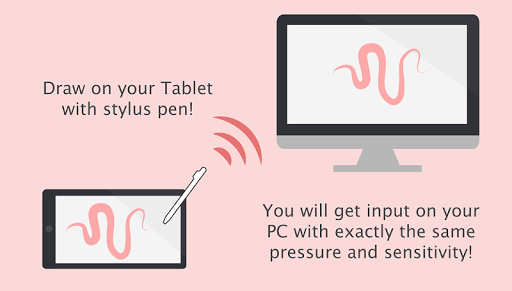
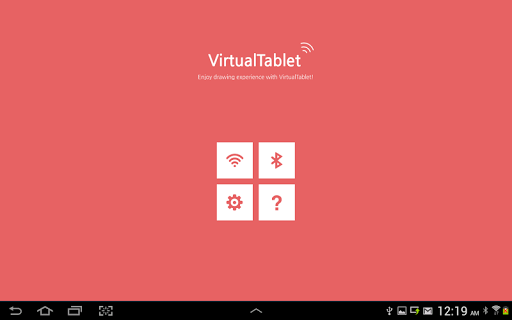
Turn your tablet device into wireless digitizer!
Run this app on the tablet device with stylus pen support. If VirtualTablet Server program is running on your PC, you can seamlessly transfer your input to your PC like you use real digitizer H/W. You can download the VirtualTablet Server program free of charge from http://www.sunnysidesoft.com/virtualtablet
You don't need to buy real digitizer (such as Wacom Tablet) for your desktop anymore.
If you wanna draw with your stylus pen, download VirtualTablet now!
Turn your tablet device into cool wireless digitizer with this app.
[Detail Features]
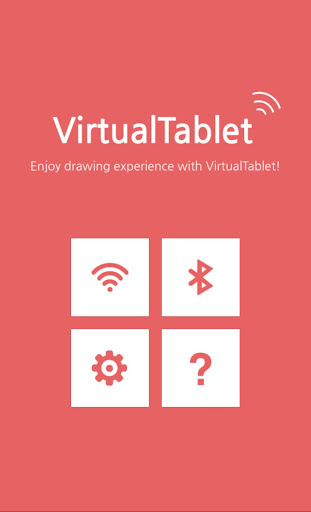
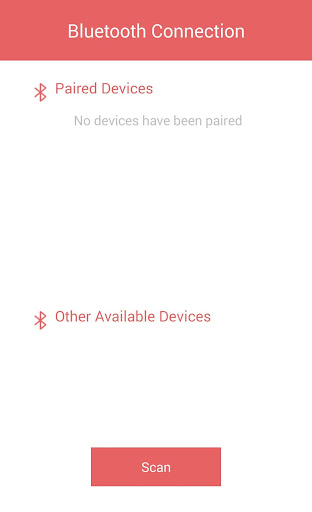
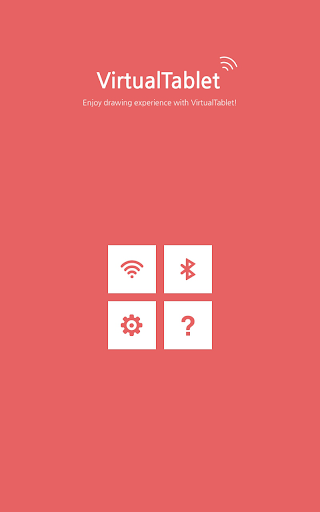
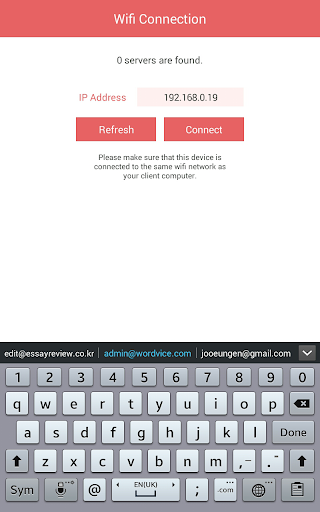
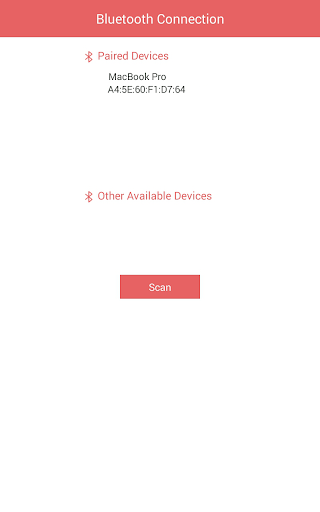
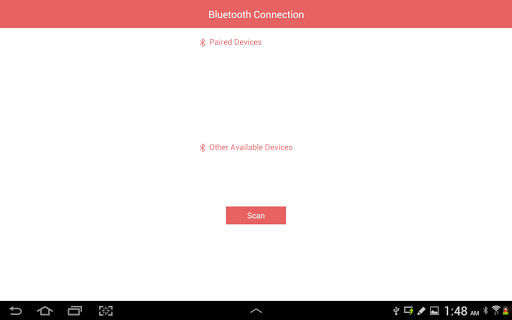
- USB & Bluetooth & WiFi connection mode
- Left/Right handed mode
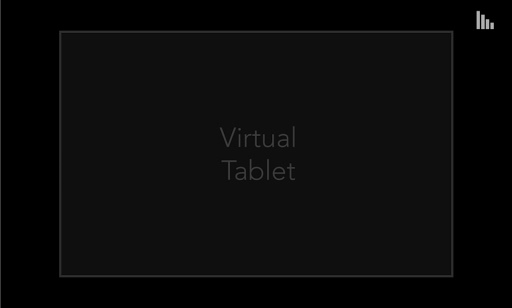
- Tablet size adjustment
- Support all input mode of S-Pen like stylus.(in-range hover movement, barrel button, eraser tip, and etc.)
- Support drawing with finger or capacitive stylus as well.
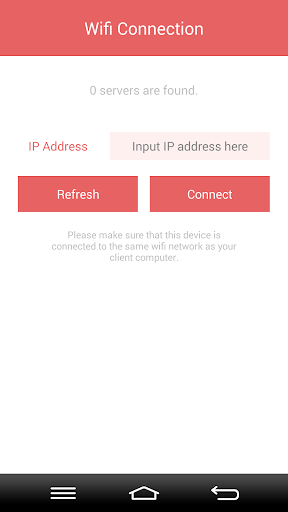
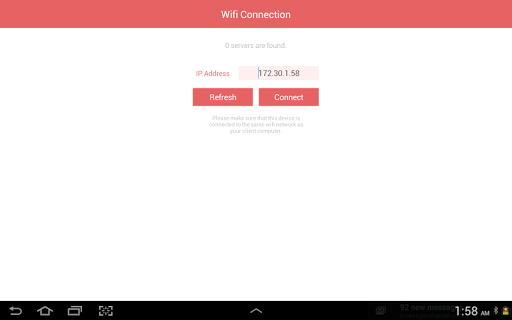
- Automatic server discovery in the same WiFi network.
[Things You Can Do with this App]
- Draw with your stylus pen on canvas of any graphics applications in your PC. Enjoy drawing with brush tools using your stylus! (Works well with Adobe Photoshop, Illustrator, Animate, Sketchbook Pro, and etc).
- Remotely control your PC with stylus pen or finger (same as remote mouse).
- Make a hand writing annotation on your PC's PDF viewer.

What's New with VirtualTablet (S-Pen) 3.0.8

[New feature]
v3.0.5
Cursor speed optimization
Keep L button pressed option added for finger mode users
Drawer style menu added
Minor bug fixes
v3.0
***USB connection support***
Now you can draw with your finger touch (no pressure sensitivity) if you don't have S-Pen


Information

  • Category:
    Tools
  • Latest Version:
    3.0.8
  • Updated:
    2020-03-03
  • Requirements:
    Android 0 or later
  • Developer:
    Sunnysidesoft
  • ID:
    com.sunnysidesoft.VirtualTablet
  • Available on:
Reviews
  • avatar
    I have the app installed and it is not working at ALL! I payed cash for the app I want my casb back. I was told this would work. The aplication just shoots my.mouse to the top left of my screen. This is a waste of cash, Do, not, buy. It is installed on my pc and my phone tried bluetooth. Wired. And wireless. I, want, my, cash, back.
    2024-01-11 11:13
  • avatar
    Unfortunately the app isn't rotating correctly (GalaxyTabS8). Useful app for drawing while looking at PC's screen. Missing: Mode that uses tablet's full surface and remembers last mouse position on lifting the stylus, instead of linking stylus position to mouse position depending on monitor's aspect ratio (more like a trackpad) and Actual "see PC screen on tablet" mirror mode. Will gladly upgrade review if implemented !
    2023-11-16 10:16
  • avatar
    A MUST! for Samsung S-Pen users.
    2023-10-12 01:49
  • avatar
    Connected once via WiFi. Worked fine, so have bought it. But. No active monitor selection if more than one in connected to PC. No network interface selection. Need to be lan IP on PC, but uses another internal one. Rotation of input pad on phone and tablet is reversed upside-down, volume keys are on the bottom edge. And can't connection after a while. Can't find PC Bluetooth. Can't connect via cable.
    2023-10-02 08:14
  • avatar
    Unfortunately the app isn't rotating which is very annoying. Useful for drawing while looking at PC's screen. Missing: - Mode that uses tablet's full surface and remembers last mouse position on lifting the stylus, instead of linking stylus position to mouse position depending on monitor's aspect ratio (hope it's understandable) - Actual "see PC screen on tablet" mirror mode. Will gladly upgrade review if implemented !
    2023-09-27 07:02
  • avatar
    Useful for drawing while looking at PC's screen. Missing: - Mode that uses tablet's full surface and remembers last mouse position on lifting the stylus, instead of linking stylus position to mouse position depending on monitor's aspect ratio (hope it's understandable) - Ability to rotate app in any direction, including menus. Seems my galaxy tab is getting its rotation forced in the app - Actual "see PC screen on tablet" mirror mode. Will gladly upgrade review if implemented !
    2023-09-09 08:30