
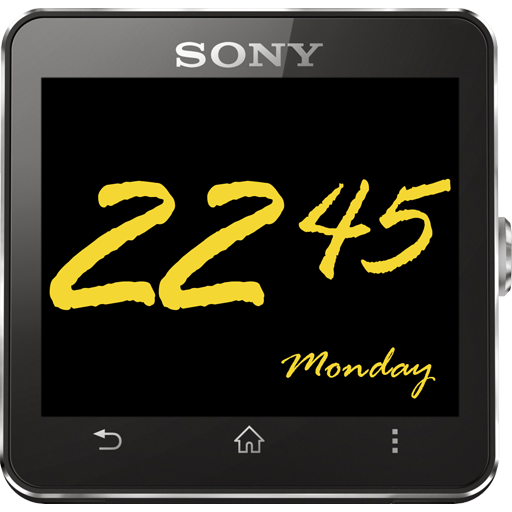

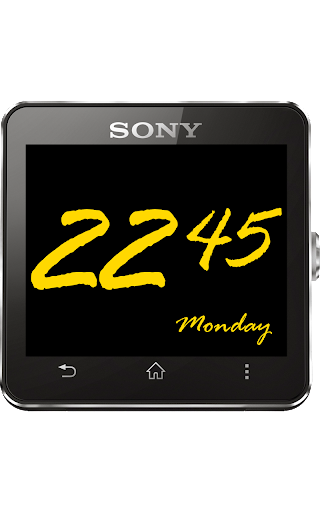
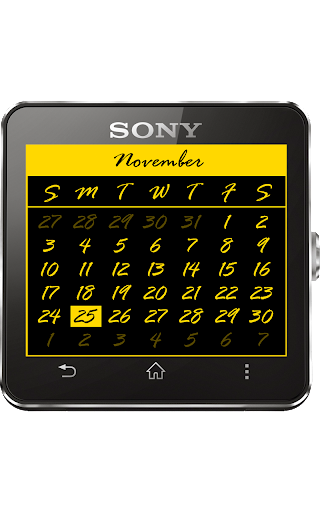
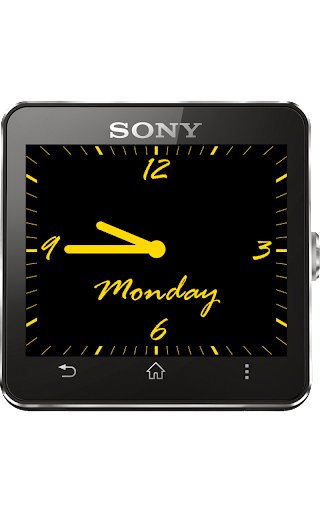
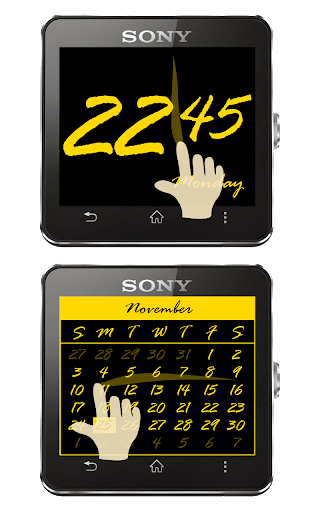
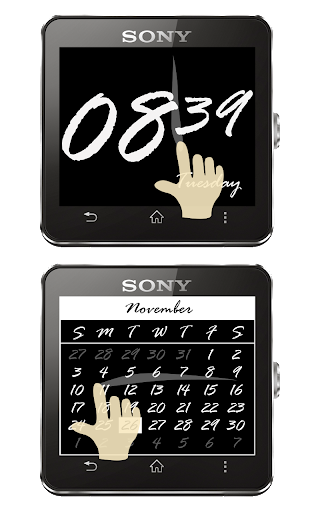
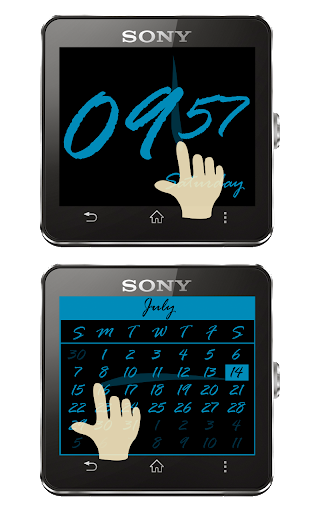
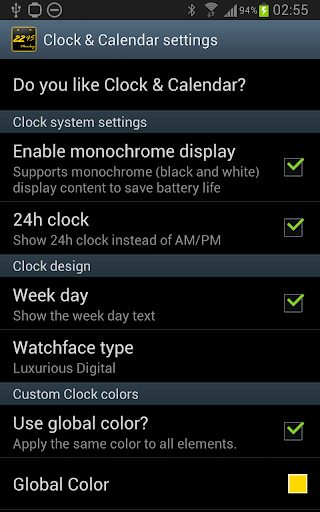
It's a clock, it's a calendar. It's Clock & Calendar for SmartWatch 2.
This is a beautiful and luxurious Clock for your SmartWatch 2, that also is a Calendar. Enjoy this 2-in-1 smart solution in an elegant way. Swipe your finger vertically on the screen to switch from Clock to Calendar, swipe horizontally to navigate the calendar months, swipe vertically again and you will be back to the Clock.
Build your own Clock & Calendar look by changing all type of colours with countless possibilities from your smartphone and see the changes happening live on your SmartWatch 2. The color scheme that you define for the Clock will also be applied to the Calendar.
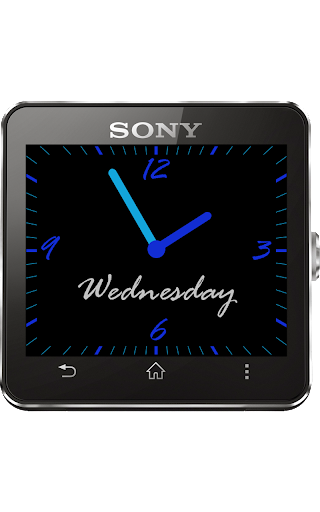
Switch between Digital and Analog watchfaces. Enjoy the beautiful Luxurious clock design both in Digital or Analog versions.
You can use Clock & Calendar on your daily routine but you shouldn't never forget it to use it to impress your friends on a party or special dinner.
Clock & Calendar supports the SmartWatch 2 monochrome display feature also known by Low Power Mode.
PLEASE NOTICE:
1) Clock & Calendar it's a exclusive app for SmartWatch 2.
2) Clock & Calendar need that your SmartWatch 2 stays connected and synched with your Smartphone via bluetooth in order to work properly. For better experience please keep your SmartWatch 2 close to your Smartphone in order to allow a good bluetooth signal between the devices. Currently Sony is the only one allowed to develop standalone apps that can run on your SmartWatch 2 without the need of a smartphone.
3) Sony XPERIA users with Battery STAMINA Mode enabled need to add Pure Watch to your white list.
Smart Connect extension for SmartWatch 2










9Apps 4.9













