


StayLinked Smart TE is the only Terminal Emulation (TE) product specifically designed for wireless environments. Traditional TE solutions are, by the nature of their architecture and transport layer, incapable of dealing with the real-world inconsistencies of both Wifi and Cellular wireless networks. StayLinked TE delivers secure, high-speed terminal emulation while completely eliminating the major productivity killer - dropped sessions.
With its unique thin-client architecture, StayLinked allows mobile devices to connect to emulation host systems with industry-leading performance, connection/session reliability, and data security. Centralized help desk and tech staff benefit from the included StayLinked Administrator management console.
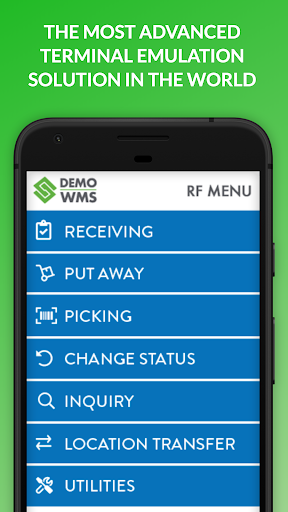
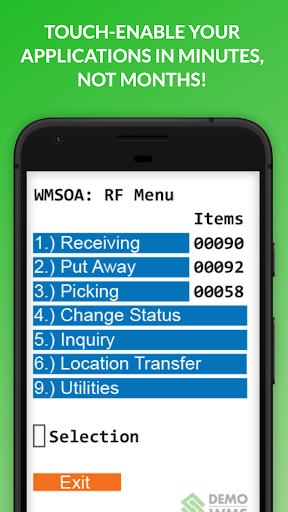
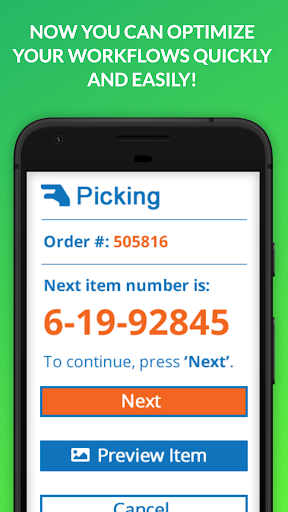
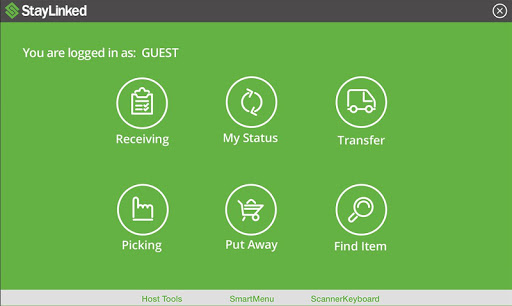
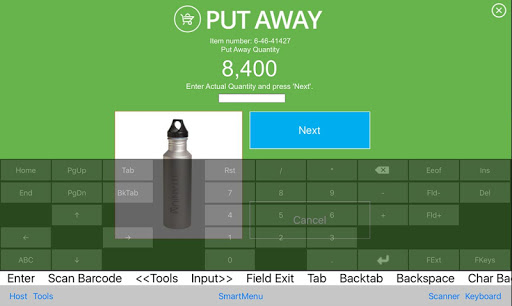
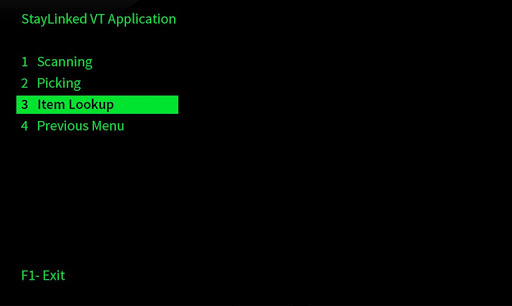
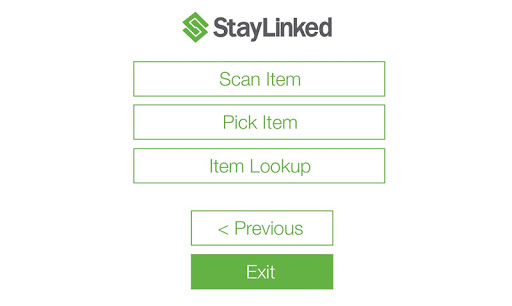
SmartTE easily converts your "Green Screen" applications to intuitive, modern, graphical apps. With StayLinked SmartTE you get the best of both worlds with No-Risk application modernization.
REQUIREMENTS: If you are not currently running the required StayLinked Server, please contact StayLinked.com or your preferred StayLinked Reseller to arrange for a free evaluation.
What's New in the SmartTE Android Client:
• Added Support for the Zebra TC53
• Added Support for the Datalogic MEMOR 11
• Added Support for the Keyence BT-A500
• Various Fixes and Performance Enhancements
New Features and Updates for Zebra TekTerm for Android:
• Added Support for the Zebra TC53
For the latest software release news, visit: https://www.staylinked.com/latest-release
FEATURES
• Terminal Emulation over Wi-Fi or cellular connections
• Barcode scanning through iDevice camera or connected 3rd party scanners/card readers
• Wireless IP printing support
• StayLinked runs natively on the most reliable server OS platforms, including IBM i (AS/400), AIX, HP-UX, Sun, SCO, Linux, and Windows Servers
• Supports IBM 5250/3270, VT220/100/420/52 and SSHv2 terminal emulation
• Security - All Telnet or SSHv2 communications take place on the host machine and are never broadcast over the wireless network. With TwoFish encryption, firewall-friendly design, application lock-down, and support for port filter and access-list controls, StayLinked ensures the integrity of your data and communications.
• Advanced Session Management - StayLinked delivers full management of all aspects of telnet sessions on the mobile device, configuration, and licensing. StayLinked eliminates the need to purchase additional software to manage software distribution, client configuration, barcode configurations, keyboard maps, scripting, screen reformatting, file transfers, session transfers, and more.
• Comprehensive Help Desk Toolset - Features include the ability to fully remote control or observe a live telnet session, run diagnostics on the mobile device, collect log files, send text messages to the device, restart the client software, re-boot the mobile device, change device configurations, and more.
• All configuration and licensing are controlled via a centralized management console
• Transferable concurrent-user terminal emulation licensing.
New features and updates for SmartTE:
• Added Support for the Zebra TC53
• Added Support for the Datalogic MEMOR 11
• Added Support for the Keyence BT-A500
• Various Fixes and Performance Enhancements
New Features and Updates for Zebra TekTerm for Android:
• Added Support for the Zebra TC53








9Apps 4.9
















