


Status Saver for WhatsApp
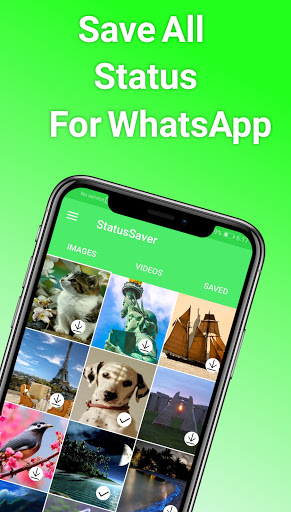
How to use It is very easy to follow the steps below
1.Open WhatsApp
2.Go to the Status section
3.See the required status
4.Open the application
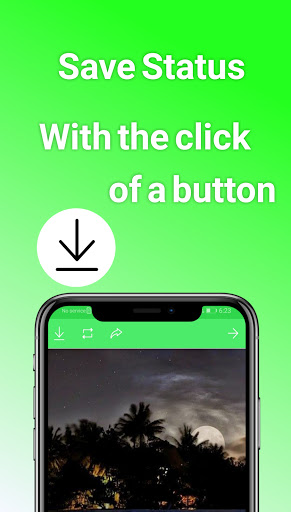
5.Click on the download icon
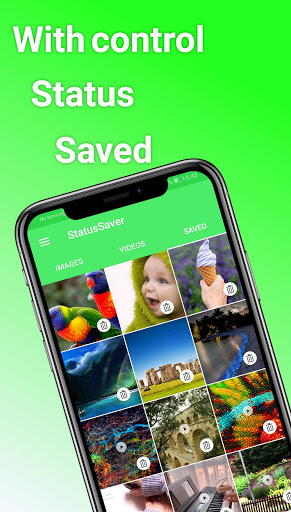
Status saved
Application features
1. Dark situation
2.Easy to use
3. Simple and easy interface.
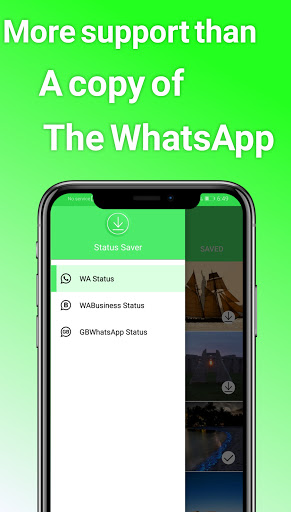
4.Save the status from
*WhatsApp
* WhatsApp for Business
*WhatsApp GB
5.Auto save status (experimental)
Version: 2.2.1
- The application face has changed
- Application performance has been improved better
- Add an option to "change the language" from within the application
The dark theme was added and improved
- Change the shape of the settings page




9Apps 4.9














