


Use your phone as a microphone and the phone's of your audience as speakers.
Broadcast your voice to nearby phones.
Use the SOUNDBIRD event app at an outdoor gathering, to guide a tour, to give a speech, or any situation where there is an audience with phones.
How it works:
First, everyone downloads the app.
To broadcast your voice:
1.
Open the SOUNDBIRD app on your phone
2.
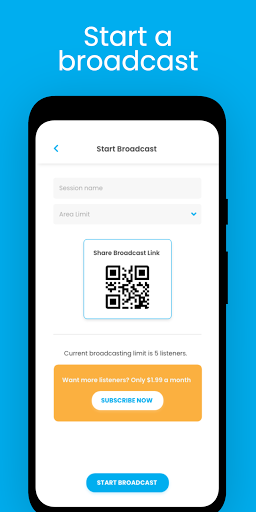
Press Start Broadcast
3.
Create a free broadcasting profile
4.
Name your broadcast session
5.
Click Start
6.
Speak into your phone
To listen to a live broadcast:
1.
Open the Soundbird app on a different phone
2.
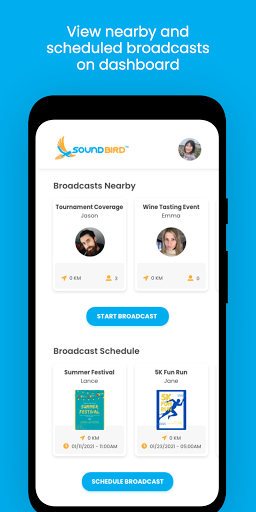
View the list of nearby broadcasters
3.
Select a broadcast
4.
Listen
Use the schedule broadcast feature to post your event.
Potential listeners can see upcoming events and follow your broadcast.
Create your movement with SOUNDBIRD.
To crank up the volume of your broadcast get more people to listen together!
More people, more phones, more speakers, and more aggregate volume.
**Soundbird is not supported on all Android Devices.
Confirm functionality by broadcasting from one phone to another.
Terms of service: https://soundbirdapp.com/terms/
Improved user interface, schedule event feature, broadcast chat screen













9Apps 4.9














