

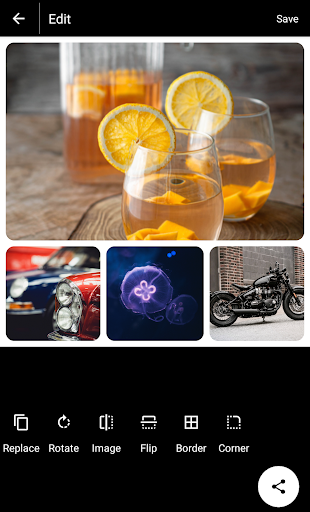
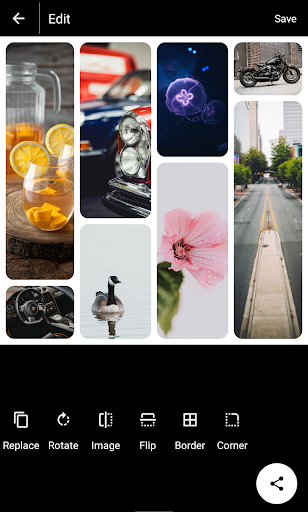
Easy to use Photo Collage and Photo Editor app with many layouts.
Photo Collage and Photo Editor is the best photo editor and photo collage maker for FREE!!!
You will not be able to believe how easy it is to make a collage.
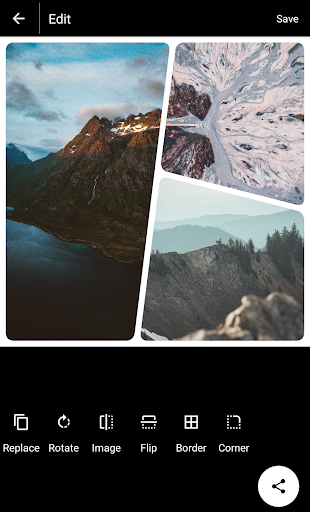
You can also change photo grid, add photo border, and use photo corner with Photo Collage and Photo Editor by SoftCode!
Photo Collage and Photo Editor is also the best photo editor for Instagram and Snapchat to create square ratio photos with no crop needed, thanks to its option
Collage Maker
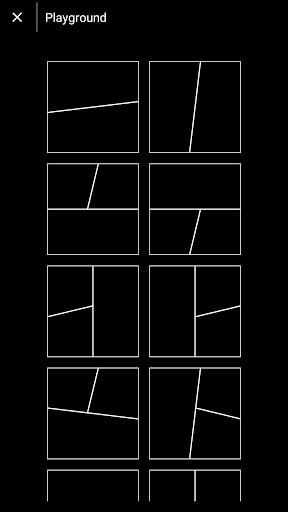
You can choose up to 10 photos and turn them into collages with dozens of different templates, frames and arrangements.
Adjust the ratio of the collage and edit border of the collage. Choose a grid according to your need and let Photo Collage and Photo Editor do it’s magic!
Join Photos, Set Border and Corner
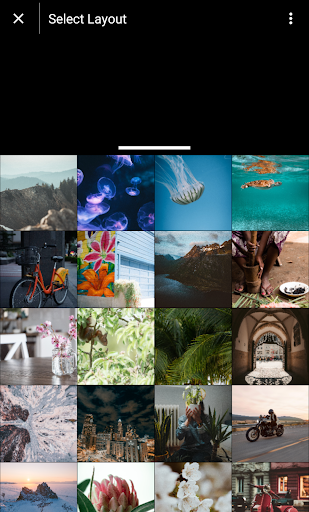
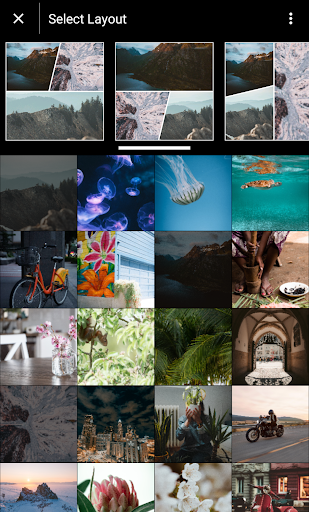
Choose Layout suitable for Instagram, Facebook, Snapchat. You can freely make your pictures with no crop by using Layout.
Under Layout select your favourite layout and set images.
Snap, Edit, Share!
Share your artwork, layout instantly on platforms such as Instagram, Facebook, Whatsapp, Snapchat, VK, Tumblr, Flickr, Twitter, Line and Pinterest.
You can share directly from Photo Collage and Photo Editor app.
Have fun with while editing your pictures with Photo Collage and Photo Editor ❤️ Don’t forget to rate us!
Features :
- 80 layouts
- Edit images
- Replace image
- Rotate image
- Flip horizontal
- Flip vertical
- Set border
- Set corner
Photo collage app with 80 layouts.


9Apps 4.9


![How to Create Photo Collage in Canva [2026 Full Guide] screenshot 4](https://i.ytimg.com/vi/UEDorfUBAEM/mqdefault.jpg)














