SnapType Pro icon

SnapType Pro

1.1.6 for Android
3.4 | 5,000+ Installs | Reviews

SnapType

$14.99

Description of SnapType Pro

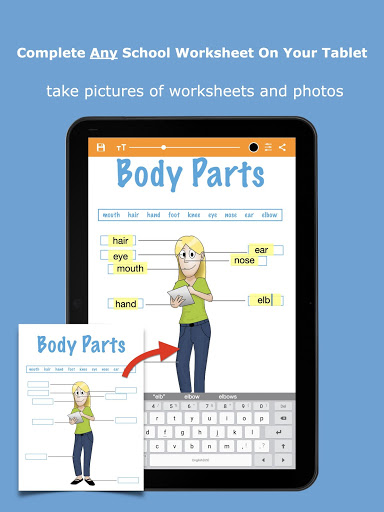
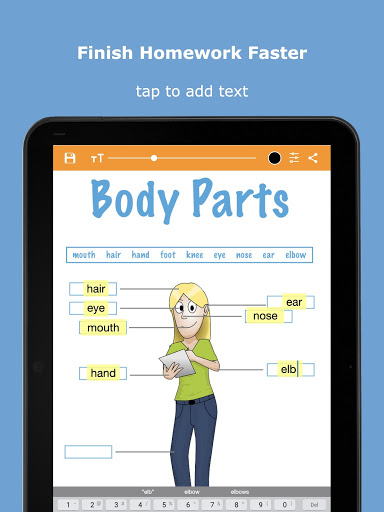
Take a picture of a worksheet. Tap to add text. It's that easy!
SnapType helps students keep up with their peers in class even when their penmanship holds them back. Students can easily complete school worksheets with the help of a phone or tablet.
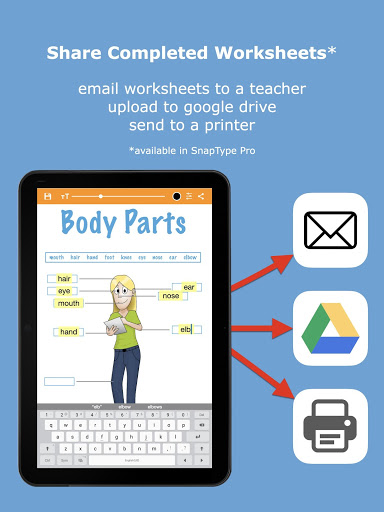
With SnapType Pro, students can take a picture of their worksheets, or import worksheets from their photo gallery. They can then use their Android device keyboard to add text to these documents and print, email, or share their creations. It is the perfect solution for kids, and even adults, who struggle with their handwriting.
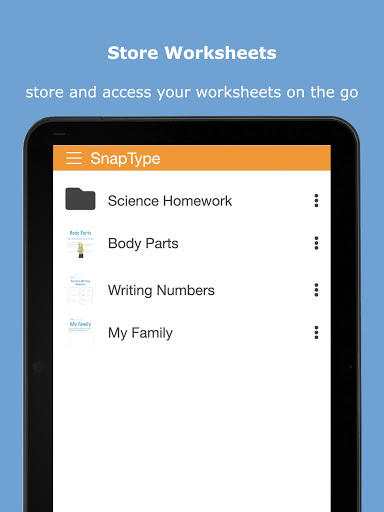
SnapType Pro includes the same functionality as SnapType as well as the ability to easily share completed worksheets by email, Google Drive, Dropbox, etc. Additionally, unlimited worksheets can be stored/saved in SnapType Pro.

What's New with SnapType Pro 1.1.6

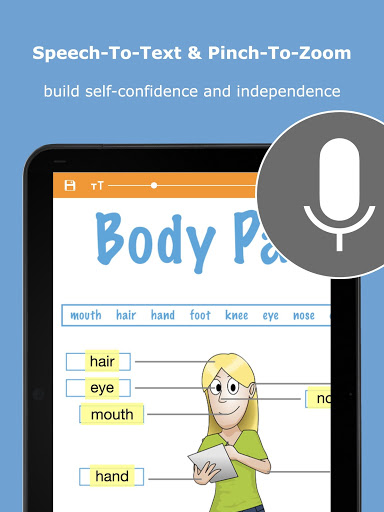
- IMPROVED: Pinch-to-zoom is more intuitive.
- IMPROVED: Functionality of long-press delete.
- BUG FIX: Font size consistency when switching between landscape and portrait orientation.
- BUG FIX: Keyboard could hide the text box in some instances.

Information

  • Category:
    Education
  • Latest Version:
    1.1.6
  • Updated:
    2020-11-30
  • Requirements:
    Android 0 or later
  • Developer:
    SnapType
  • ID:
    com.snaptypeapp.android.pro
  • Available on:
Reviews
  • avatar
    Snap Type Pro 2 has been a wonderful tool for my students who have low vision and have trouble reading. When I have questions or suggestions, the app designer has been quick to get back to me with video tutorials and where they are at with new features. wonderful app!!
    2023-12-11 06:05
  • avatar
    We find this app really useful for our son who has dyspraxia but he gets very frustrated when he saves a worksheet he's written on, comes back to it and his work is gone.
    2022-03-18 05:24
  • avatar
    This app is terrible, you cant zoom in on what your doing and write at the same time. It's hard to do work on. I would not reccomend. I'd rather use a free drawing software than this.
    2020-10-27 07:47
  • avatar
    Terrible app. There aren't even realy settings the only thing you can do is make the font bigger or change the color of the text. If you need to delete you need to one one by one and it's super slow and frustrating. Makes the pictures more blurry the "delete" button on the left hand sign does not even work it just takes you to the main menu. don't recommend.
    2020-10-16 06:13
  • avatar
    There was an issue and the developers turned around a good fix extremely quickly. That is appreciated since this is being used for my son's school work.
    2020-09-23 10:18
  • avatar
    Free version worked this one doesn't. I can't delete any typing by using backspace at all, can't delete any typed words. Can't delete a whole sentence. Press and hold does nothing.
    2020-07-20 02:04